BABULYA Direct Download
BABULYA is a psychological horror game that blends dark atmosphere, disturbing storytelling, and adult-oriented themes into a deeply unsettling experience. The game focuses on fear, tension, and narrative mystery, delivering an intense horror journey that stays with players long after they stop playing.
It is designed for mature players who enjoy story-driven horror games with disturbing undertones.
What Is BABULYA?
BABULYA is an indie psychological horror game centered around a mysterious and terrifying presence known as Babulya. The game uses environmental storytelling, subtle scares, and psychological pressure to create a constant sense of unease.
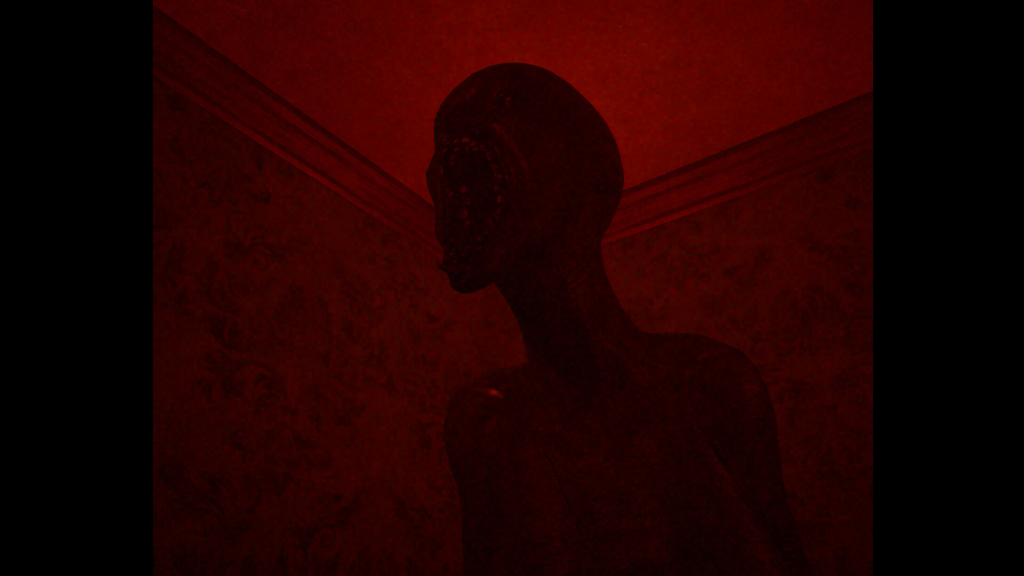
Rather than relying on action, BABULYA builds fear through atmosphere, sound design, and slow-burn tension, making every moment feel uncomfortable and unpredictable.
Gameplay Experience of BABULYA
Gameplay in BABULYA focuses on exploration, observation, and survival. Players move through eerie environments while uncovering clues that slowly reveal the disturbing truth behind the story.
Psychological horror exploration, Environmental puzzles, Story-driven progression, Stealth and avoidance mechanics, Constant tension and unpredictability. There is minimal hand-holding, encouraging immersion and fear.
Key Features of BABULYA
BABULYA stands out due to its intense horror design:
- Deep psychological horror experience
- Dark and unsettling atmosphere
- Adult-themed narrative elements
- Minimal UI for immersion
- Slow-paced, fear-focused gameplay
The game prioritizes emotional discomfort over jump-scare spam.
Horror Atmosphere and Sound Design
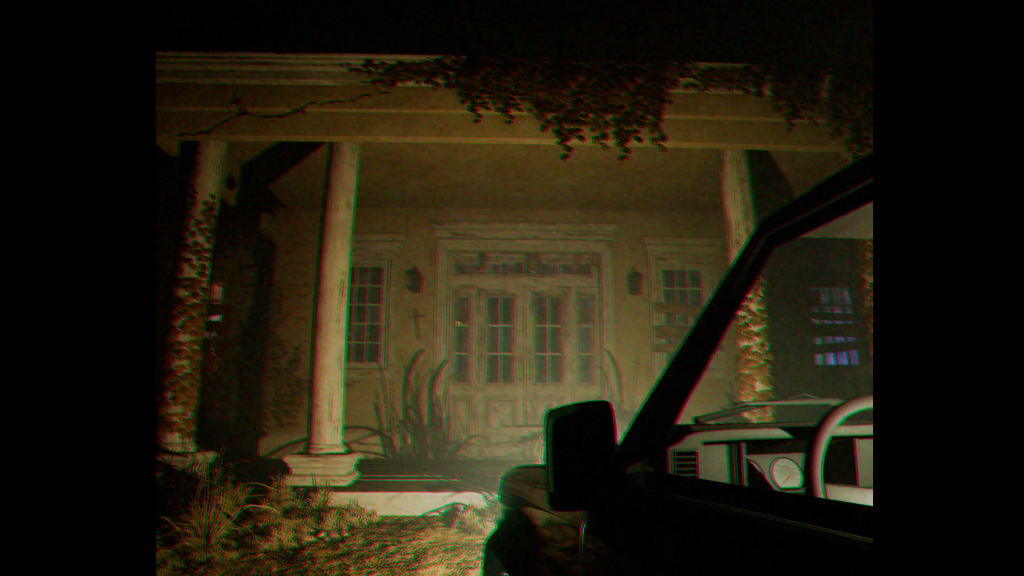
The visual style of BABULYA is intentionally grim and oppressive. Lighting, shadows, and environmental details are used to unsettle the player rather than impress visually.
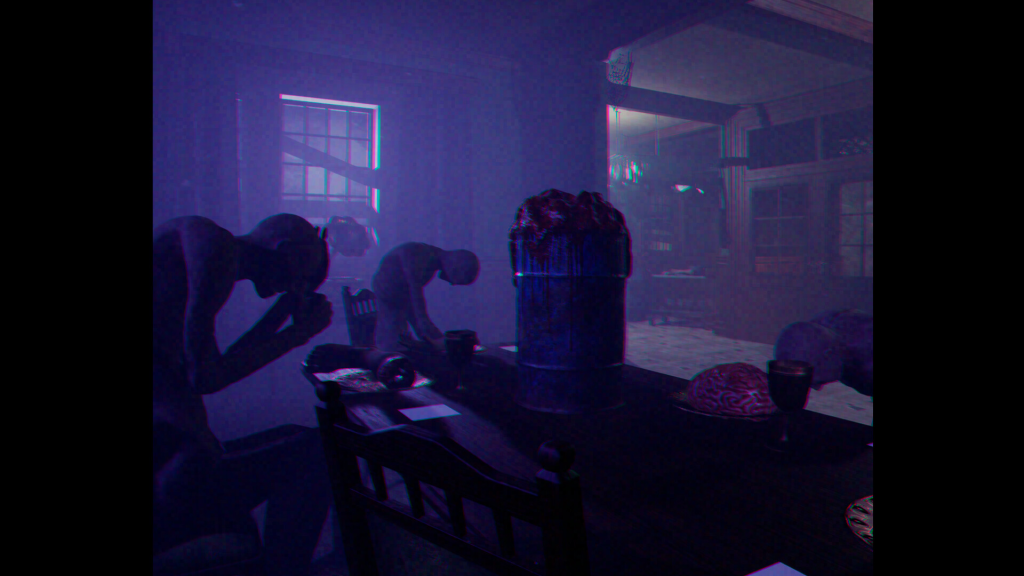
Creeping ambient sounds, Distorted background noises, Sudden audio cues that raise tension, Silence used as a fear tool. Sound design is one of the strongest aspects of the experience.
System Requirement of BABULYA
BABULYA is optimized for low to mid-range PC systems, allowing smooth performance without high hardware demands. The game focuses more on atmosphere than graphical power.
- Requires a 64-bit processor and operating system
- OS: WINDOWS 10, 11 (64-BIT)
- Processor: Intel® Core™ i5-3470 or AMD Ryzen™ 3 1200
- Memory: 8 GB RAM
- Graphics: NVIDIA® GeForce® GTX 760 2GB / AMD Radeon R9 280 3GB
- DirectX: Version 11
- Storage: 4 GB available space
- Additional Notes: 64-bit processor and operating system
It runs well on standard Windows PCs.
BABULYA Download PC Search
Ultra-aggressive SEO search keywords include:
BABULYA free download PC, BABULYA horror game PC, BABULYA full version download, BABULYA psychological horror game, Download BABULYA for Windows, BABULYA indie horror PC.
These keywords maximize search engine reach.
BABULYA Free Download on Koyso
BABULYA free download on Koyso gives players access to a dark, psychological horror game built around fear, mystery, and adult storytelling elements. It is an excellent choice for players seeking a truly disturbing horror experience.
Final Verdict
BABULYA delivers a terrifying psychological horror experience that relies on atmosphere, sound, and narrative dread rather than cheap scares. Its adult themes, slow pacing, and oppressive design make it a standout indie horror title.
If you are searching for a dark psychological horror game for PC, BABULYA is a must-try.