Get Toll Booth Simulator free download via Koyso—your trusted source for pre-installed PC games with fast direct links. Step into this realistic management simulation in a fully unlocked version.
Toll Booth Simulator Direct Download
Toll Booth Simulator is a management and simulation game where you take control of a busy highway toll station and handle the constant flow of vehicles passing through. Your job is simple on paper, but gets more complex as traffic increases and different situations start unfolding at your booth.
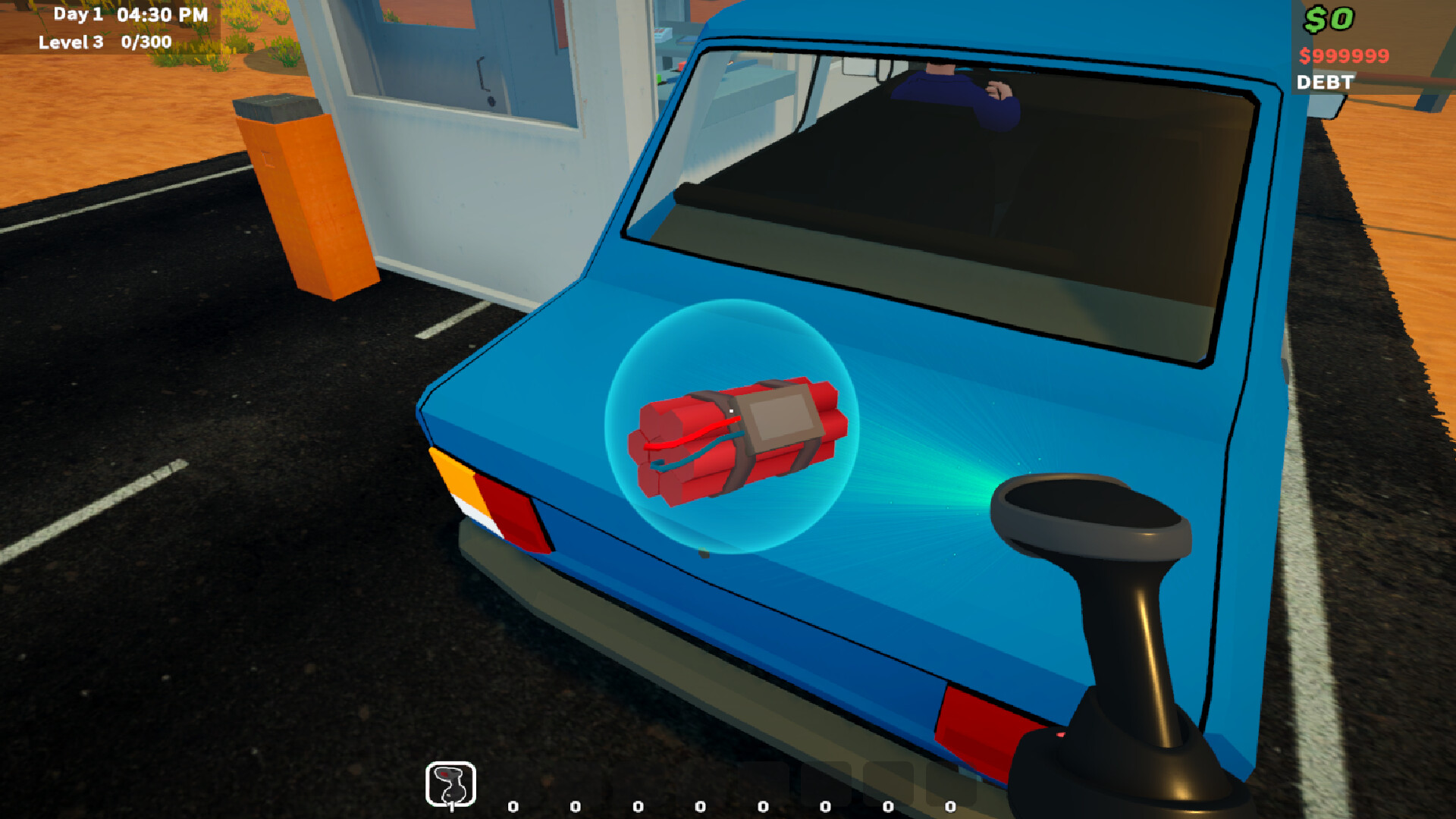
The core gameplay focuses on vehicle processing, time management, and operational efficiency. You’ll collect payments, check vehicle types, manage lanes, and ensure traffic keeps moving smoothly without causing long delays or congestion. Every second matters when the highway gets busy.
As the game progresses, new systems and challenges are introduced. Different vehicle categories, peak traffic hours, and unexpected events force you to adapt your strategy. You’ll need to decide when to speed up processing, when to manage lanes differently, and how to avoid bottlenecks.
There’s also a light progression and upgrade system, allowing you to improve your toll booth operations over time. Faster processing, better systems, and expanded infrastructure help you handle larger traffic volumes and more demanding conditions.
Key Features of Toll Booth Simulator
- Realistic Simulation Gameplay: Manage a working highway toll booth
- Traffic Management: Handle increasing vehicle flow and congestion
- Time-Based Decisions: Quick actions required during peak hours
- Upgrade System: Improve efficiency and expand operations
- Dynamic Challenges: Different vehicle types and unexpected situations
System Requirements of Toll Booth Simulator PC
Toll Booth Simulator is optimized for low to mid-range systems, focusing on smooth simulation performance rather than heavy graphics.
- OS: Windows 10 64-bit
- Processor: Intel Core i5-9400F / AMD Ryzen 5 1600
- Memory: 8 GB RAM
- Graphics: NVIDIA GeForce GTX 960 / AMD Radeon RX 560
- DirectX: Version 11
- Storage: 5 GB available space
- Sound Card: DirectX Compatible
Graphics and Sound
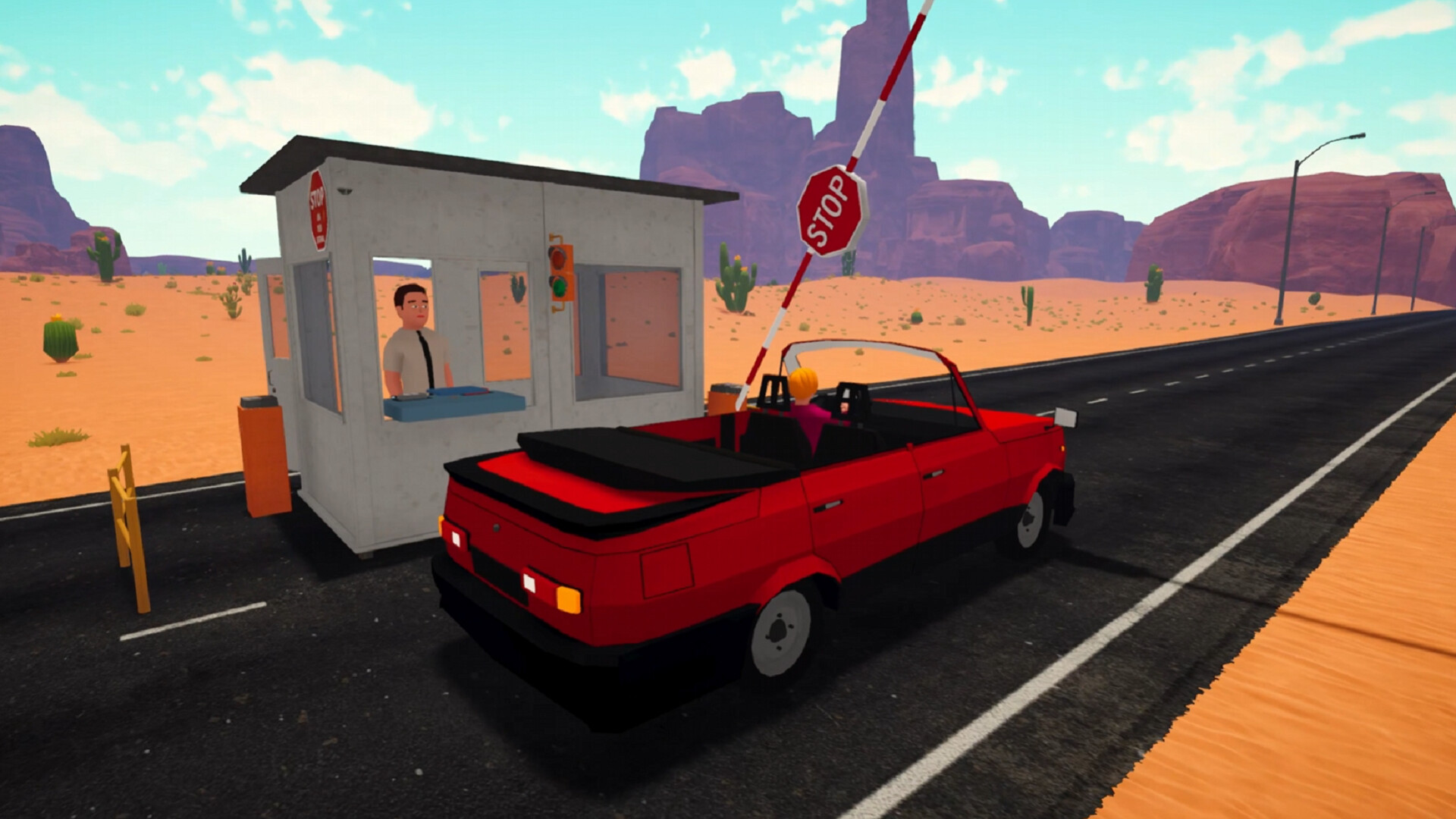
The game uses a clean and functional visual style designed for clarity and smooth gameplay. Vehicles, booths, and road layouts are simple but well-organized to ensure easy management even during high traffic situations.
Sound design includes engine noises, payment interactions, ambient highway sounds, and UI feedback effects, creating a realistic working environment without overwhelming the player.
Why You Should Play Toll Booth Simulator
This game is ideal for players who enjoy relaxed simulation with increasing challenge over time. It starts simple but gradually becomes more demanding as traffic and complexity increase.
If you like games that focus on routine management, efficiency, and steady progression, this offers a satisfying and easy-to-understand simulation experience.
Final Verdict on Toll Booth Simulator
Toll Booth Simulator delivers a straightforward yet engaging management simulation focused on traffic control, timing, and operational upgrades. It’s easy to learn and gradually becomes more strategic as you progress.
FAQs
Is Toll Booth Simulator free to download?
Yes, it is available as a free download on our website.
Can I play Toll Booth Simulator offline?
Yes, it can be played offline after installation.
Is Toll Booth Simulator beginner-friendly?
Yes, it is very beginner-friendly and designed for casual simulation players.


