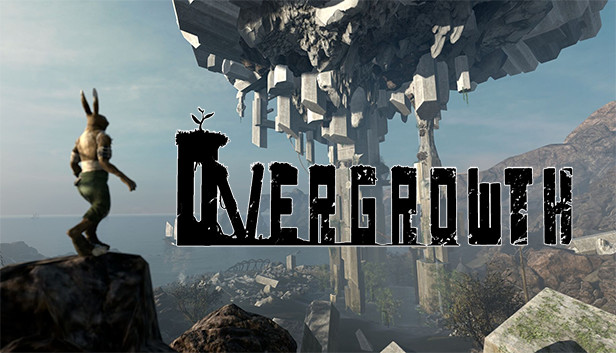
Overgrowth Direct Download
As a lightning-fast acrobatic ninja rabbit, you can choose how to approach each encounter. Do you want to pick off enemies one at a time like the killer in a slasher film? Dive into the thick of it and fight whole groups in a frontal assault? Steal the most powerful weapon you can find, and turn it on the rest?
If you die, there is never any load time; you can try again instantly! As your skills improve, you’ll see that the game is not about winning. It’s about experimenting to make the coolest action scenes that you can. Every design decision is made with that in mind, from the mouselook camera to the context-sensitive combat controls.
After completing the story modes, you can try out all the mods that players have created with the integrated editor! If you want to play as a human character in a city, or try a whole new campaign, or even fly around as a bat, there’s probably already a mod that makes that happen.