Get Keepy UP free download via Koyso—your source for pre-installed PC games via high-speed direct links. Experience this Indie developed by TLL, officially launched on July 3, 2026.
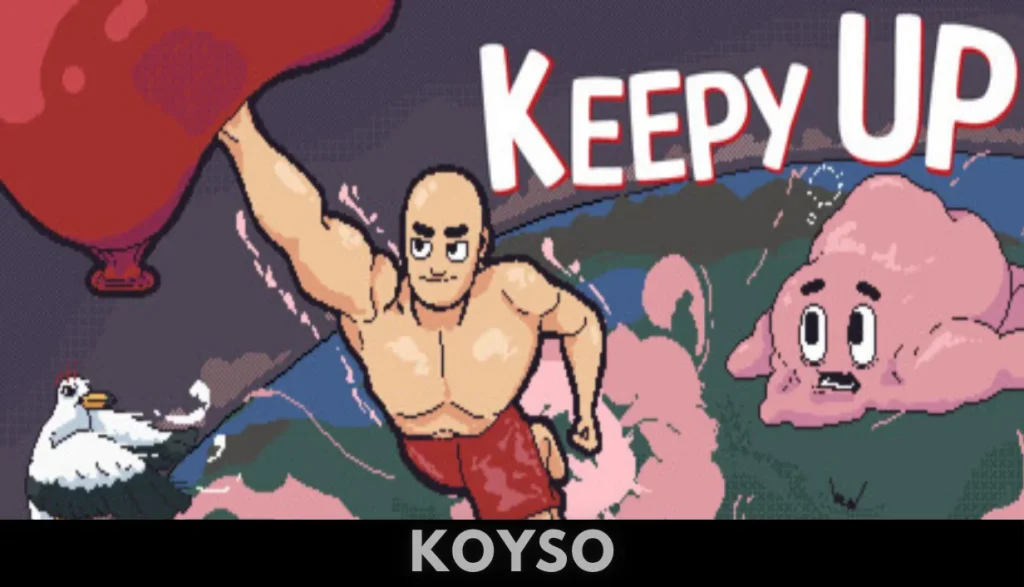
Keepy UP Direct Download
Keepy UP throws you into a tough vertical platformer where every jump really counts. You’ll need to climb higher and higher while looking after your balloon—your only friend up there—threatened constantly by gravity and tricky hazards.
The controls feel sharp and responsive. If you mess up, it’s on you. Each level brings new, handcrafted surprises, and as you climb, things get tougher. Obstacles get trickier, platforms get meaner—expect to sweat a little.
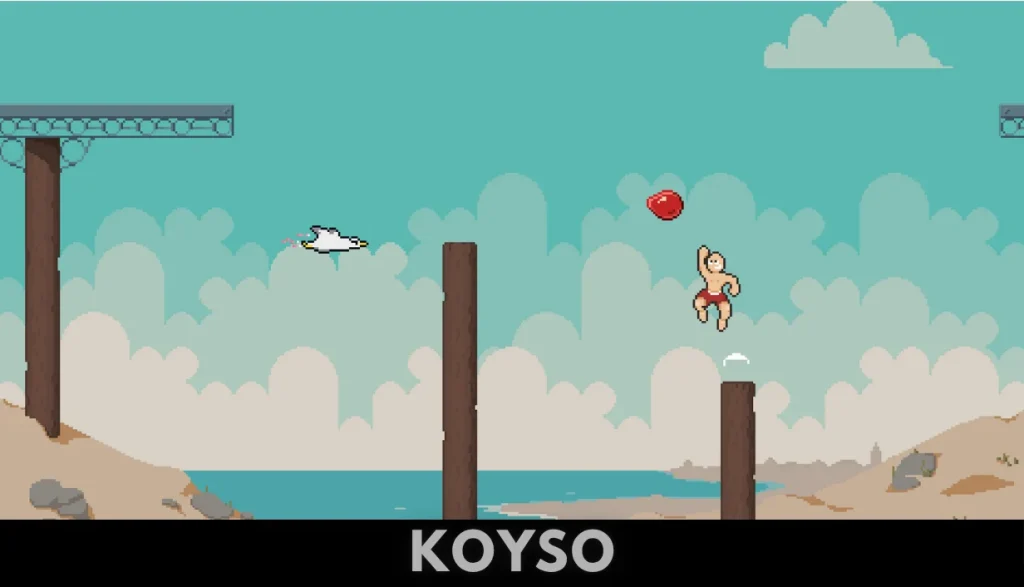
Visually, the game pops with colorful, retro-inspired pixel art. Animations are smooth, and the soundtrack fits the mood perfectly, pulling you deeper into the climb.
Above all, it’s addictive. The movement feels great, the challenge ramps up just right, and it’s perfect for anyone itching to push their platforming skills as far as they’ll go. If you like chasing high scores and testing your reflexes, Keepy UP won’t disappoint.
System Requirements for Keepy UP PC
| Component | Minimum | Recommended |
| OS | Windows 10 (64-bit) | Windows 10 / Windows 11 (64-bit) |
| Processor | Dual Core 2.4 GHz | Intel Core i3 / AMD Ryzen 3 |
| Memory | 4096 MB RAM | 4096 MB RAM |
| Graphics | Integrated Graphics | NVIDIA GeForce GTX 750 / AMD Radeon R7 250 |
| Storage | 500 MB available space | 500 MB available space |
Why You Should Play Keepy UP?
If you enjoy hardcore precision platformers, challenging physics-based climbing games, or charming retro-style aesthetics, this release is an interesting option to consider. Developed by TLL, the game is a whimsical reimagining of a classic childhood game where you must guide a delicate balloon upward through a vertical gauntlet of hazards. The exceptionally light 500-megabyte installation footprint ensures that setting up the game is fast on standard PC configurations.
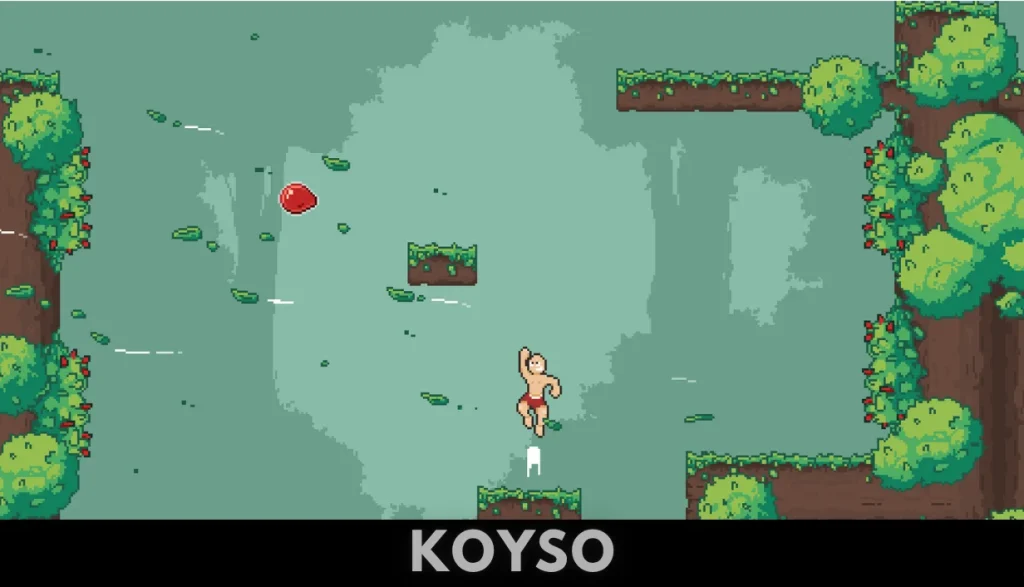
The gameplay centers on tight movement controls, gravity physics, and fast-paced hazard evasion. Unlike typical platformers, you do not control the platforming hero directly, but instead physically poke and push your balloon upward while dodging a diverse variety of flying enemies including hostile seagulls, spooky ghosts, and hovering UFOs. Gravity acts as your greatest obstacle, demanding timing and reflexes to keep your balloon afloat across varied, handcrafted levels accompanied by an immersive ambient soundtrack.
Final Verdict on Keepy UP
Keepy UP is a challenging, highly replayable, and visually delightful vertical platformer. Its unique blend of balloon-physics controls, high-stakes obstacles, and retro pixel-art visuals offers a rewarding loop for fans of precision gaming. For players looking for a lightweight indie title that tests their timing, dexterity, and patience, this release is highly recommended.
FAQs
Is Keepy UP free to download?
Yes, the fully unlocked version is available as a free download from Koyso.
Can I play Keepy UP offline?
Yes. Once installed on your PC, you can play through your vertical climbs, dodge airborne hazards, and test your precision reflexes completely offline without requiring an active internet connection.
What is the core gameplay style?
The game features 2D precision climbing and action platformer gameplay. Players use tight controls to push a vulnerable balloon upward, navigating past vertical rows of enemies and utilizing environmental physics to beat gravity.