Get Lost Hope: Backrooms free download via Koyso—your ultimate source for Pre-Installed PC Games via high-speed direct links. Experience this Horror game in its fully unlocked version, officially launched on May 25, 2026.
Lost Hope: Backrooms Direct Download
Last Hope Inc. is a story-driven puzzle adventure that combines exploration, environmental storytelling, and survival elements within the mysterious ruins of an abandoned laboratory. Players journey through more than 20 handcrafted levels, each featuring unique environments, hidden narratives, and multiple ways to progress while uncovering the dark secrets buried within the facility.
The game places players inside the deserted research complex known as Last Hope Inc., where one protagonist gradually uncovers the story of another through exploration and discovery. As players move deeper into the laboratory, they piece together fragmented clues, unravel hidden experiments, and learn the truth behind the strange events that transformed the facility into a dangerous and abandoned nightmare.
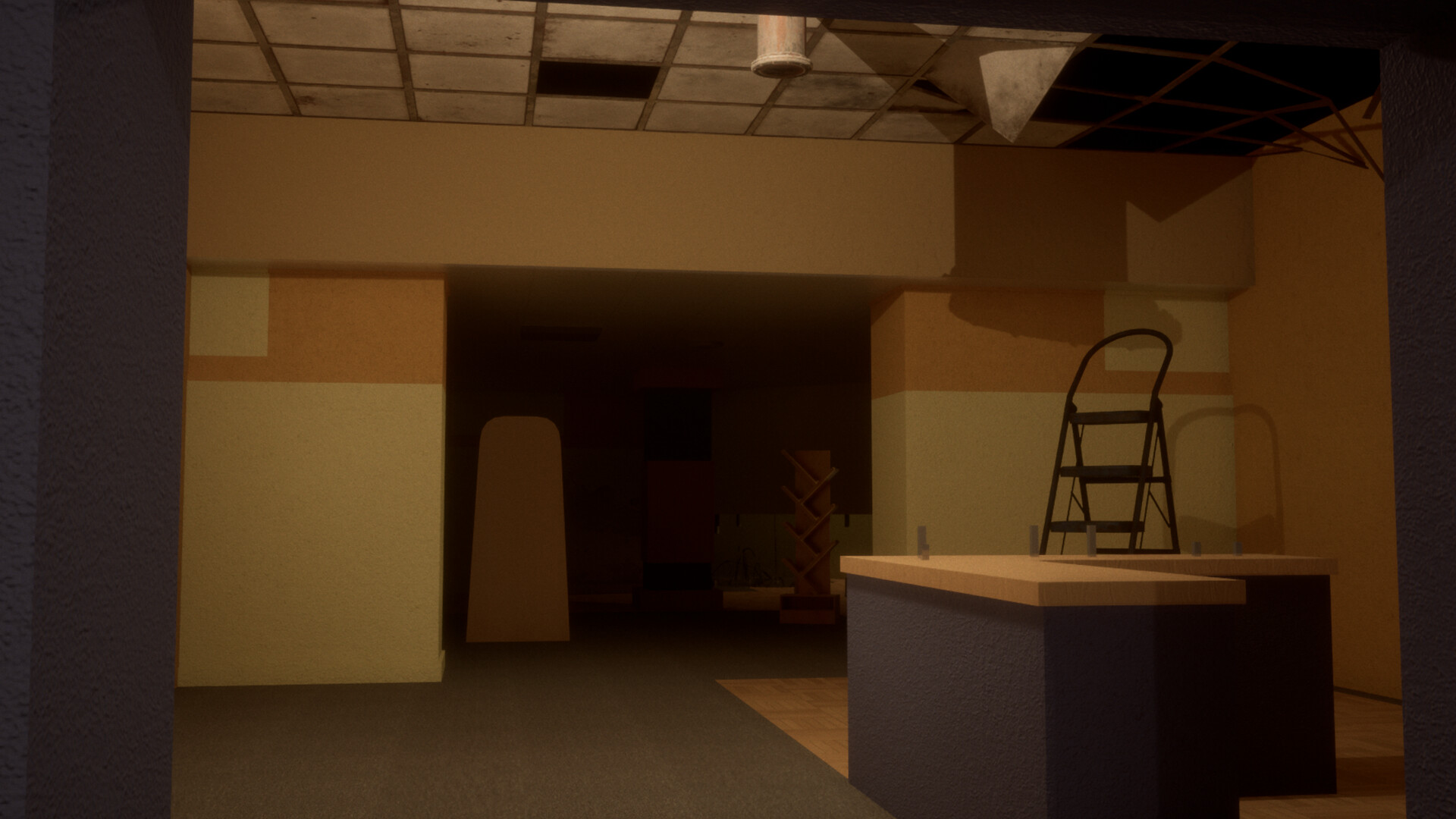
Every level presents a combination of puzzles, hazardous routes, and exploration challenges that encourage creative problem-solving. Multiple progression paths allow players to approach environments differently, rewarding careful observation and experimentation. Valuable collectibles can also be found throughout the facility, providing opportunities to trade resources, purchase upgrades, and improve equipment for future encounters.
Progression is closely tied to upgrading tools and unlocking new abilities. As players invest in stronger equipment and enhanced capabilities, previously inaccessible areas and hidden secrets become easier to uncover. Improving efficiency and adapting to increasingly dangerous situations becomes essential for surviving the deeper sections of the laboratory.
Throughout the adventure, players will encounter more than seven unique entities, each possessing distinct behaviors, mechanics, and threats. Understanding how these creatures operate is critical for survival, as knowledge of their patterns and weaknesses directly impacts puzzle-solving, exploration, and progression through the storyline. Every entity introduces a different layer of tension and challenge to the experience.
For players who prefer exploration without constant danger, the game also includes a No Entity Mode, allowing users to freely explore the levels and story without being pursued by hostile creatures. This mode provides a more relaxed experience focused entirely on discovery and narrative immersion.
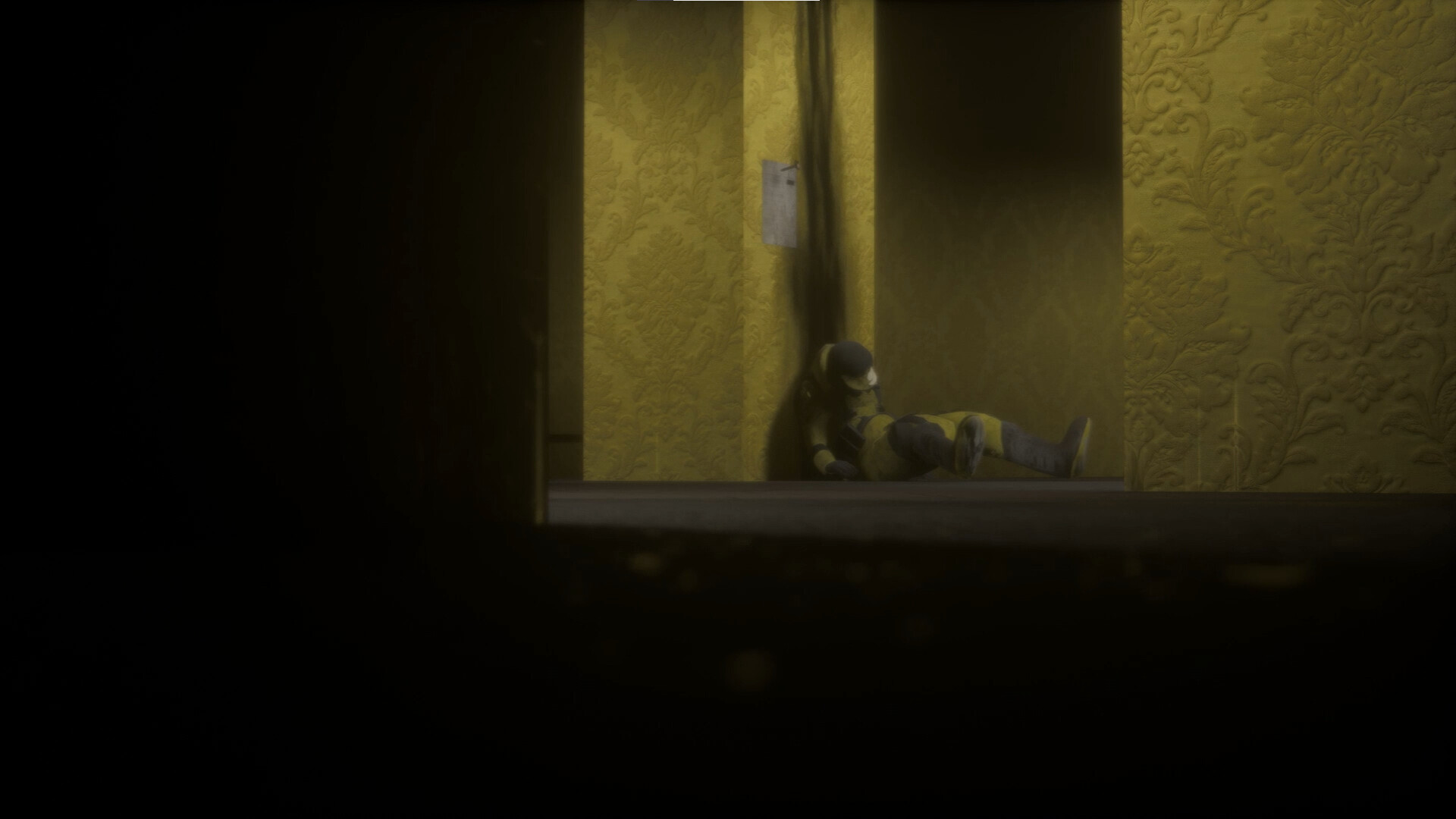
Blending atmospheric horror, environmental puzzles, exploration, and mysterious storytelling, Last Hope Inc. offers a tense and immersive journey through a forgotten laboratory filled with hidden truths, dangerous entities, and unanswered questions waiting to be revealed.
Key Features of Lost Hope: Backrooms
In this backrooms horror game, you are the master of your own survival. This section highlights all the amazing things you can do while trying to escape the endless maze.
- Procedurally Generated Levels: Level 0 (yellow maze), Level 1 (dark warehouse), Level 2 (pipe maze), Level 3 (electrical station).
- Resource Management: Flashlight batteries, lighter fluid, and Almond Water for sanity and healing.
- Entity Avoidance: The Hound, The Clump, The Smiler, The Partypooper — each has unique behaviors. You cannot fight them.
- Sanity System: The Backrooms drain your mind. Low sanity causes hallucinations. Zero sanity means death.
- Rare Exits: Doors, stairwells, elevators, and holes in the wall. Finding them is the only way out.
- Multiple Levels: Descend deeper to get closer to the exit — but the deeper you go, the more dangerous it becomes.
- Fully Unlocked: All levels, entities, and exits available from the first launch.
System Requirements for Lost Hope: Backrooms PC
| Component | Minimum | Recommended |
|---|---|---|
| OS | Windows 10 x64 | Windows 10 x64 |
| Processor | Intel Core i5 7400 | Intel Core i3-10100F |
| Memory | 6 GB RAM | 8 GB RAM |
| Graphics | NVIDIA GTX 750 ti 2GB | NVIDIA GTX 1650 4GB |
| DirectX | Version 12 | Version 12 |
| Network | Not required | Broadband Internet connection |
| Storage | 10 GB available space | 10 GB available space |
| Additional Notes | Supports ONLY Windows x64. Integrated graphics cards are not supported. | Supports ONLY Windows x64. Integrated graphics cards are not supported. |
Graphics and Sound
Visually, Lost Hope: Backrooms is nightmare fuel. The yellow corridors are endless. The carpet is damp and stained. The lights buzz and flicker. The walls have water stains that look like faces. The deeper levels get worse — the warehouse is dark and filled with concrete pillars, the pipe maze is hot and steamy, the electrical station sparks and hums. The entities are terrifying. The Hound runs on all fours. The Clump is a mass of arms and legs. The Smiler has too many teeth. The Partypooper wears a paper crown. All of them want you dead.
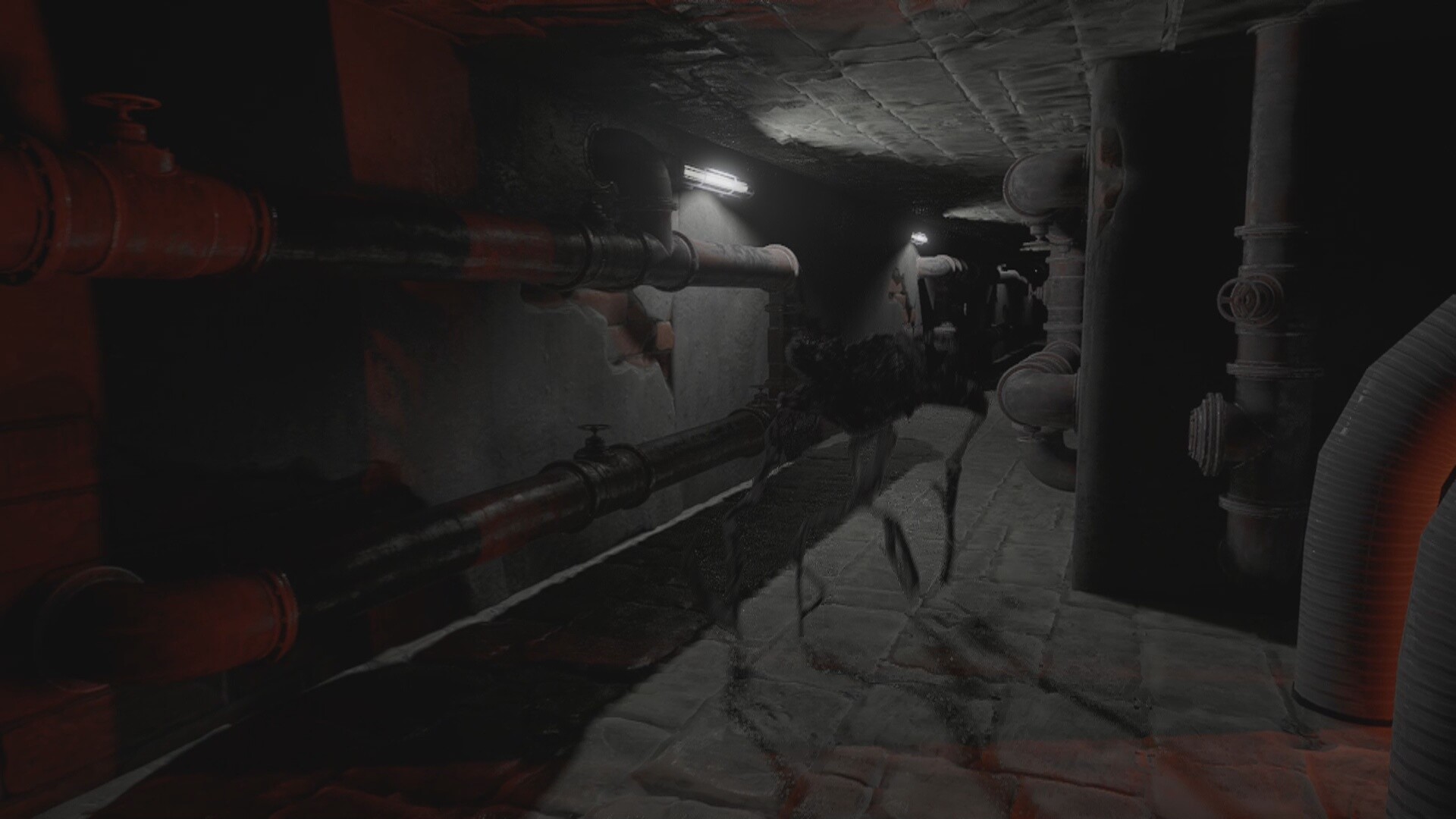
Audio is the heart of the Backrooms. The buzzing lights never stop. Your footsteps echo off walls that are too far away. The entities make sounds — the Hound’s claws on carpet, the Clump’s wet dragging, the Smiler’s giggle, the Partypooper’s distorted voice saying “join the party!” Your own heartbeat gets louder when you are scared. The Almond Water makes a satisfying glug. The lighter clicks. The flashlight flickers. Wear headphones. The directional audio will save your life.
Why You Should Play Lost Hope: Backrooms
If you enjoy backrooms horror, exploration games, or entity avoidance, this is for you. The 10 GB install size is reasonable. Integrated graphics are not supported — you need a dedicated GPU. A successful escape from Level 0 to the exit takes 2 to 3 hours. Exploring all four levels and surviving all entities can take 6 to 8 hours.
The procedurally generated levels keep each run fresh. You cannot memorize a perfect path. The sanity system adds a layer of psychological tension. The entities are terrifying. For completionists, there are achievements for escaping every level, surviving an encounter with each entity, and escaping without losing any sanity.
Final Verdict on Lost Hope: Backrooms
Lost Hope: Backrooms is a terrifying, faithful adaptation of the internet’s most famous creepypasta. The yellow corridors are endless, the entities are horrifying, and the sanity system keeps you on edge. If you enjoyed games like The Backrooms (2022), Escape the Backrooms, or any backrooms content, this title belongs in your library.
The fully unlocked version from Koyso gives you access to the complete game — all levels, all entities, and all exits — immediately. No grinding. No microtransactions. Just 10 GB of yellow nightmare.
FAQs
Is Lost Hope: Backrooms free to download?
Yes, the fully unlocked version is available as a free download from Koyso.
Can I play Lost Hope: Backrooms offline?
Yes. Online is only required for the recommended specs for some features. The game works offline.
Is Lost Hope: Backrooms suitable for children?
No. The game contains horror themes, disturbing imagery, and intense psychological tension. Recommended for ages 17 and up.
Does Koyso provide updates for the game?
Koyso offers the launch version. Future updates are announced on our download page.
How long is a successful escape?
2 to 3 hours for one escape. 6 to 8 hours to explore all levels.
Do I need a dedicated GPU?
Yes. Integrated graphics cards are not supported.
What is Almond Water?
A resource in the Backrooms that restores sanity and heals wounds.