Get Magical Princess free download via Koyso—your trusted source for pre-installed PC games with fast direct links. Experience this character-raising simulation in a fully unlocked version.
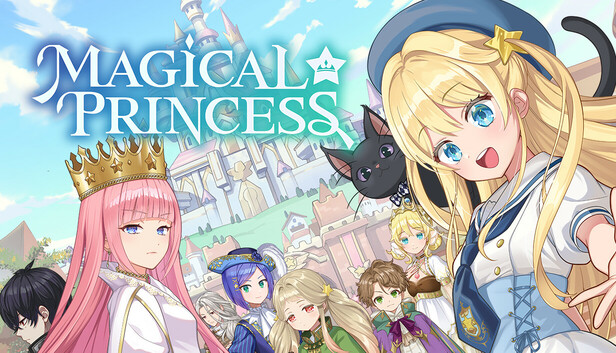
Magical Princess Direct Download
Magical Princess is a character-raising simulation where you take control of a father guiding his daughter’s life inside a magical academy. Instead of direct gameplay control, your role is to make decisions that shape her future—what she studies, how she spends her time, and how she develops as a person.
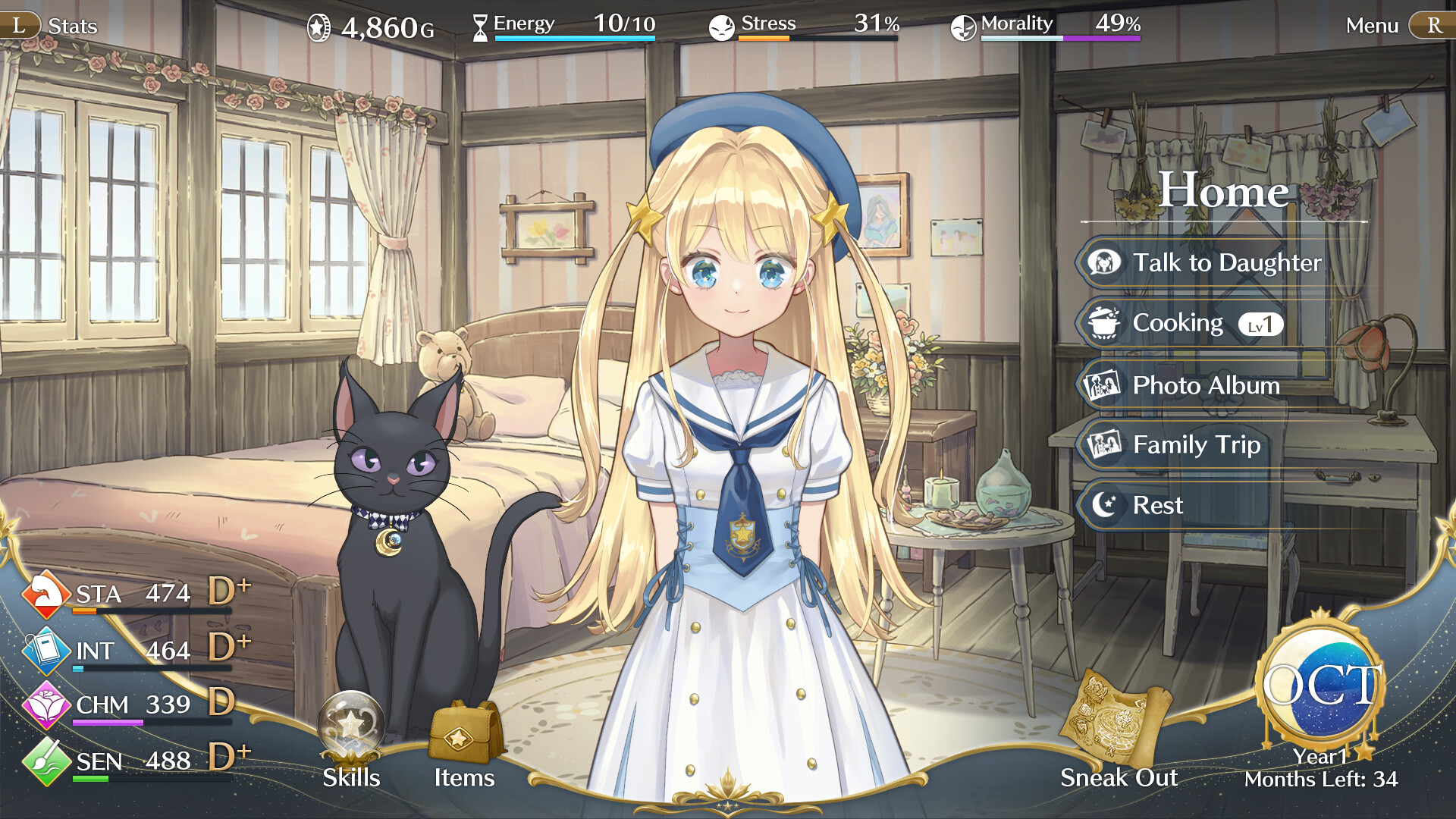
The core gameplay revolves around daily planning and long-term progression. You’ll manage schedules, balance education, training, and personal activities, all while keeping an eye on her stats and well-being. Every small decision builds over time, leading to noticeable changes in her abilities and personality.
What makes the game engaging is its branching outcomes and multiple endings. Your choices don’t just affect short-term results—they determine her entire life path. She can grow into different roles depending on how you guide her, making each playthrough feel unique.
There’s also a strong focus on events and interactions. As time passes, you’ll unlock story moments, character encounters, and personal situations that add depth to the experience. These moments help build a connection and make the progression feel more meaningful.
Overall, Magical Princess offers a slow-paced, decision-driven experience that rewards patience and planning. It’s not about quick action—it’s about shaping a journey over time and seeing how your choices define the final outcome.
Key Features of Magical Princess
Magical Princess focuses on life simulation, branching paths, and character development, offering a deep and replayable experience built around player choices.
- Character Raising System: Shape your daughter’s life from childhood to adulthood
- Multiple Endings: Different outcomes based on your decisions
- Choice-Driven Gameplay: Every action impacts future development
- Magical Academy Setting: Balance studies, training, and social life
- Story Progression: Unlock events, interactions, and personal moments
System Requirements of Magical Princess PC
Magical Princess is optimized for low to mid-range systems, focusing on smooth performance and accessibility rather than demanding graphics.
- Requires a 64-bit processor and operating system
- OS: Windows10 / Windows11
- Processor: Intel Core i3-6100 / AMD Ryzen 3 2200U
- Memory: 8 GB RAM
- Graphics: NVIDIA GeForce GTX 650 / AMD Radeon HD 7770
- DirectX: Version 11
- Storage: 10 GB available space
Graphics and Sound
Magical Princess uses a bright anime-inspired visual style with expressive character designs that evolve as the story progresses. The environments are simple but colorful, keeping the focus on characters and interactions rather than heavy visual detail.
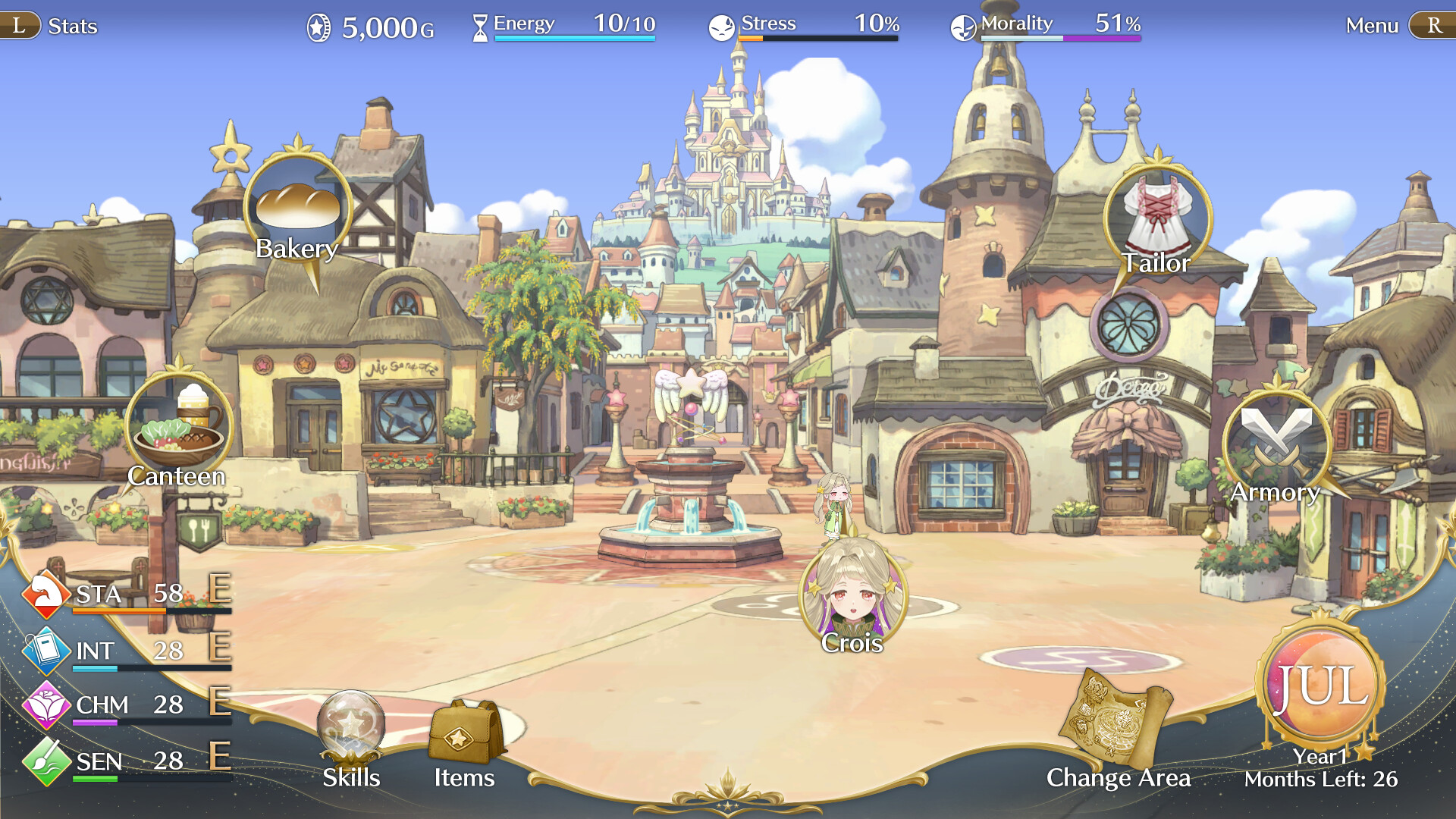
Sound design supports the experience with soft background music and light character interactions. The overall presentation creates a warm and story-driven atmosphere that fits the simulation style perfectly.
Why You Should Play Magical Princess
This game is perfect for players who enjoy slow-paced simulation with meaningful choices. It doesn’t rely on action—instead, it builds engagement through long-term planning and watching your decisions shape the outcome.
Each playthrough feels different depending on your approach, making it ideal for those who like replayability and character progression systems. It’s a relaxed but rewarding experience.
Final Verdict on Magical Princess
Magical Princess delivers a solid character-raising simulation focused on choice, growth, and multiple endings. It’s simple to understand but offers depth for players who want to explore different paths and outcomes.
FAQs
Is Magical Princess free to download?
Yes, it is available as a free download on our website.
Can I play Magical Princess offline?
Yes, the game can be played offline after installation.
Is Magical Princess suitable for beginners?
Yes, it’s beginner-friendly and easy to learn, with deeper systems revealed over time.