*note: This game is designed and tested for Windows 10 – Due to the nature of this game you may experience some issues with using older or newer windows versions.
Enter the Everlasting Fun!
Would you like a friend? Yes? Well, I have something special for you.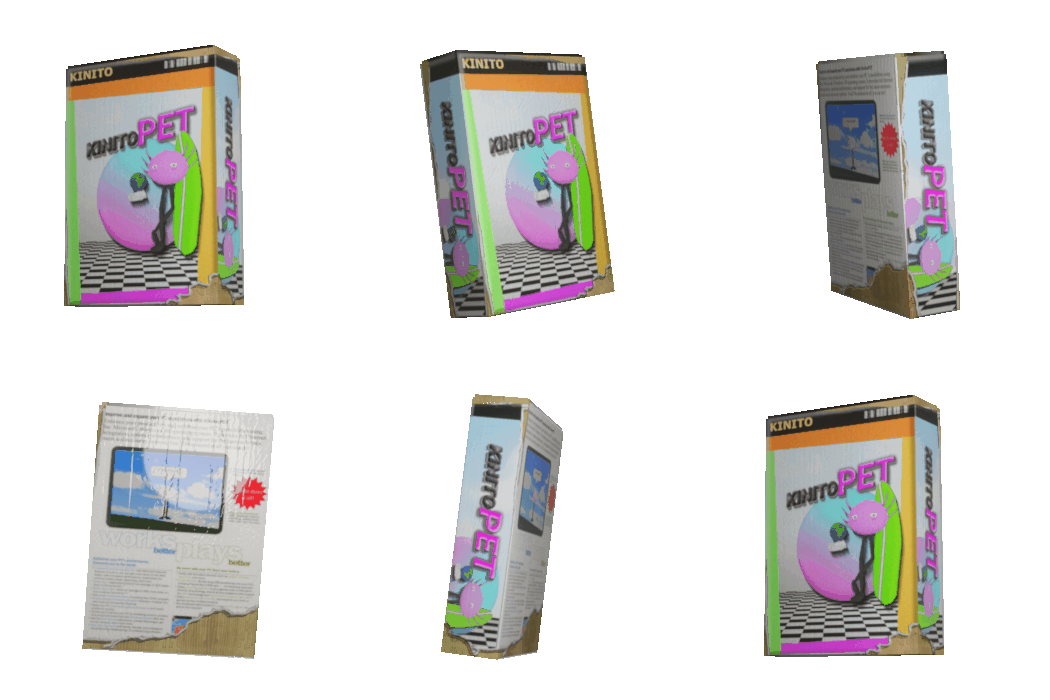
KinitoPET invites you to their wonderfull world of fun and excitement!
Where he will be your very own virtual friend and personal helper!
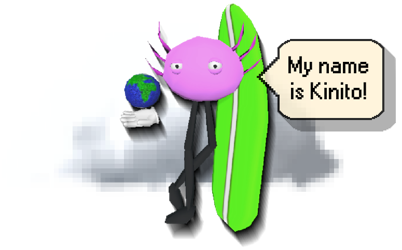
Kinito is able to walk, talk, browse, adapt, and play games as Kinito is like no other with its adaptive technology! Kinito is h̶i̶d̶i̶n̶g̶ ̶a̶ ̶d̶a̶r̶k̶ ̶s̶e̶c̶r̶e̶t a friend you’ll never forget with its critically acclaimed react respond algorithm to make your experience in̶d̶e̶f̶i̶n̶i̶t̶e truly unique. Where d̶i̶d̶ he ̶g̶o else can you find a friend like Kinito with its multitude of great features and friendly love!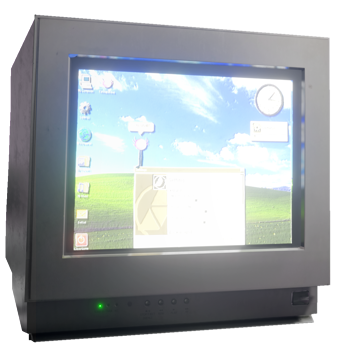
Kinito will be your friend and you can s̶t̶o̶p̶ ̶i̶t be there’s!
So why wait as with your new virtual assistant and friend you can have f̶o̶r̶e̶v̶e̶r everlasting fun!