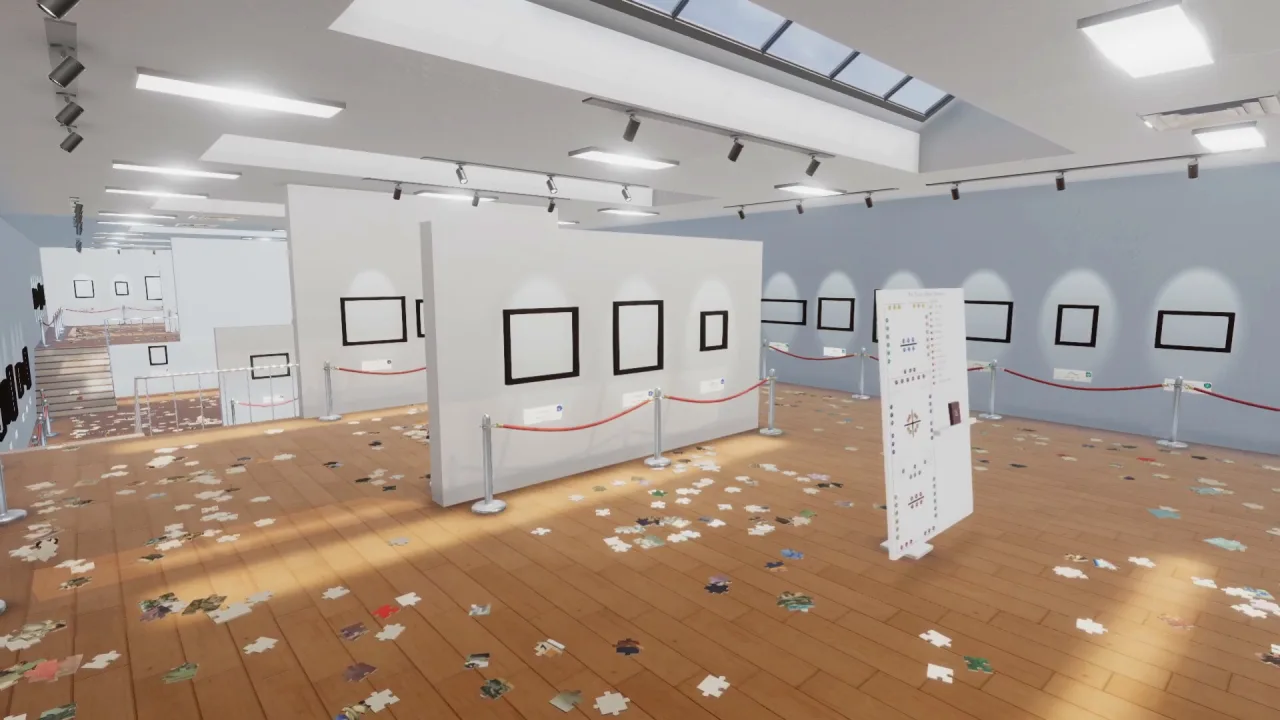
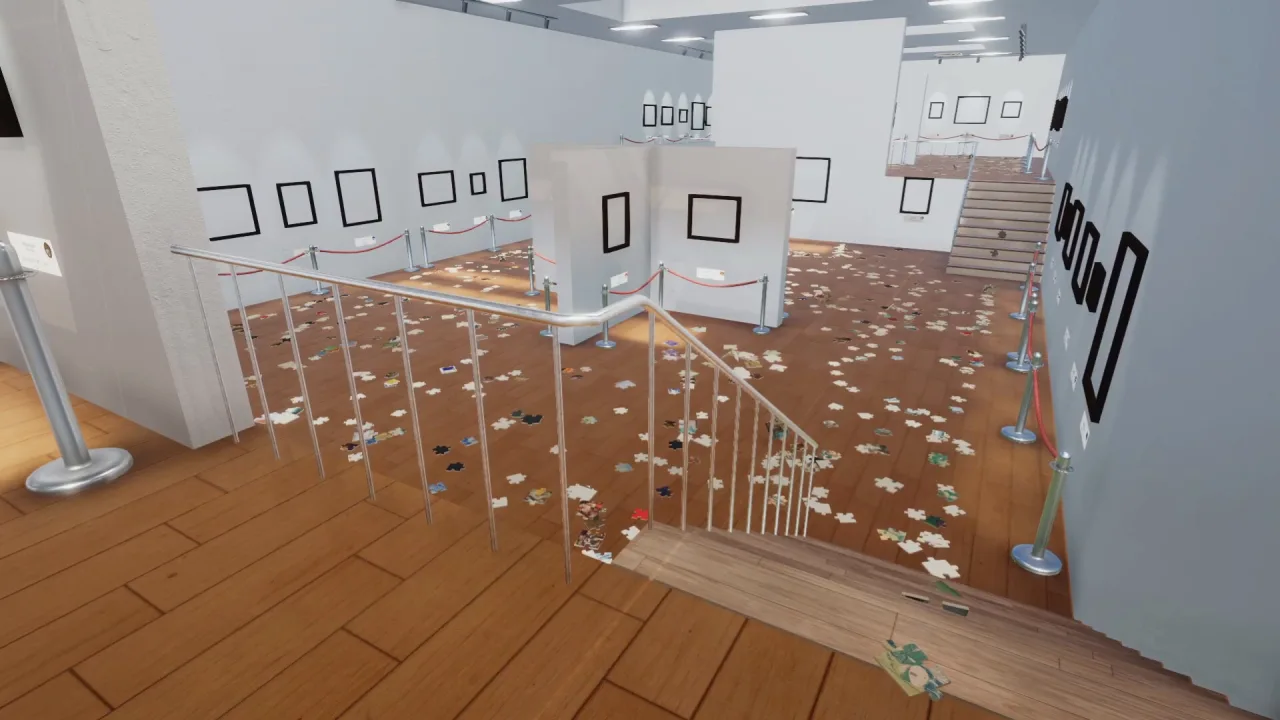
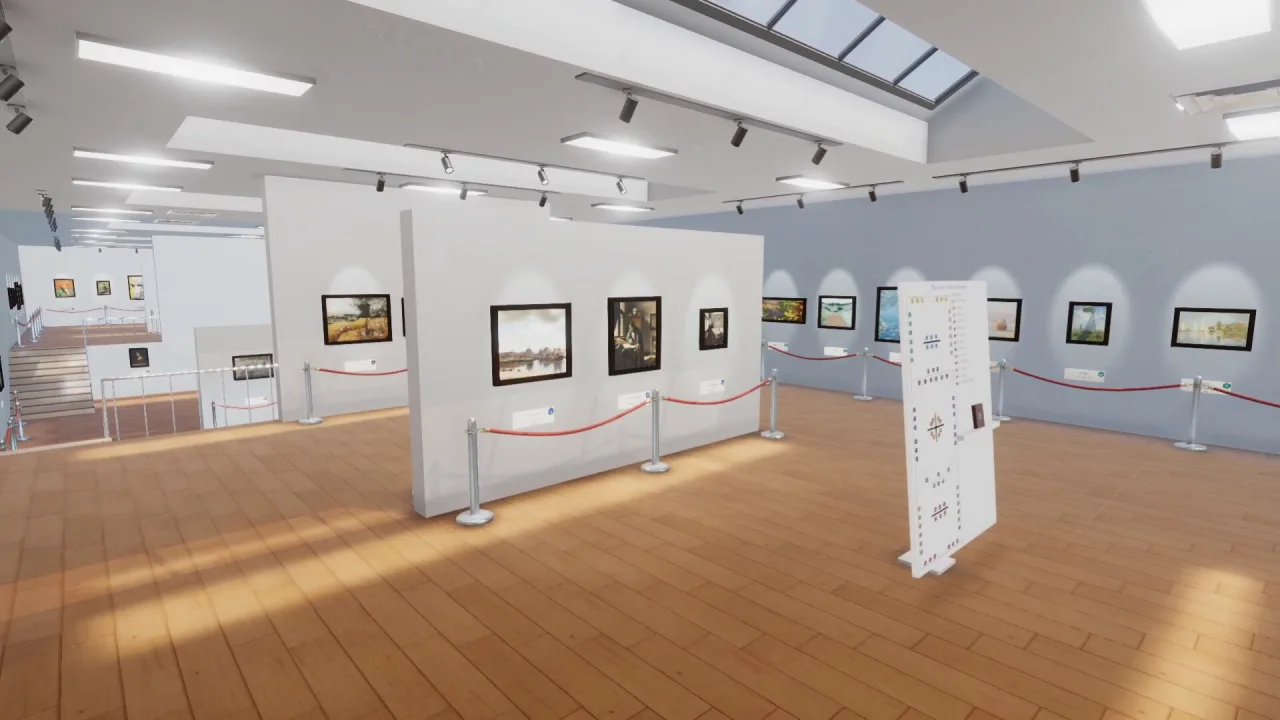
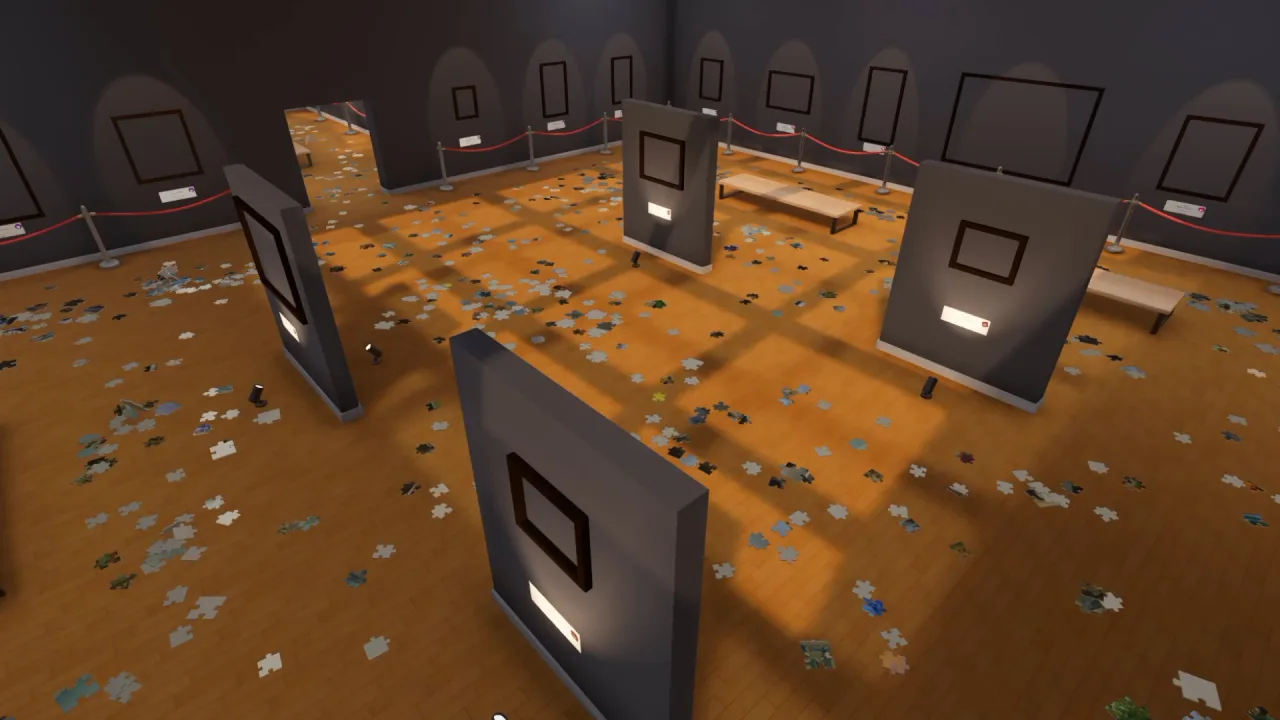
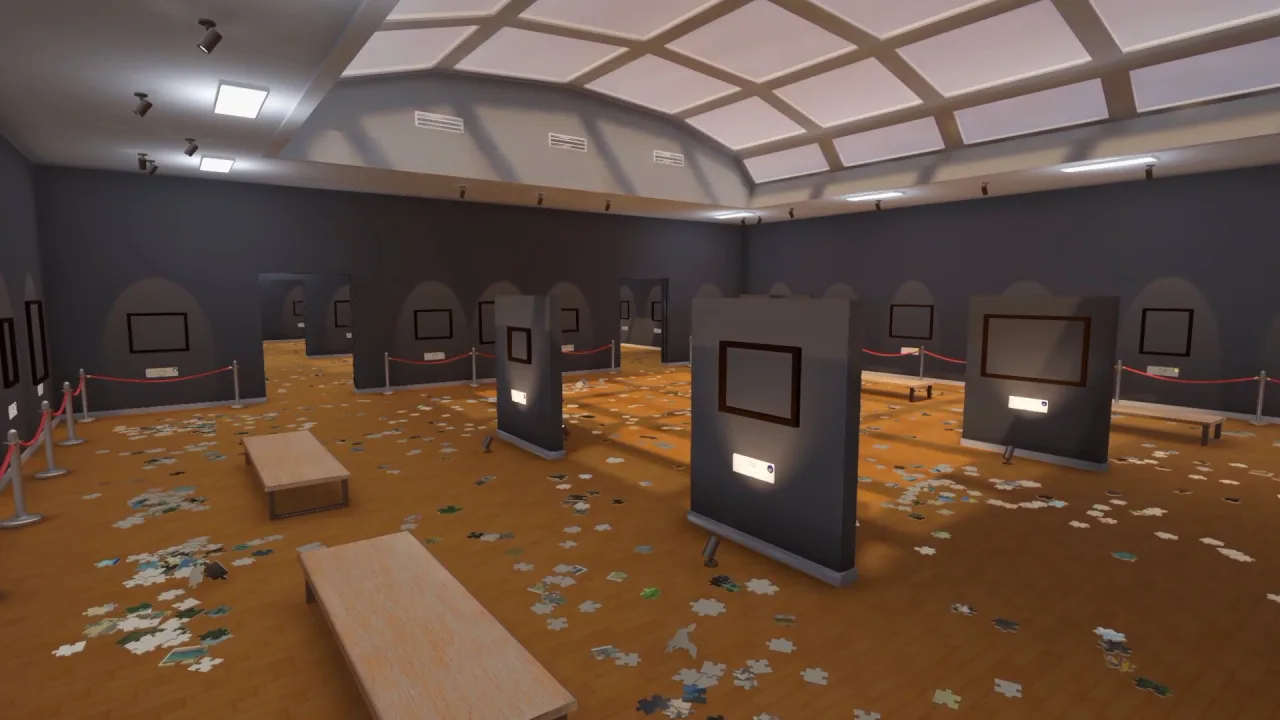
Cleaning Up The Puzzle Gallery is a cozy first-person cleaning simulator set in a huge gallery that has been thrown into total chaos by an earthquake. More than two thousand puzzle pieces have scattered across the halls, among the paintings and exhibition spaces, so now it is up to you to track down every piece, put the puzzles back together and gradually restore the famous collection to its tidy former state.
Order Returns One Piece at a Time
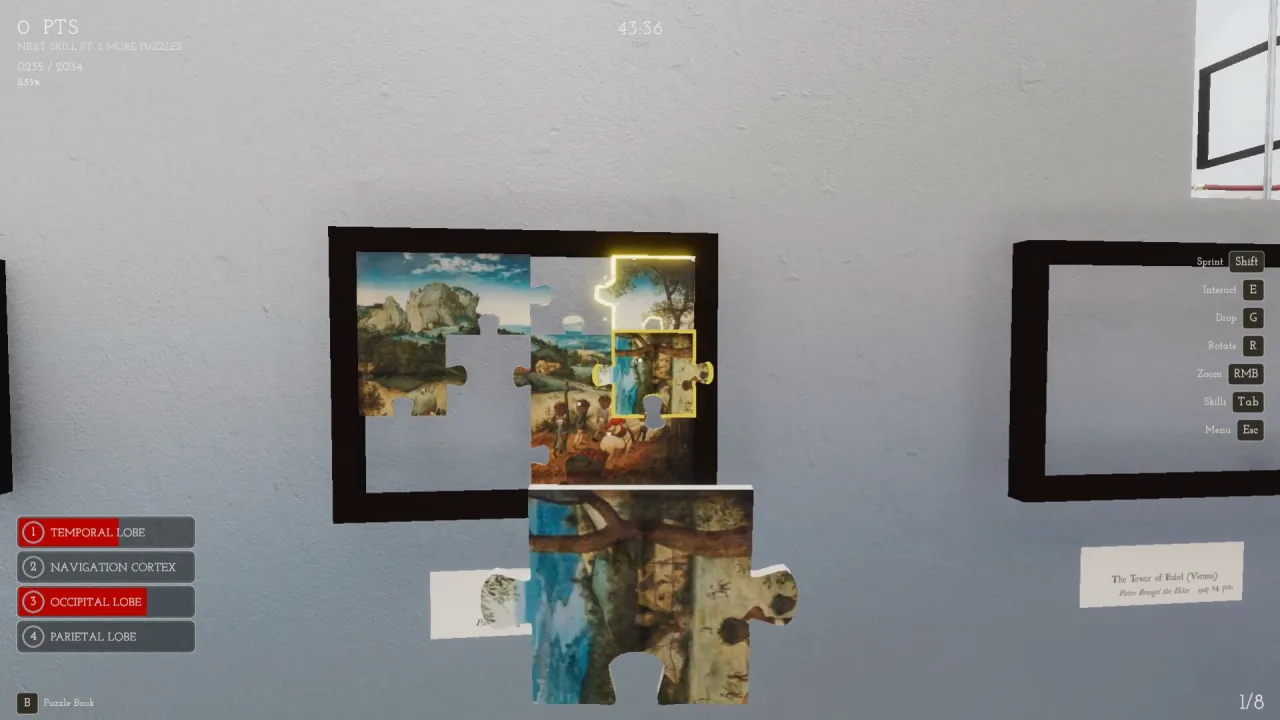
A total of 2071 pieces are strewn across a gallery where everything used to be carefully arranged. Explore the rooms, hunt for the missing pieces and figure out which picture each fragment you find belongs to. As you work, the ruined displays slowly regain their original look, and the relaxed pace lets you restore everything without pressure or needless rushing.
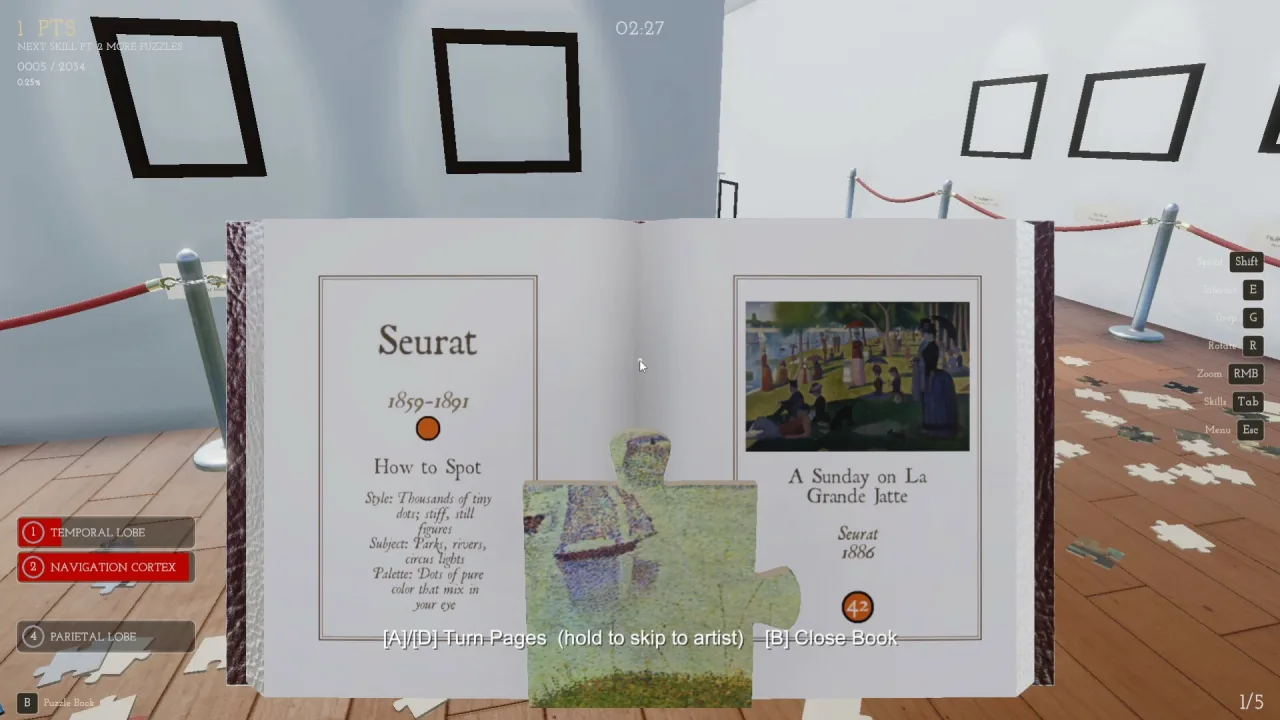
The gallery holds 87 puzzles featuring works by 13 famous artists, so the restoration keeps changing the space around you. You can focus on unhurried tidying to a classical music soundtrack, or use the available upgrades to move between halls faster and chase your best time. You can also turn your own images into new puzzles.
Key Features
- 2071 scattered pieces and 87 puzzles to restore.
- Works by 13 famous artists gathered in one gallery.
- A relaxing cleanup mode with classical music.
- Upload your own images to create puzzles.
0 Comments