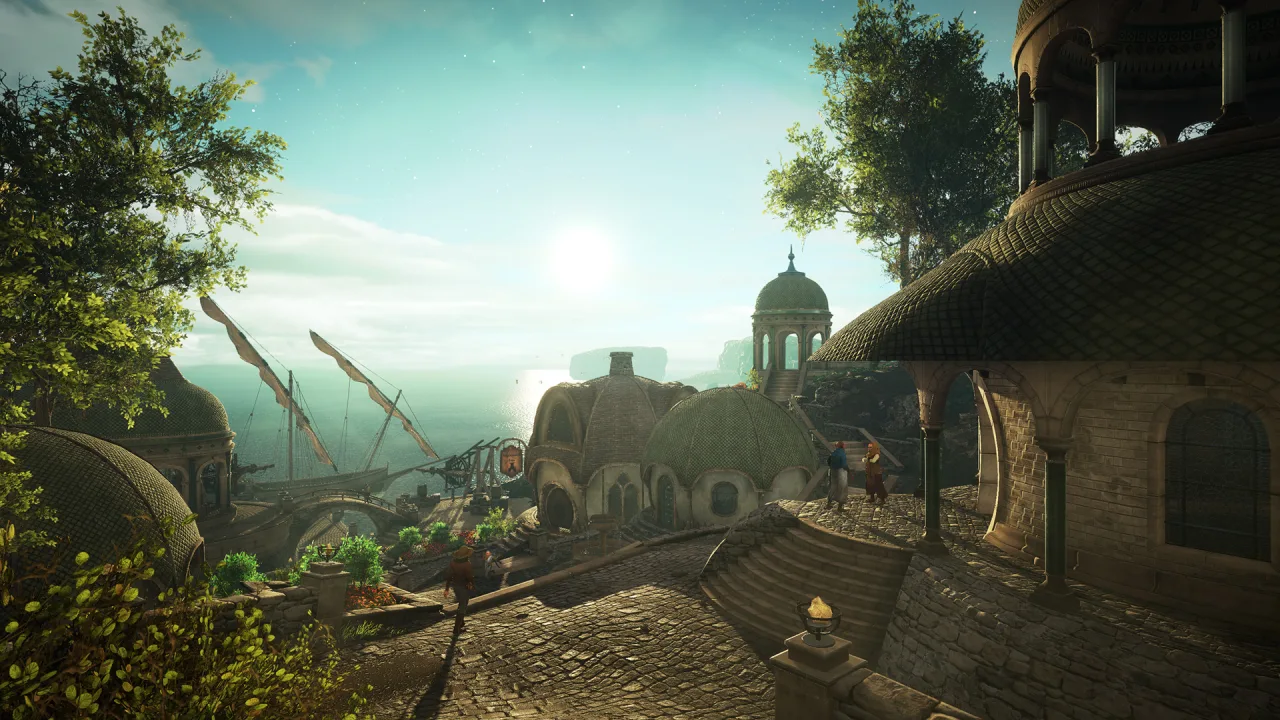
Every now and then, the gaming market turns up plenty of interesting and original projects that surprise you with fresh ideas and adventures. Today we want to tell you about one of them, Eastshade, which isn't just an adventure but an aesthetic adventure set in a virtual open world. If you loved photographing the scenery in Firewatch, this game will be right up your alley. In Eastshade you play an artist who sets off on a journey across a large, colorful island called Eastshade. What will he do there? It's pretty simple: he paints the landscapes and turns them into screenshots that you can later save and share with your friends.
According to the developers, Eastshade is an aesthetic adventure with a social slant. The island isn't empty. People live there, and you can talk to every one of them, learn about their problems and the dangers they face, interact with them and decide whether or not to help. The world of Eastshade is filled not only with beautiful landscapes but also with lots of original little stories that have different possible endings. Eastshade is an interesting adventure made specifically for relaxing and enjoying the sheer beauty of a virtual journey. The game was planned for release on PC in 2017, and you can download Eastshade for free right here.


0 Comments