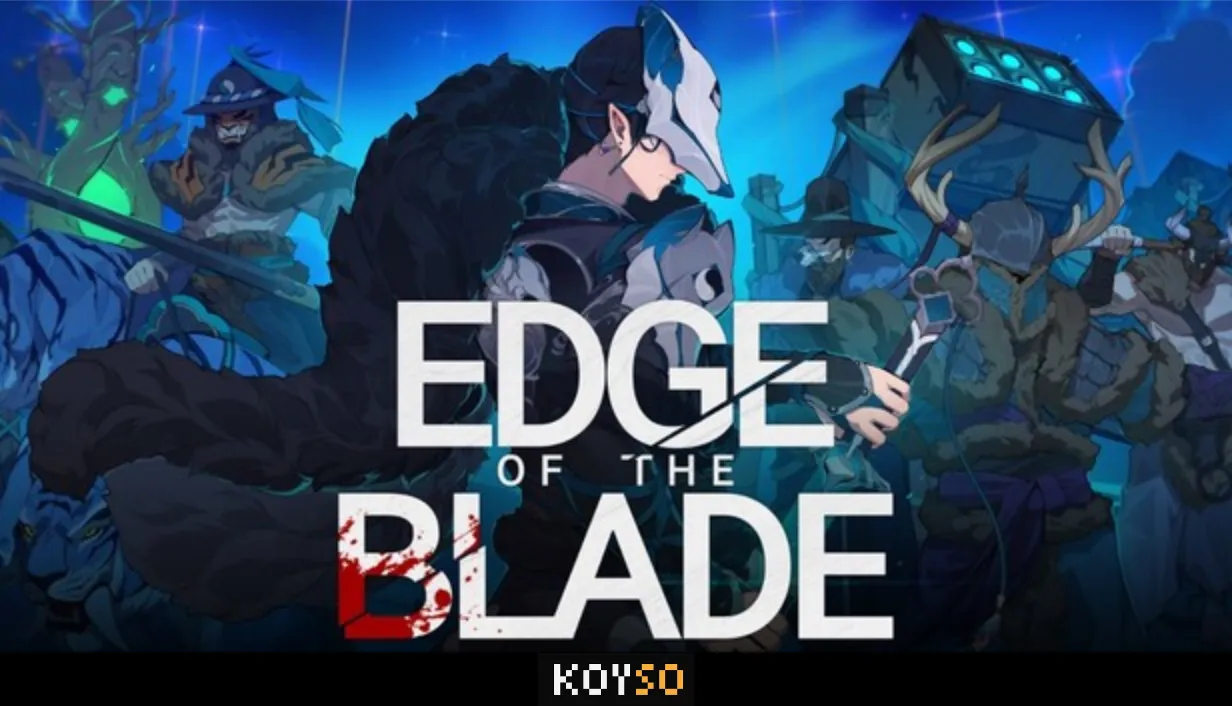
Edge of the Blade Free Download
Edge of the Blade is a strategy game set in the war-torn Kingdom of Cheonggu, where three powerful legions are fighting for their own goals. You take control of one legion and become its commander. Your job is to recruit warriors and lead your army through dangerous battles. But winning is not just about having more soldiers. Every decision can change your journey, and some choices come with a heavy price. Build your own legion and decide how its story will unfold.
Auto-Battler Combat
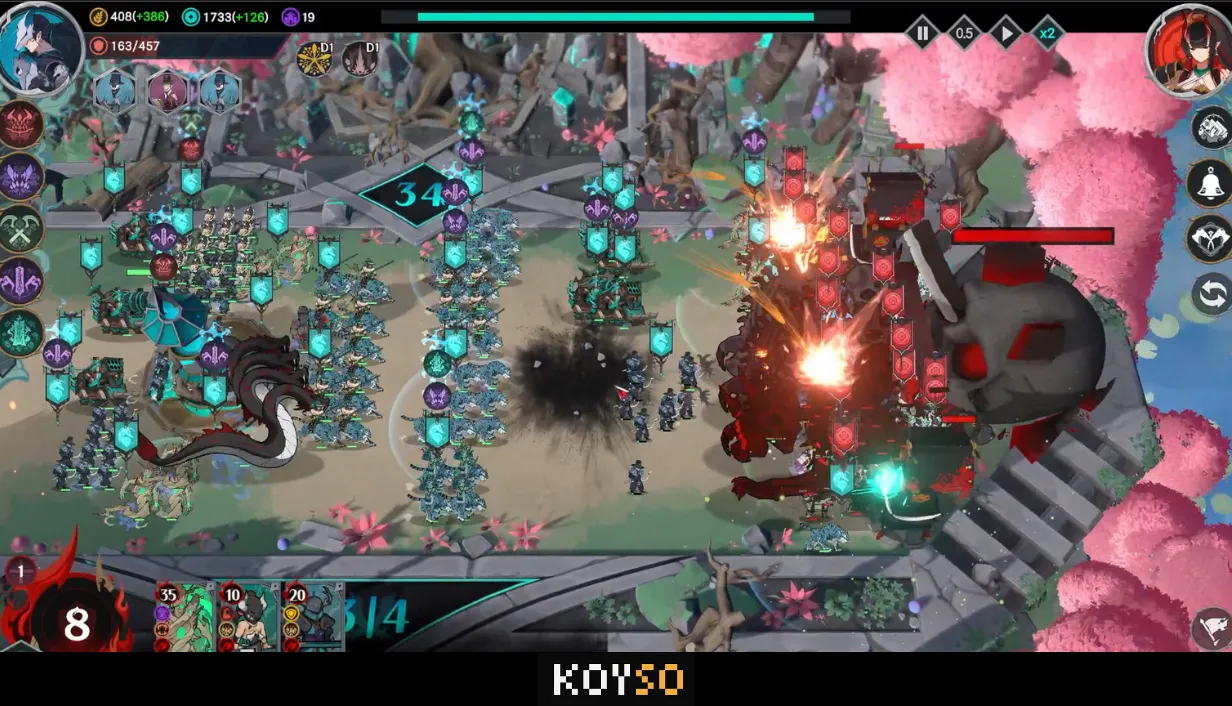
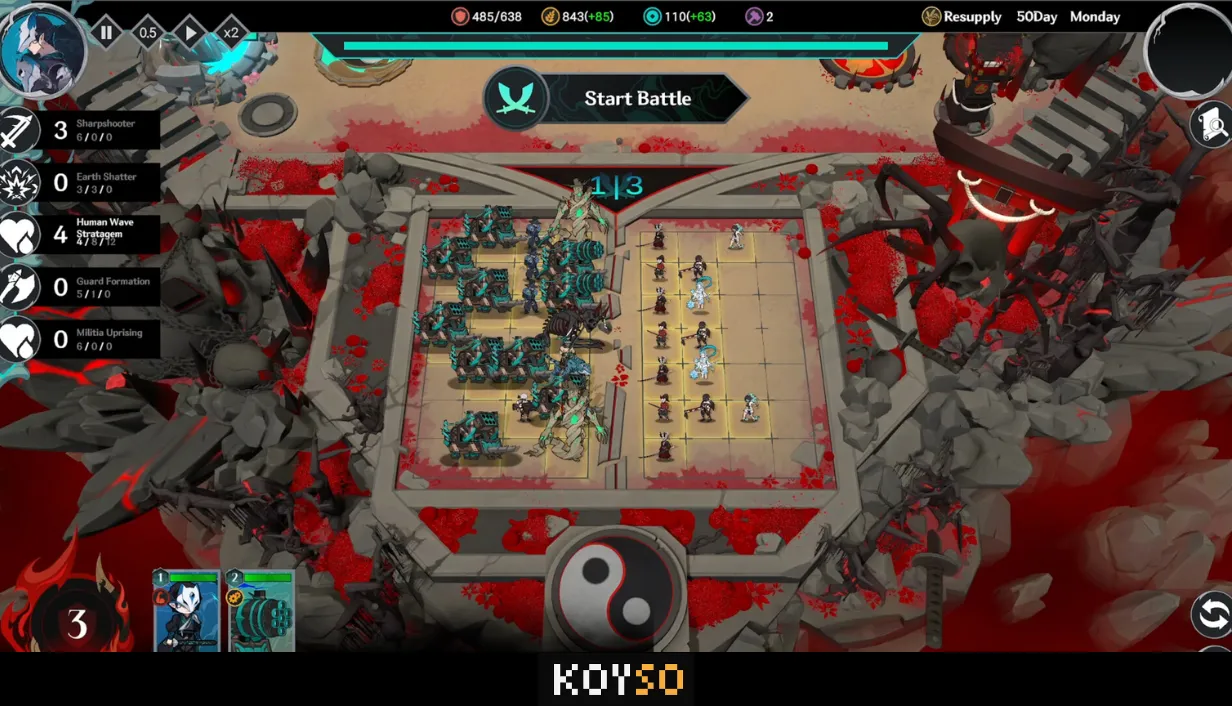
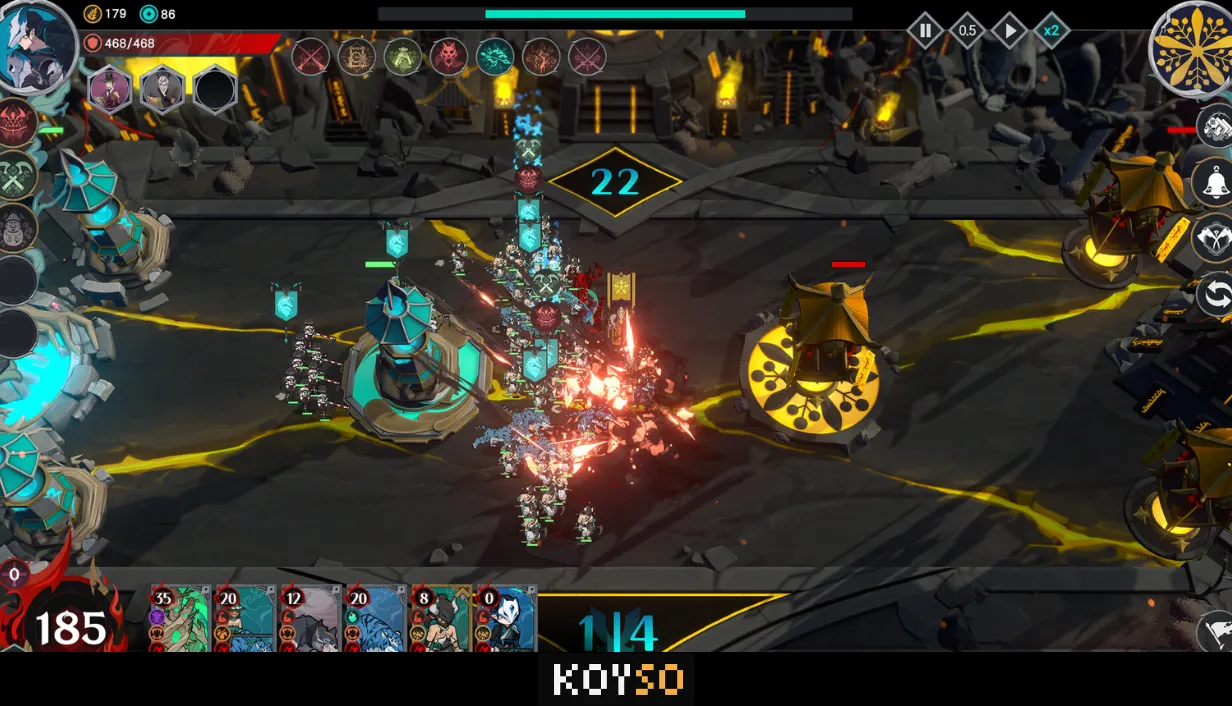
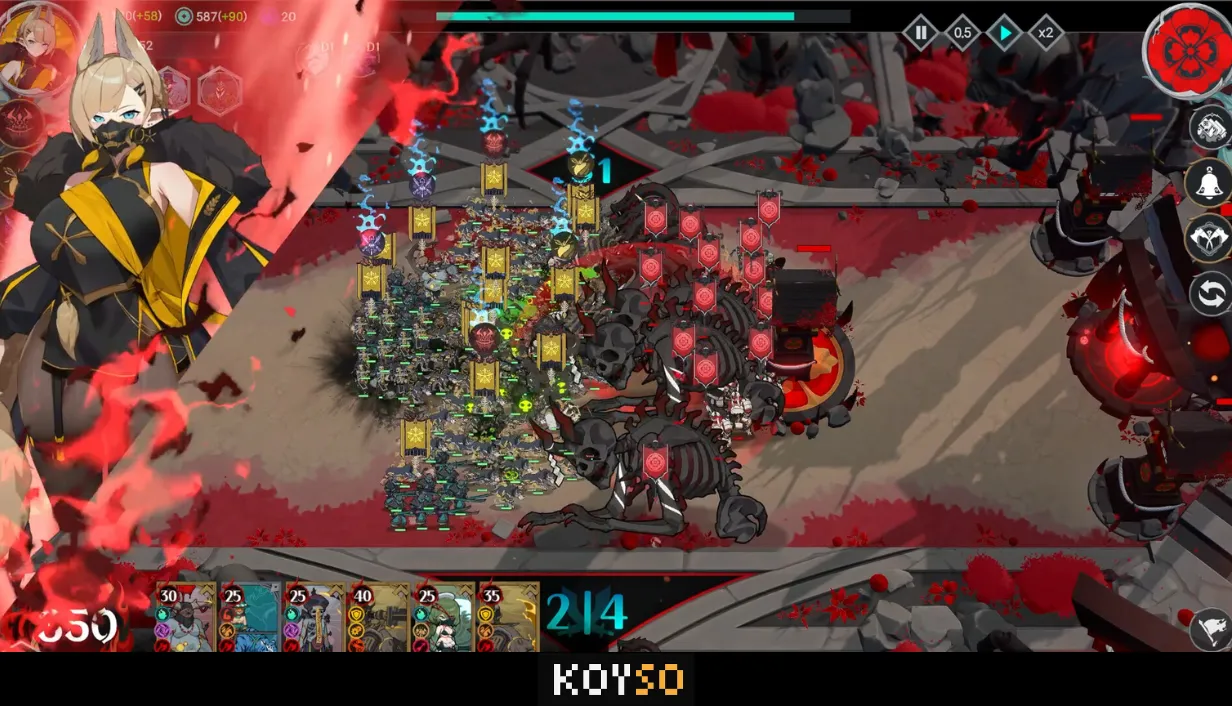
Edge of the Blade features auto-battler combat where your units fight against enemy forces based on how you deploy them. You can recruit different types of soldiers and send them into battle to attack enemy weaknesses.
Warriors and Hwacha units are ready to fight under your command. You can also use Jiangshi Cavalry to strengthen your army. Each unit has its own role, so choosing the right troops and placing them wisely can make a big difference.
Three legions are part of the conflict, and each follows its own strategy. You need to understand your army and plan carefully if you want to defeat your enemies.
Roguelite Legion Building
Building a strong legion is one of the main parts of Edge of the Blade. During each run, you can recruit new units and capture strongholds to increase your power. However, you will also face difficult choices that can affect your progress.
The game features three factions, each with its own unique units and playstyle. Campaigns also change randomly with every run, so you won't always face the same situations. You need to adjust your plans and find new ways to lead your army.
This roguelite system gives every playthrough a different feel. Even if you have played before, your next run can bring new challenges and decisions.
Strategy and Important Choices
Edge of the Blade offers two main modes. Both give you different ways to lead your legion and experience the war in the Kingdom of Cheonggu.
Standard Mode
In Standard Mode, you command your legion across a large map. You need to plan your moves and think about the bigger picture instead of focusing only on the next battle.
Every fight gives you another challenge, while the choices you make can change your overall strategy. As the campaign continues, battles become harder and your leadership becomes even more important.
Story Mode
Story Mode focuses more on your decisions and how they shape the events of the campaign. The choices you make in each chapter can affect the story that comes next.
These decisions are not just simple dialogue options. They can influence your strategy and future battles. You may have to choose between personal gain and doing what you believe is right. Honor and morality also play a part in your journey.
Edge of the Blade PC Game Download
Edge of the Blade combines auto-battler combat with roguelite army building and story-based decisions. You lead one of three legions through a changing campaign where recruiting the right units and making smart choices can decide your success. With different factions and two game modes, there are plenty of reasons to try different strategies.
If you enjoy strategy games where your decisions matter and every run brings new challenges, Edge of the Blade is worth checking out. Download the Edge of the Blade full game for PC using the link below and choose your preferred option, whether you want the pre-installed version or torrent download.
More PC Games Download
0 Comments