
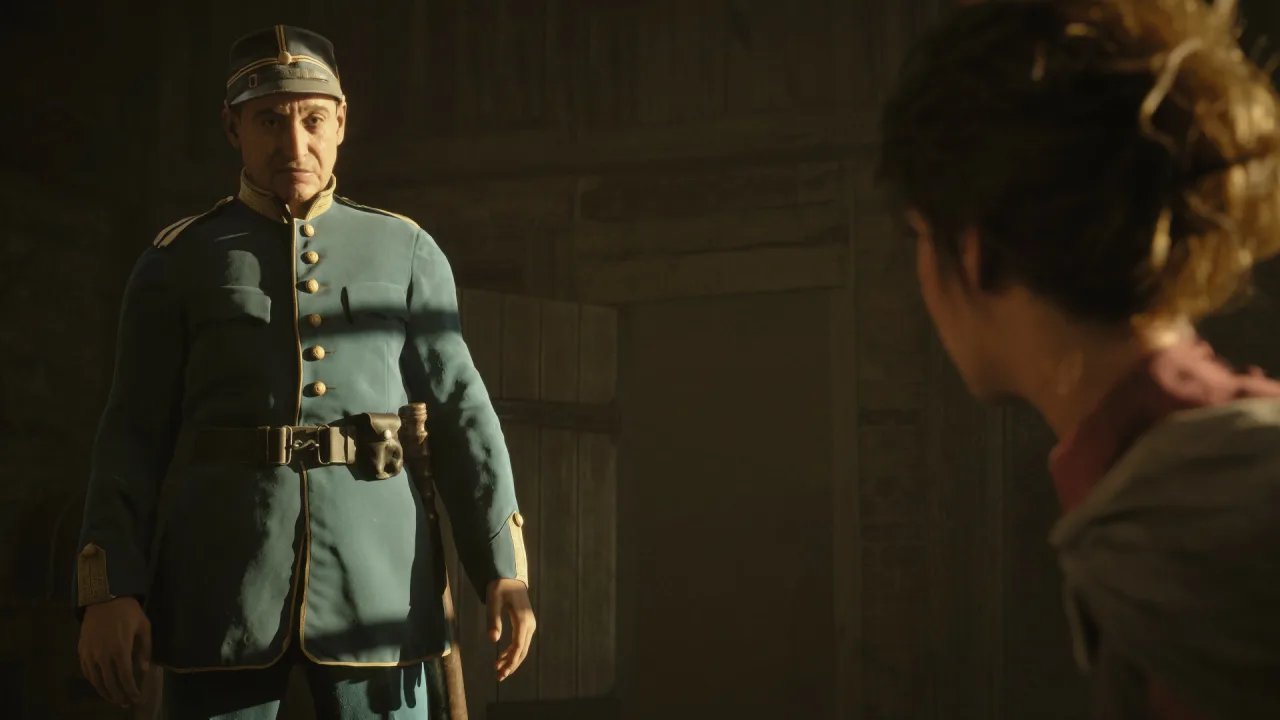
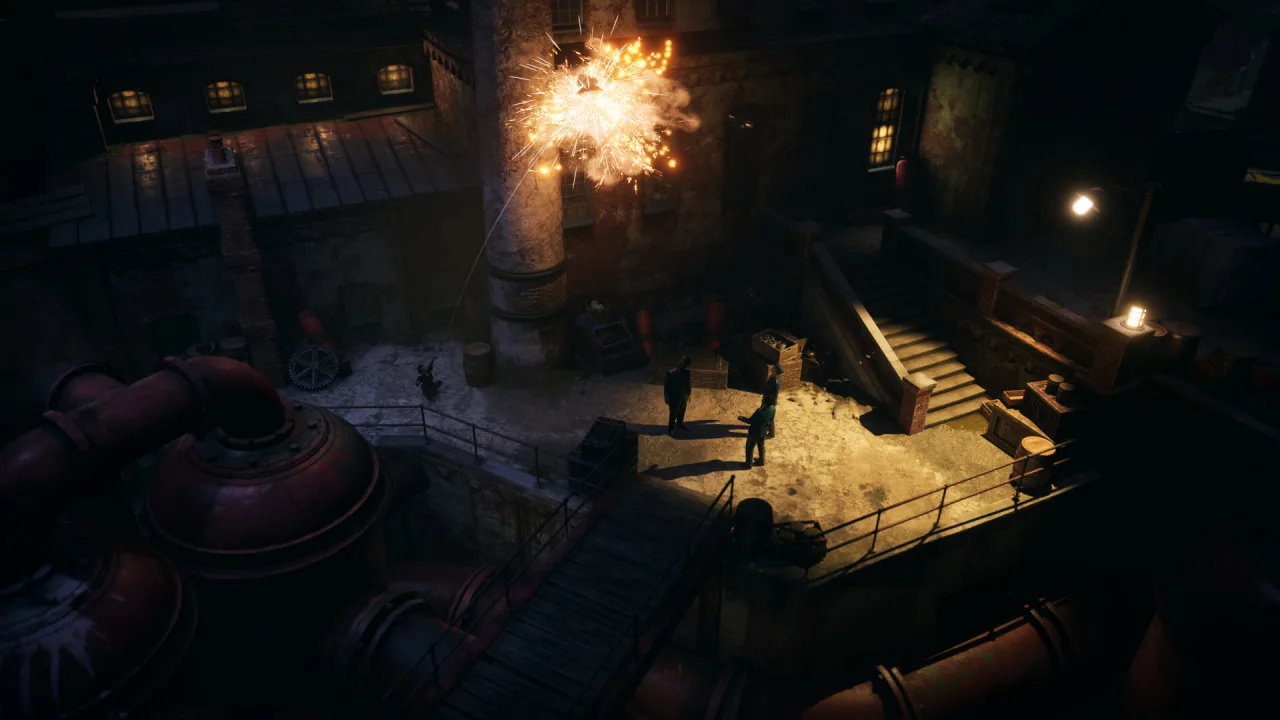
Eriksholm: The Stolen Dream is a classic isometric stealth game backed by an eventful story. It is set in the remarkable city of Eriksholm. The story begins when Hanna's brother goes missing, and the police set off after him while Hanna searches for him herself.
Her search sets off a chain of tragic events that change the heroes' lives and the fate of the whole city forever. Find useful allies, outsmart your enemies and rely on your own wits. Tread carefully, though, because very powerful forces are behind the disappearance. In short, join Hanna on an incredible journey through the bustling streets of a sprawling Nordic city.
The city is modeled on a striking and resilient Scandinavia. Impressive, right? In this world, any shadow can serve as cover, and a new challenge could be waiting around the next corner. Allies and quick decisions together will help you uncover the city's secrets and defeat a powerful foe. There is also room for gorgeous scenery and a gripping story.
Key Features
- Play as any of three unique characters
- Discover new areas, solve mysteries and outwit your enemies
- Use environmental clues and work your way out of tough situations
- The beautiful yet harsh world of Eriksholm




0 Comments