
Fingun Forever! is a colorful side-scrolling arcade shooter where you have to fight your way through a crazy anime-inspired world to rescue your kidnapped girlfriend. Casino Karen and her army of giant anime girls are behind the trouble, and it is up to you to stop them. Grab your weapon and get ready for nine action-packed stages filled with strange enemies and huge boss fights. The game mixes fast shooting with cheeky adult humor, giving the adventure its own wild style.
Fight Through Nine Colorful Stages
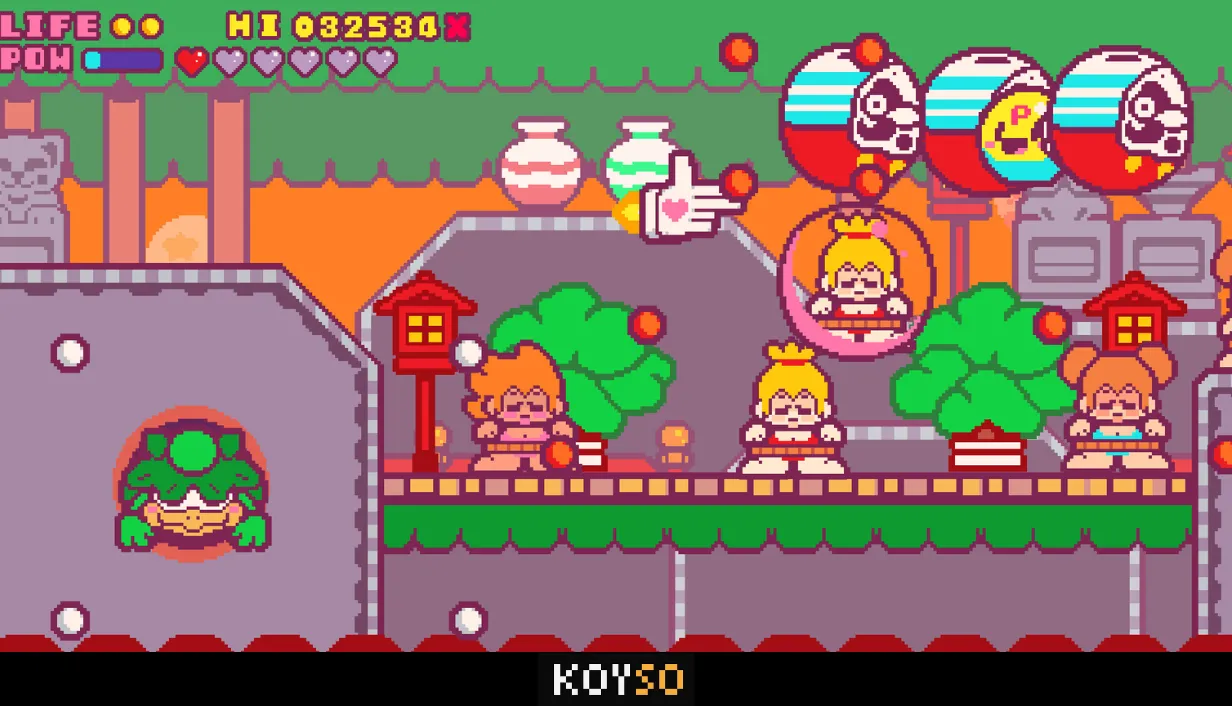
In Fingun Forever!, each stage brings another group of enemies between you and your goal. You move through bright pixel-art settings while shooting your way past the strange creatures that stand in your path. The action keeps moving as you face bigger threats and work toward the next boss.
The game also includes different routes and endings, so your adventure can change depending on the path you take. With plenty of bosses to face, you will need to stay alert and keep firing if you want to make it through every stage. There are also hidden surprises for players who want to explore beyond the main path.
Take on Giant Anime Bosses
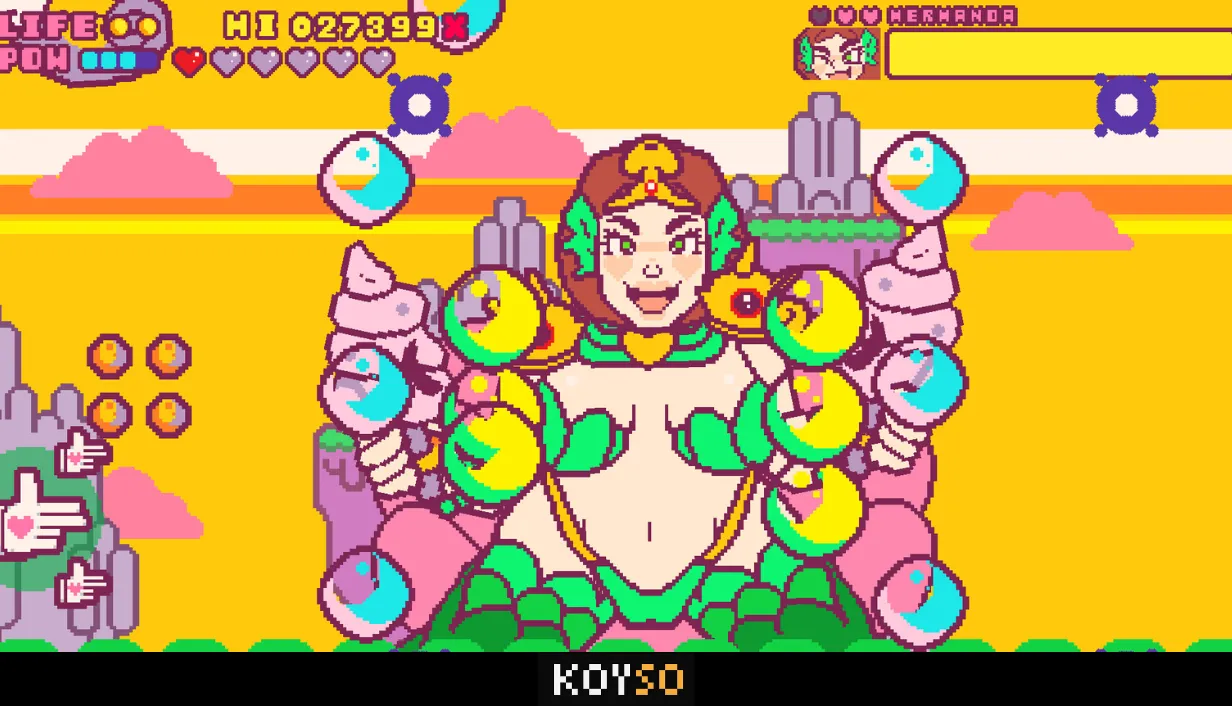
Boss fights are a major part of Fingun Forever!. The game features 32 unusual bosses, including giant anime characters and strange monsters. Each encounter adds another challenge to your run, keeping the action from feeling the same all the way through.
The game's adult humor is also part of its combat style. Defeating certain anime enemies unlocks cheeky artwork, giving you another reason to keep progressing. If you manage to work your way through the main stages, there is also a secret boss waiting for players who want an extra challenge.
Pixel Art With a Bright Anime Style
Fingun Forever! uses chunky pixel art to give its characters and environments a bold arcade look. The bright colors help each stage stand out, while the oversized bosses make the action even more ridiculous. The visual style keeps the game playful even when the screen is full of enemies.
The soundtrack adds more energy to the action. Levi Bond and the DBXY collective return with 18 new tracks inspired by J-pop and electronic music. The music fits the fast pace of the shooter and helps give each run its own lively feel.
Fingun Forever! Game Features
Nine Stages: Battle through colorful levels filled with enemies and surprises.
32 Bosses: Take on giant anime characters and unusual monsters.
Multiple Routes: Discover different paths and endings during your runs.
Pixel Art Gallery: Unlock extra artwork as you make progress.
24 Challenges: Complete optional tasks and in-game achievements.
Secret Boss: Find an extra opponent hidden beyond the regular challenges.
18 New Songs: Enjoy a soundtrack inspired by J-pop and electronic music.
Arcade Shooting: Use your weapon to clear stages and defeat powerful enemies.
If you enjoy fast arcade shooters with bold pixel art and over-the-top anime humor, Fingun Forever! offers a pretty wild ride. Fight through all nine stages, take on the bosses, and see which secrets you can unlock. Use the link below to download the full Fingun Forever! game for PC, get the pre-installed version, or choose the torrent download option.
More PC Games Download


0 Comments