
Everyone dreams of running their own castle, but very few realize just how hard that can be. If you want to see what you're capable of, you can download Going Medieval for free and find out. The game hands you a small settlement that you have to turn into a huge castle with defensive walls, taverns, homes and a private army to protect it all. To pull that off, you need to distribute resources wisely, manage the laws and do your best to meet your people's needs. An unforgettable and fairly dangerous adventure lies ahead, made for true fans of management and strategy.
Big prospects
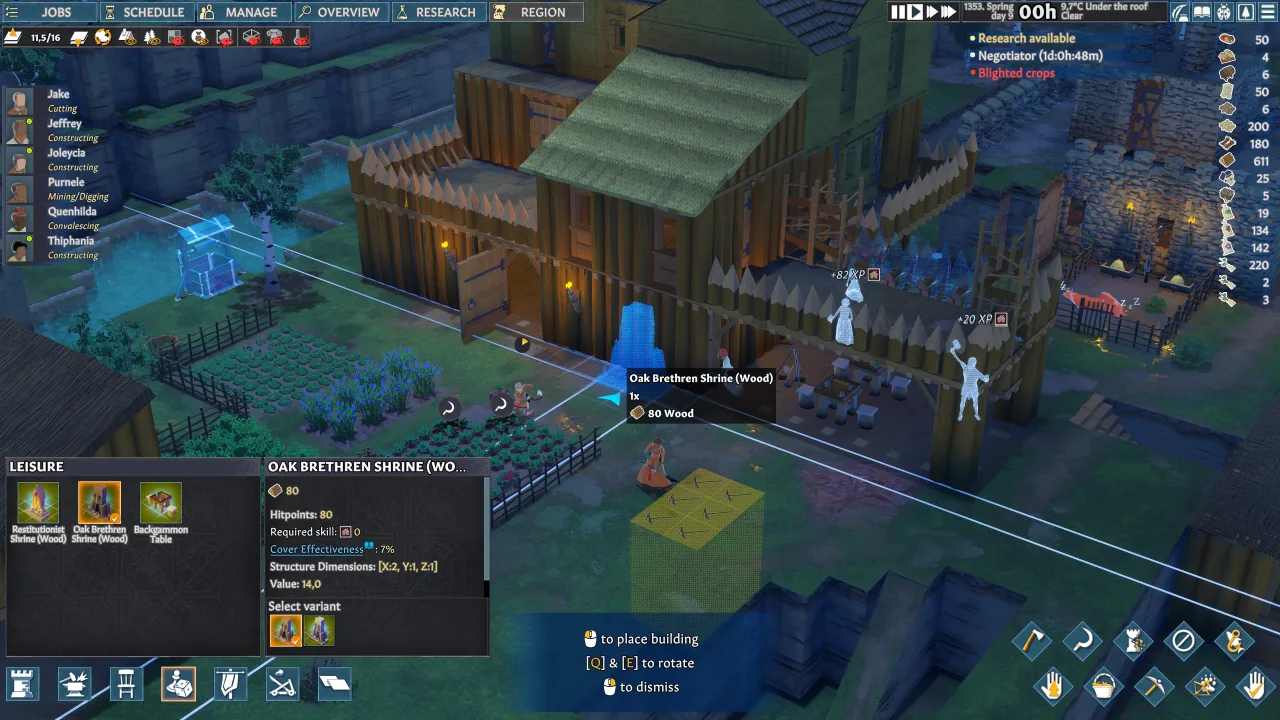
The game's biggest strength is its fairly simplified graphics, which let it display a huge number of details without any loss in performance. At first it may not seem all that serious, but once you start digging into all the available mechanics, you will realize that running a large settlement takes not only close attention but also careful calculation. And that's before we even get to the fact that you absolutely need an army, since neighboring settlements are sure to notice your success and come after your riches. All that's left is to set off on your adventure. Good luck!
Game features
- Simple graphics designed purely for high performance.
- Lots of options for developing your settlement.
- Combat.
- Direct control over your people.
- Complete freedom to design your buildings.


0 Comments