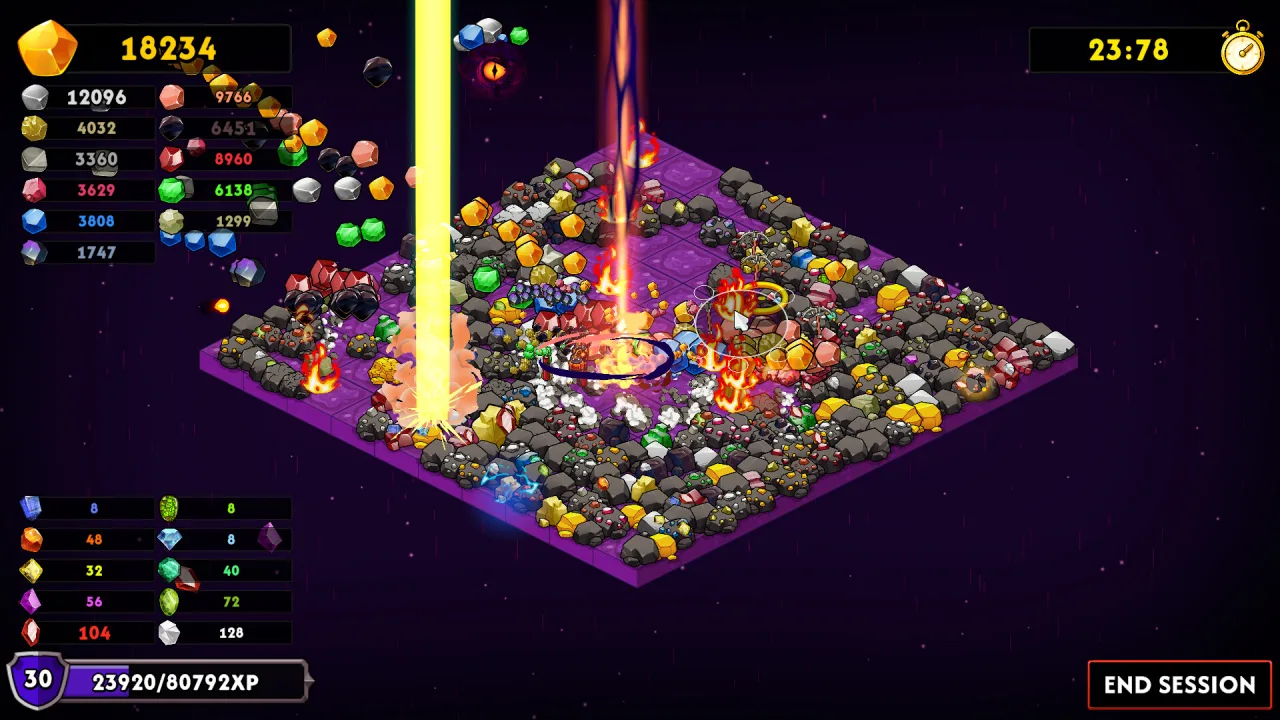
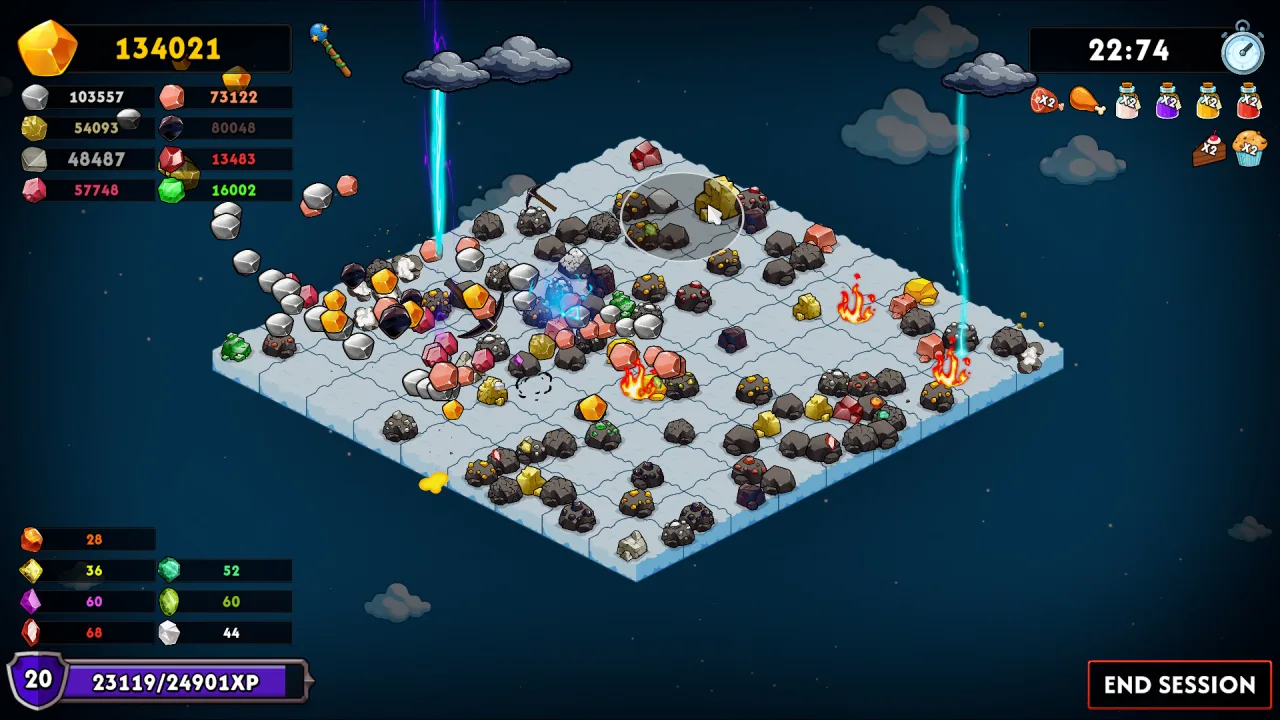
Keep on Mining! - Worlds is an incremental game in which simple rock mining gradually turns into destruction on a massive scale. At first everything feels slow and limited, but as you progress the pace keeps picking up, creating a constant sense of growth. Upgrades stack on top of each other, amplifying their effects and letting you hit more and more powerful results.
Growth Through Destruction
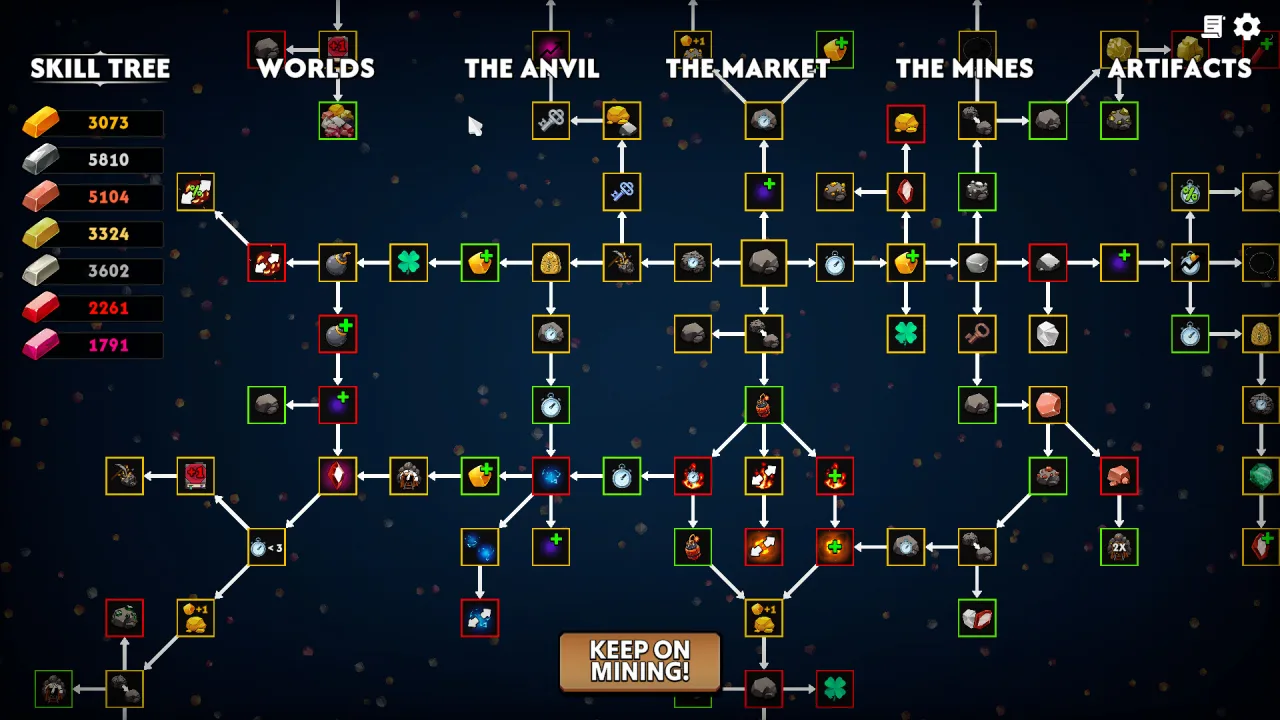
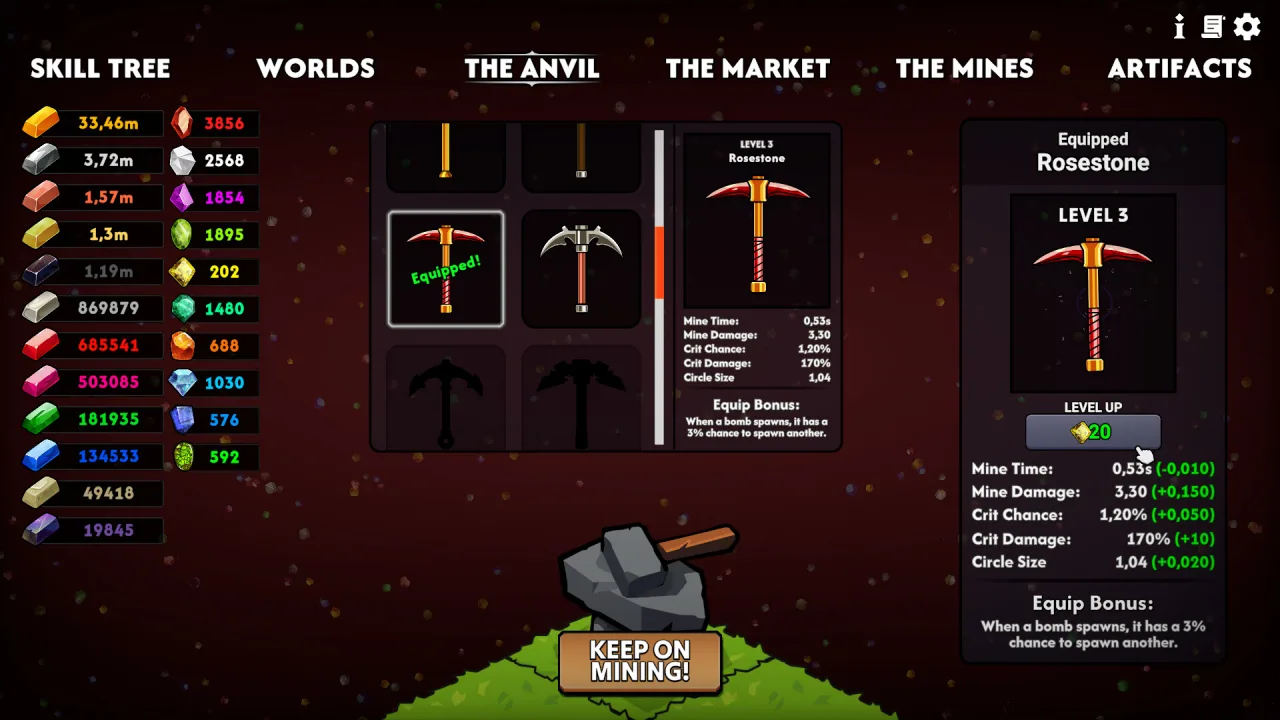
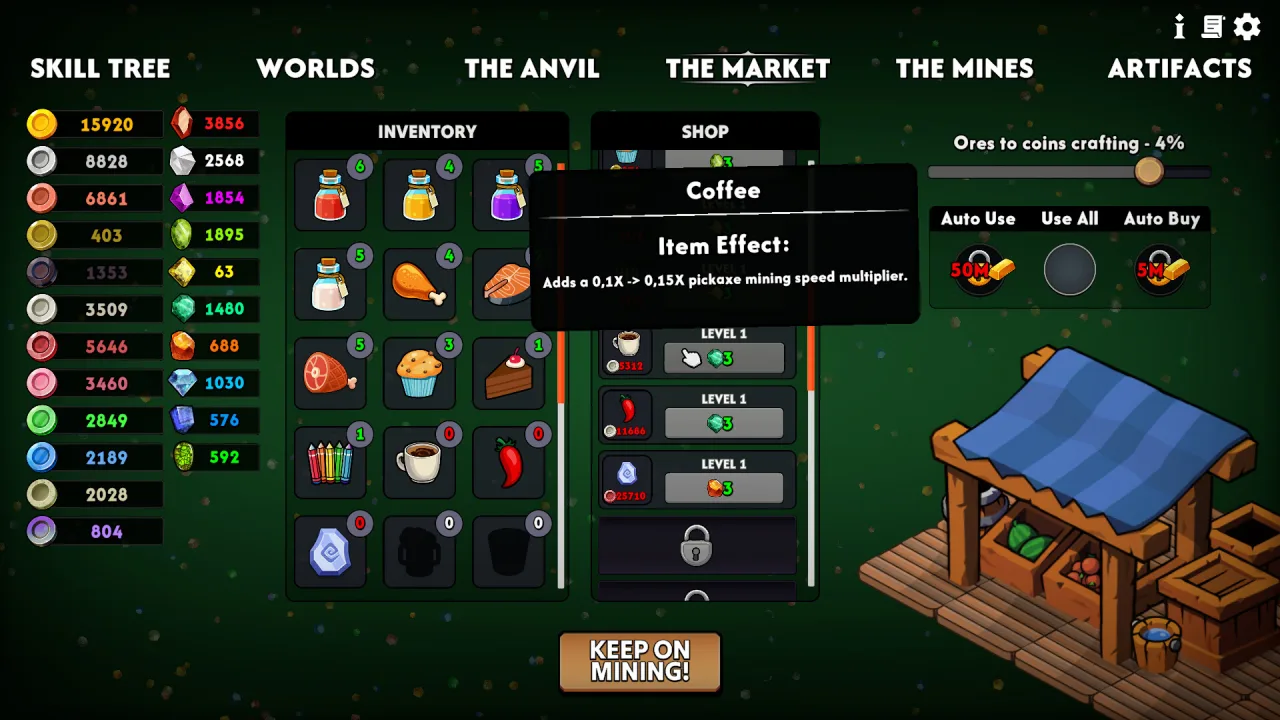
Progress revolves around stockpiling resources and investing them wisely in boosts that directly affect how fast and efficiently you mine. The skill tree opens up dozens of development paths, letting you change your approach and strengthen different aspects of your setup. Over time, destruction becomes a chain reaction in which every upgrade powers up the next and speeds up the whole process.
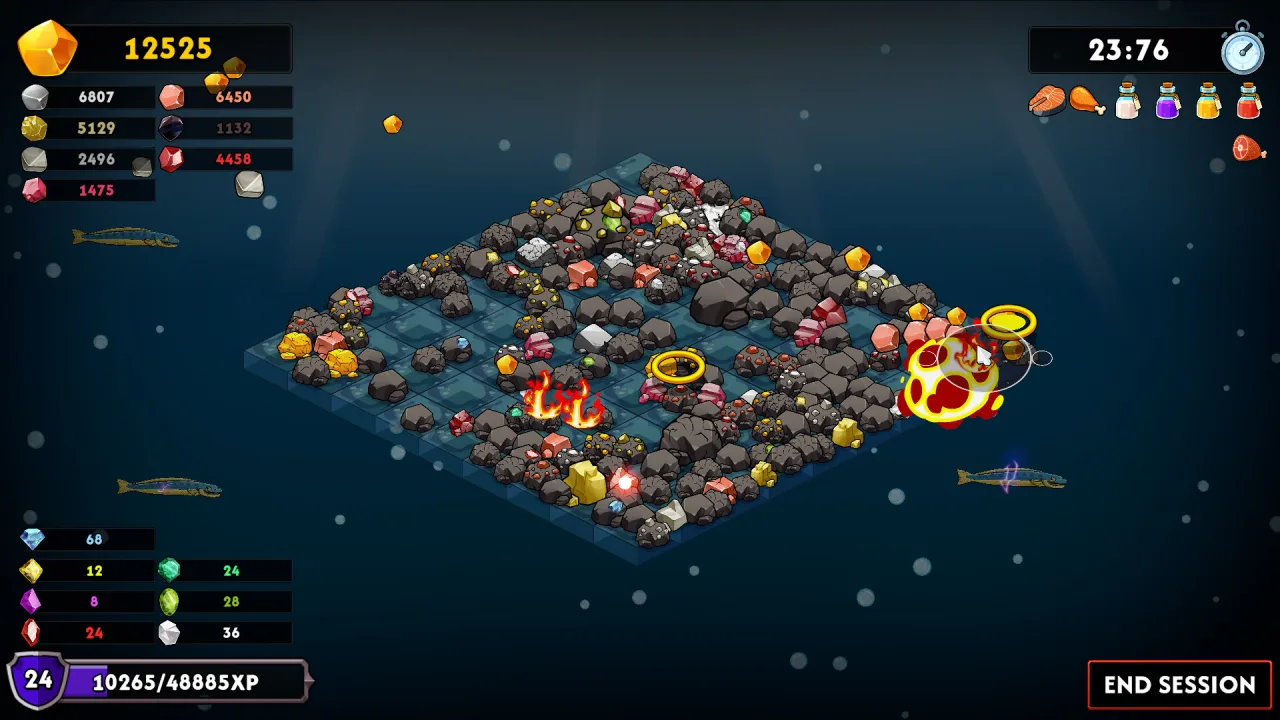
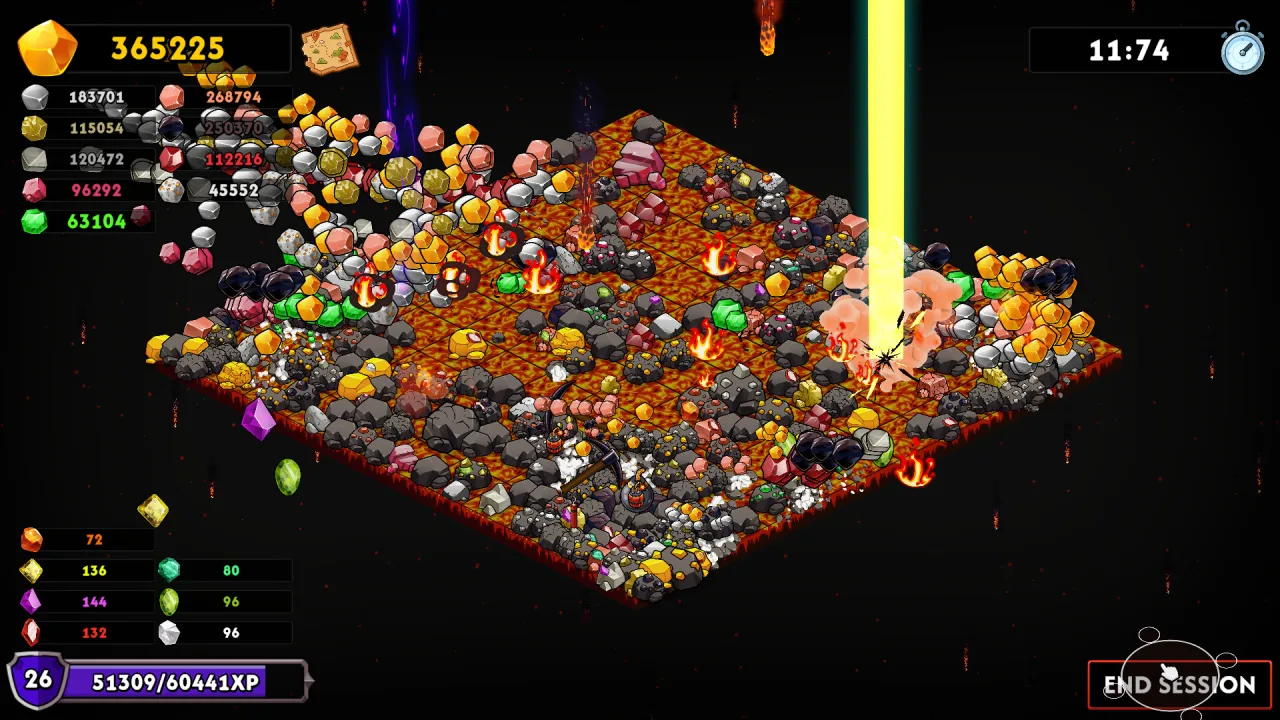
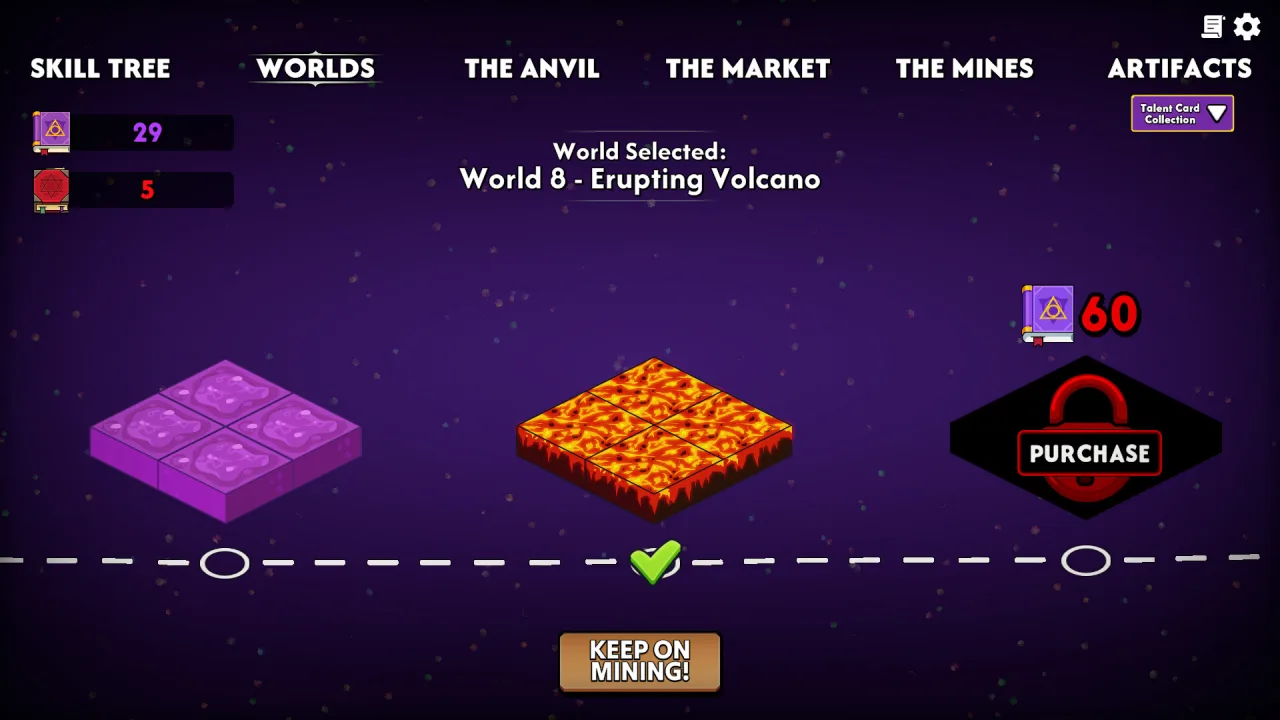
Unlocking new worlds adds another layer of progression, expanding your options and offering new combinations. The talent system lets you pick a direction and shape unique sets of boosts. As time goes on, the game gets deeper, demanding a solid grasp of its mechanics and smart resource allocation to squeeze out the best possible results.
Key Features
- More than 200 upgrades with different effects.
- Several worlds, each with unique features.
- A talent system that lets you choose how you progress.
- Progress that keeps getting faster.
0 Comments