
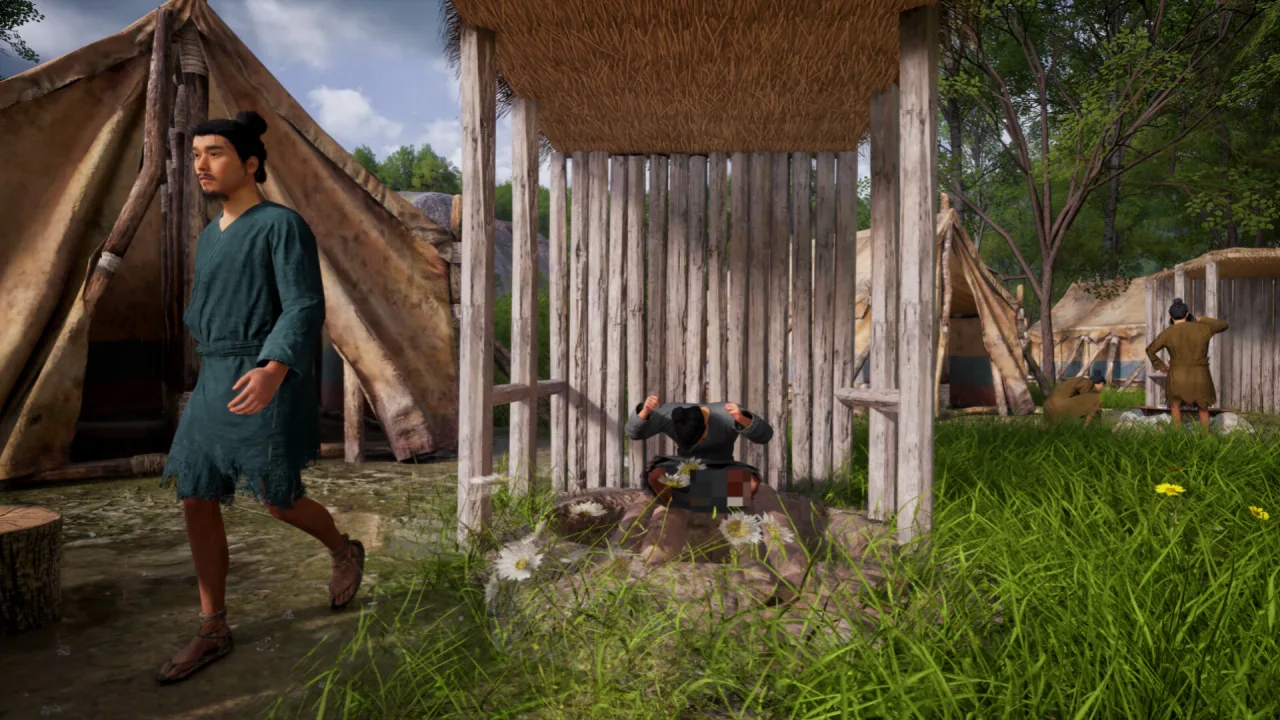
Mandate Order is a simulator about building and running an ancient military fortress in China during the Spring and Autumn and Warring States periods. You design your own city with no grid holding you back, grow farming, mining and manufacturing, appoint advisors and get your army ready for the conflicts that are bound to come. Here the growth of the state is tied directly to military strength: every resource, building and political decision can decide whether your fortress survives the next war.
Raise Your Fortress and Chart the State's Course
Lay out your city freely, putting housing districts, fields, workshops, warehouses and barracks wherever they will do the most good. The production chain follows the seasons: sowing begins in spring, the crops need tending through summer, autumn brings the harvest and in winter you live off whatever you have stored. Weather and the yearly cycle shape the economy, supplies and army training, so growing your settlement takes long-term planning.
Advisors are a key part of running the state and let you draw on the ideas of ancient China's different schools of philosophy. Recruit followers of Confucianism, Taoism, Mohism and Legalism, as well as the military and agrarian schools, assign them to the posts that suit them and weigh their influence when making decisions. Diplomacy can also change where your realm stands: forge alliances, negotiate truces, build up trade or team up with your neighbors against a more dangerous enemy.
Key Features
- Free-form, gridless construction of an ancient fortress city.
- Seasonal farming, production and stockpile management.
- Advisors drawn from the various philosophical schools of ancient China.
- Tactical battles and multi-layered fortress defense.




0 Comments