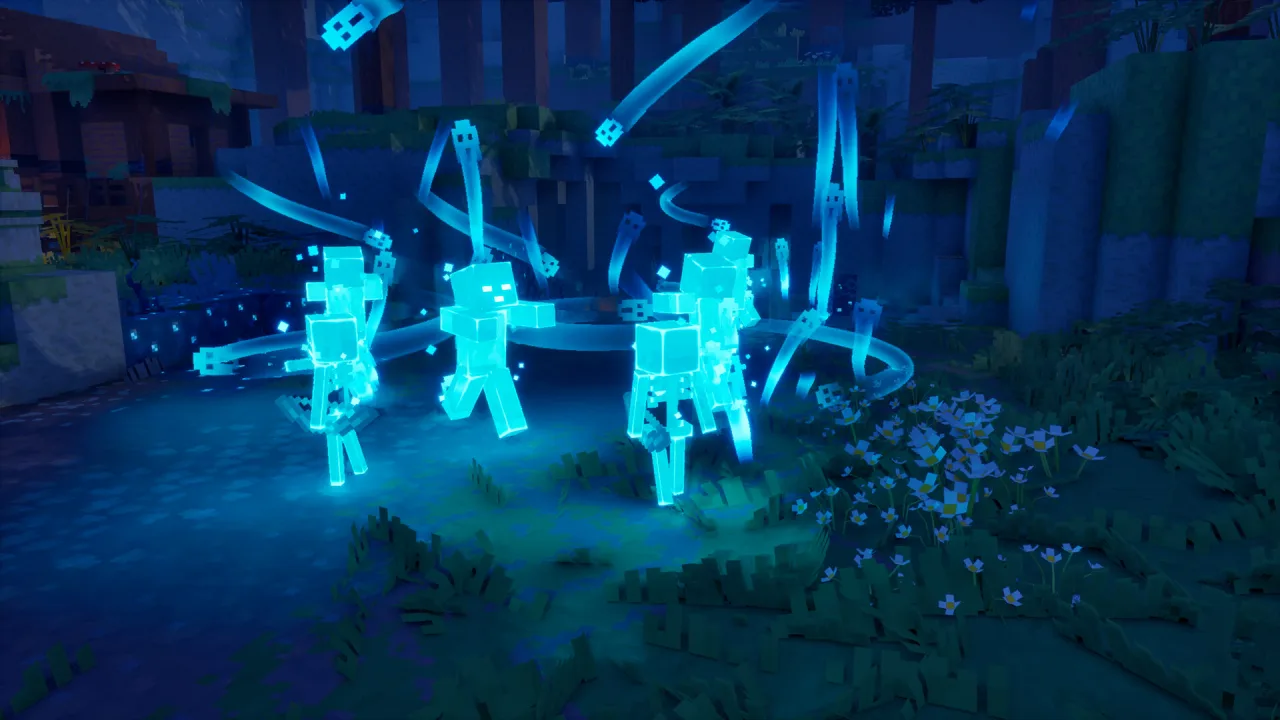
Minecraft Dungeons II is a top-down action adventure that brings you back to a familiar world to face a brand-new threat. Danger is spreading from region to region, and it is up to you to stop the chaos before it takes over. Your journey leads through a variety of zones packed with enemies and challenges, with the main focus on combat, character progression and playing through it together with allies. You can download Minecraft Dungeons II for free and start clearing the dungeons of monsters right now.
Constant Pressure in Every Fight
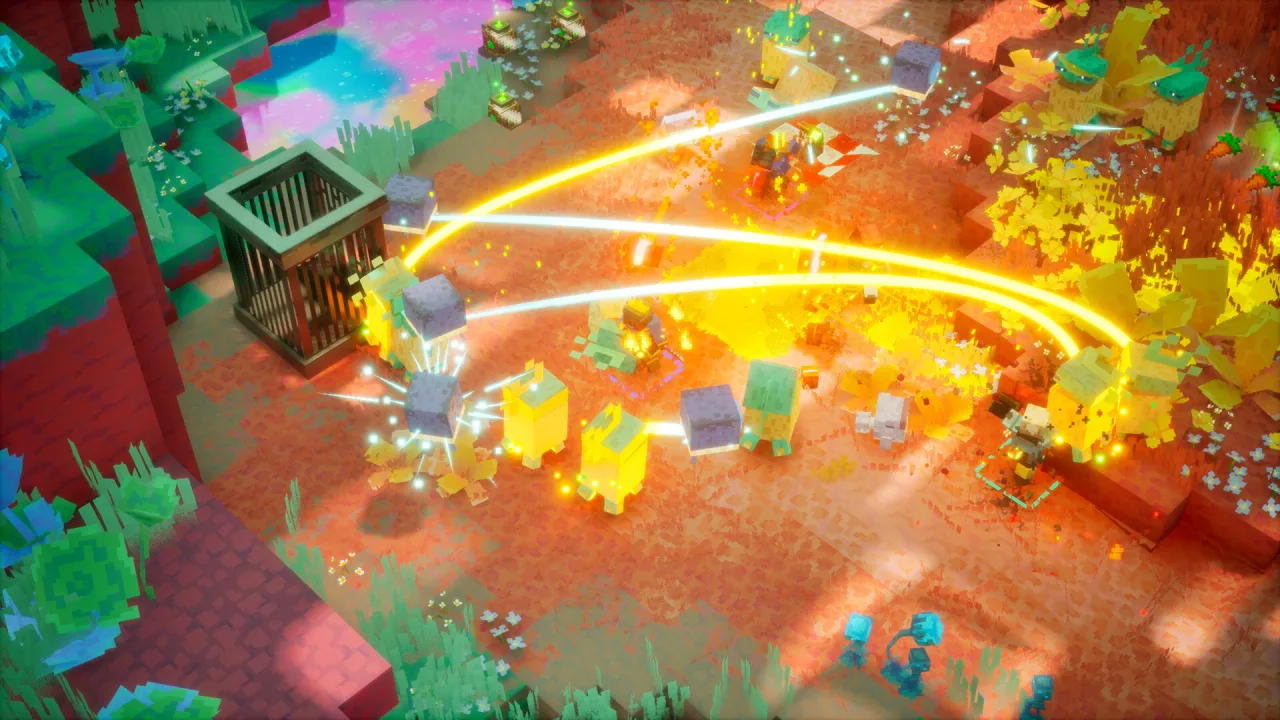
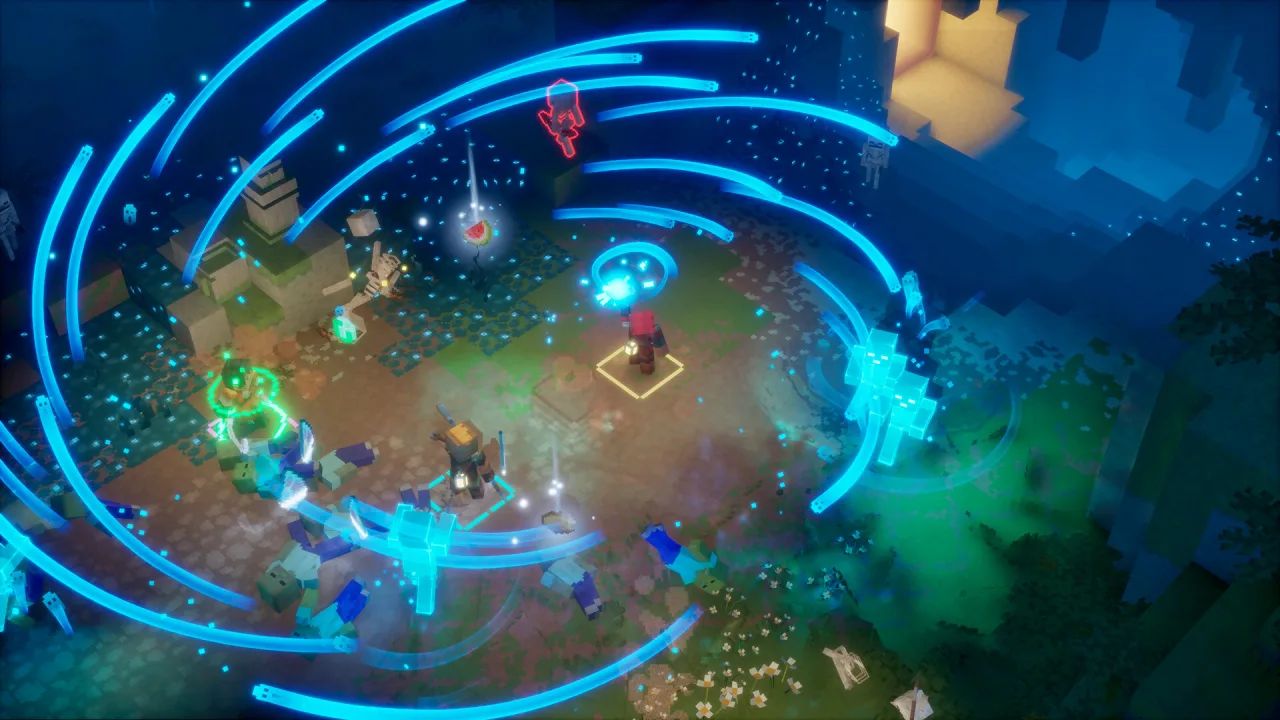
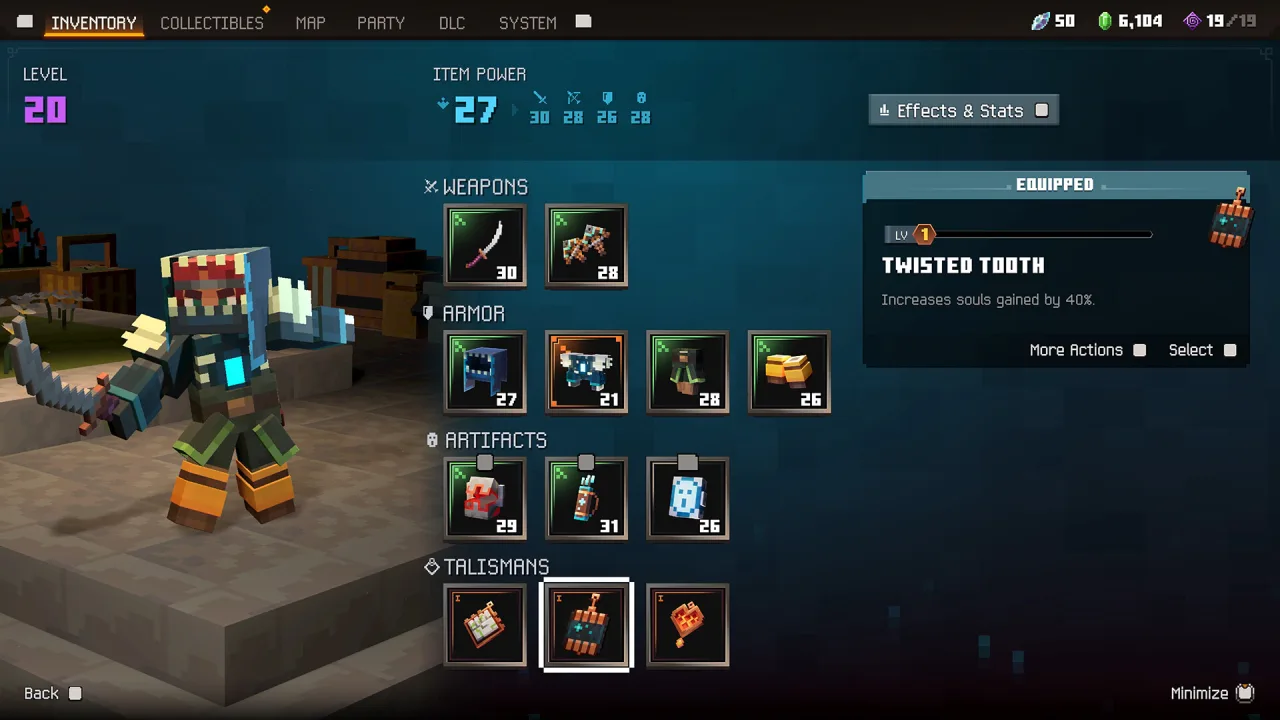
Battles move at a brisk pace and demand constant movement and precise use of your abilities. Enemies attack in groups, piling on the pressure and forcing you to look for safe positions. Weapons and artifacts let you switch up your fighting style, combine effects and adapt to whatever situation the battlefield throws at you.
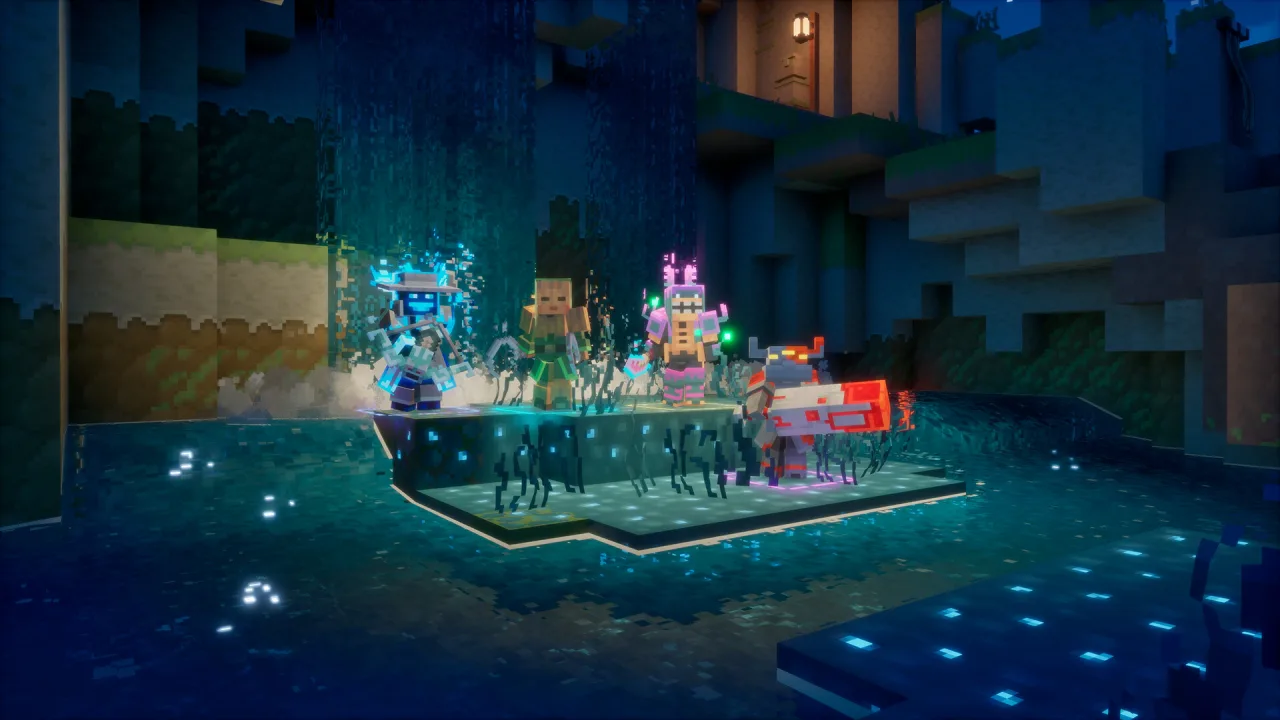
Pushing forward unlocks new areas and makes your character stronger. Upgrades to your gear and skills let you take on tougher challenges, while co-op play lets you split up roles and work as a coordinated team. The difficulty ramps up steadily, calling for better teamwork and a more thoughtful approach to every fight.
Key Features
- Co-op play with allies.
- Fast-paced battles against waves of enemies.
- A wide variety of weapons and artifacts.
- New locations to explore.
- New biomes, bosses and secret areas.



0 Comments