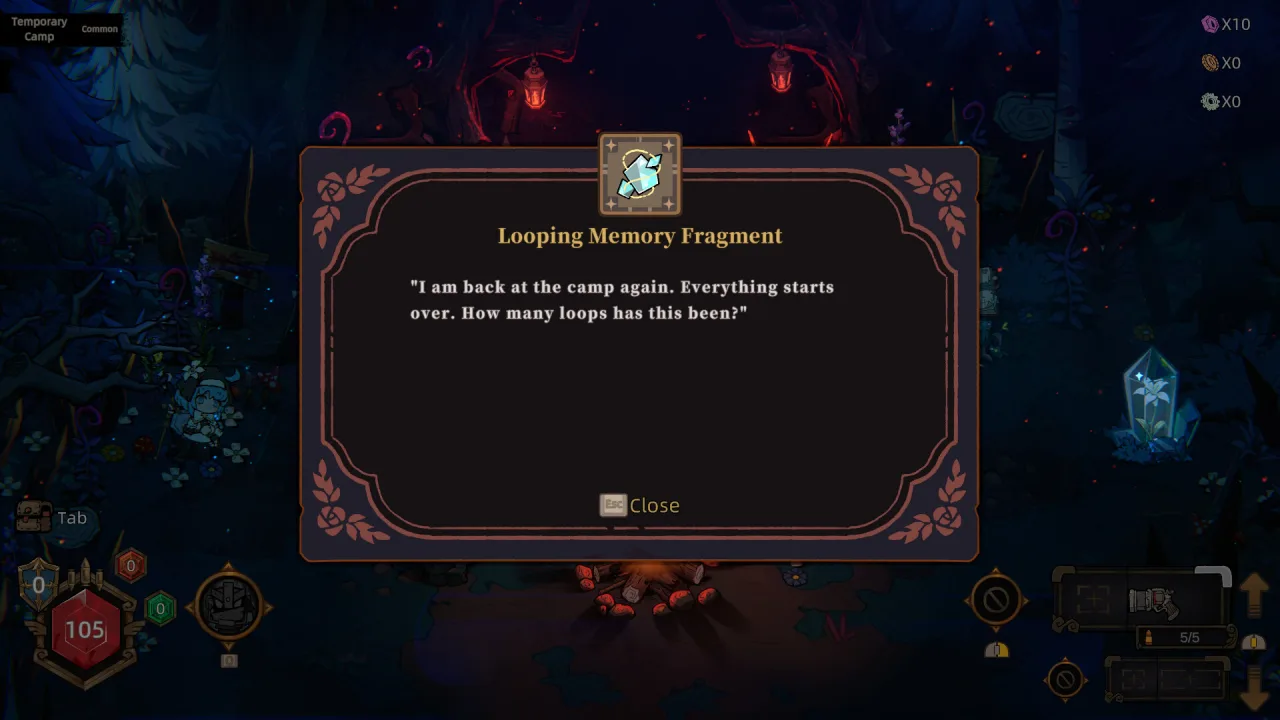
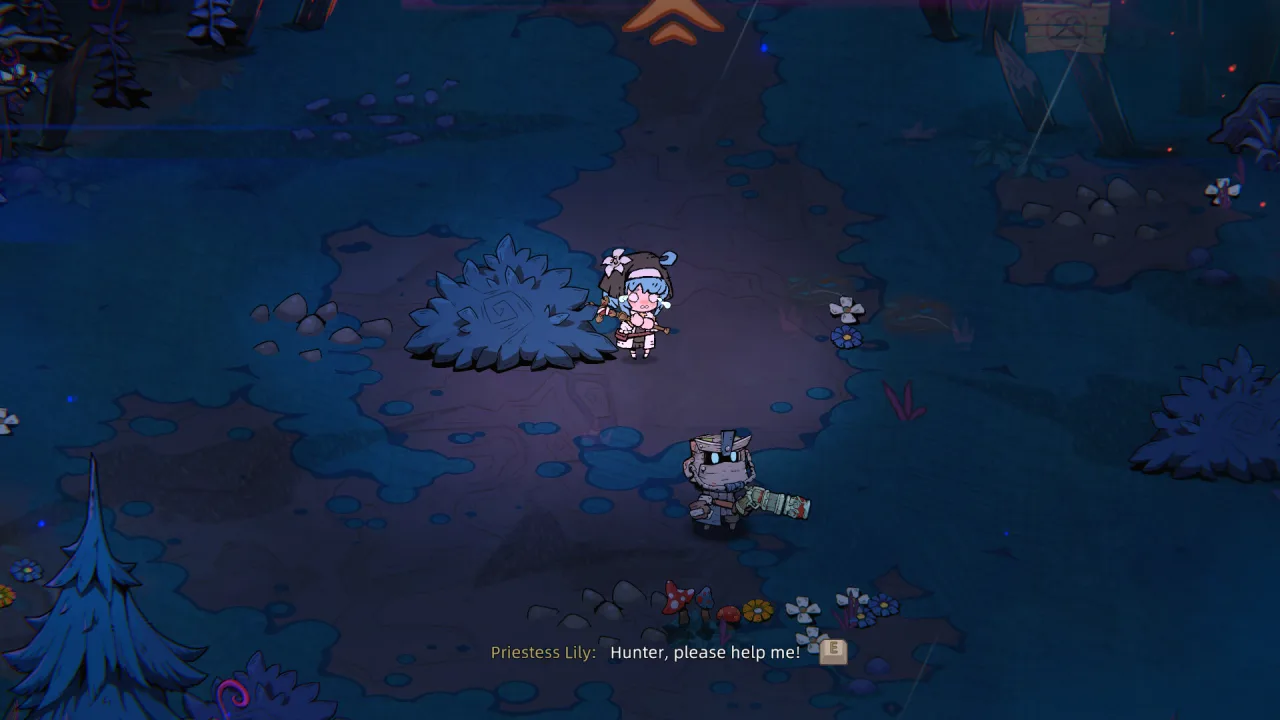
Pass the Fear is a crazy co-op action game about a motley crew trapped on a cursed island. A knight with an iron bucket on his head, an explosive cutie, a one-eyed old man, a financial genius and a mysterious nun are all terrified of dying, but there is no time to be scared. They have twelve hours left to escape, and on the shore they run into the impenetrable Storm Wall.
Weapons Without Rules
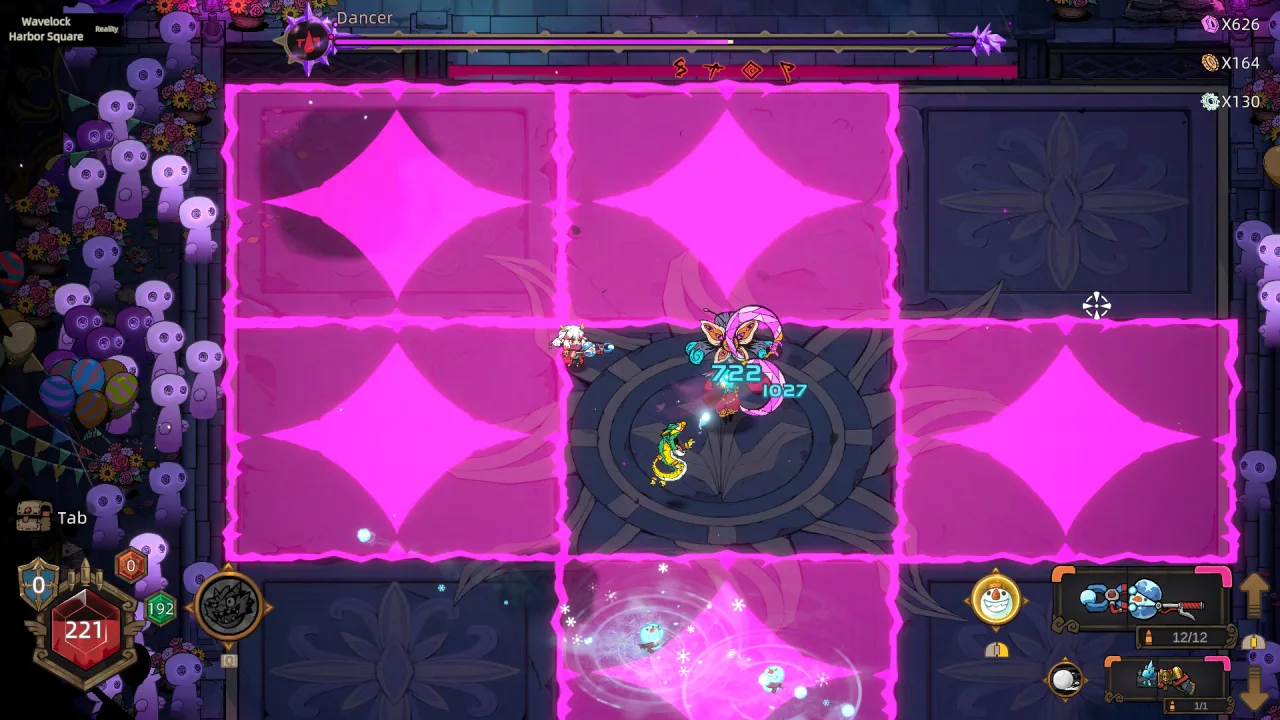
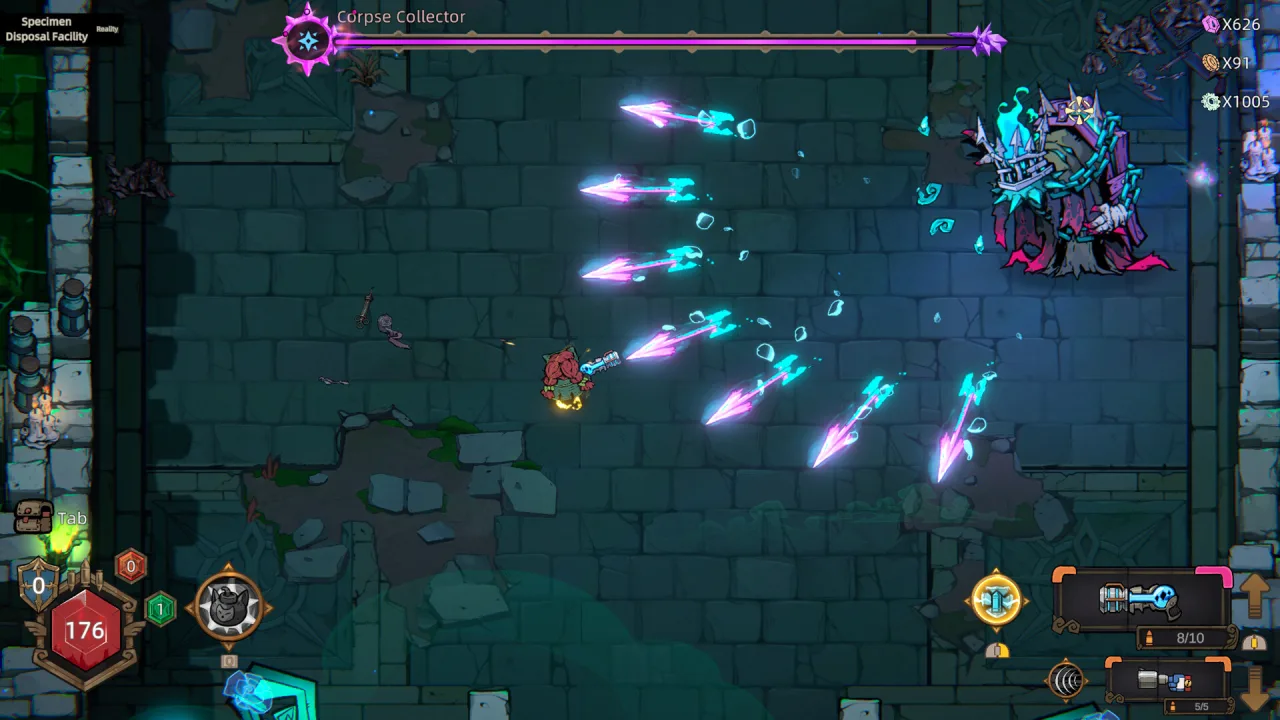
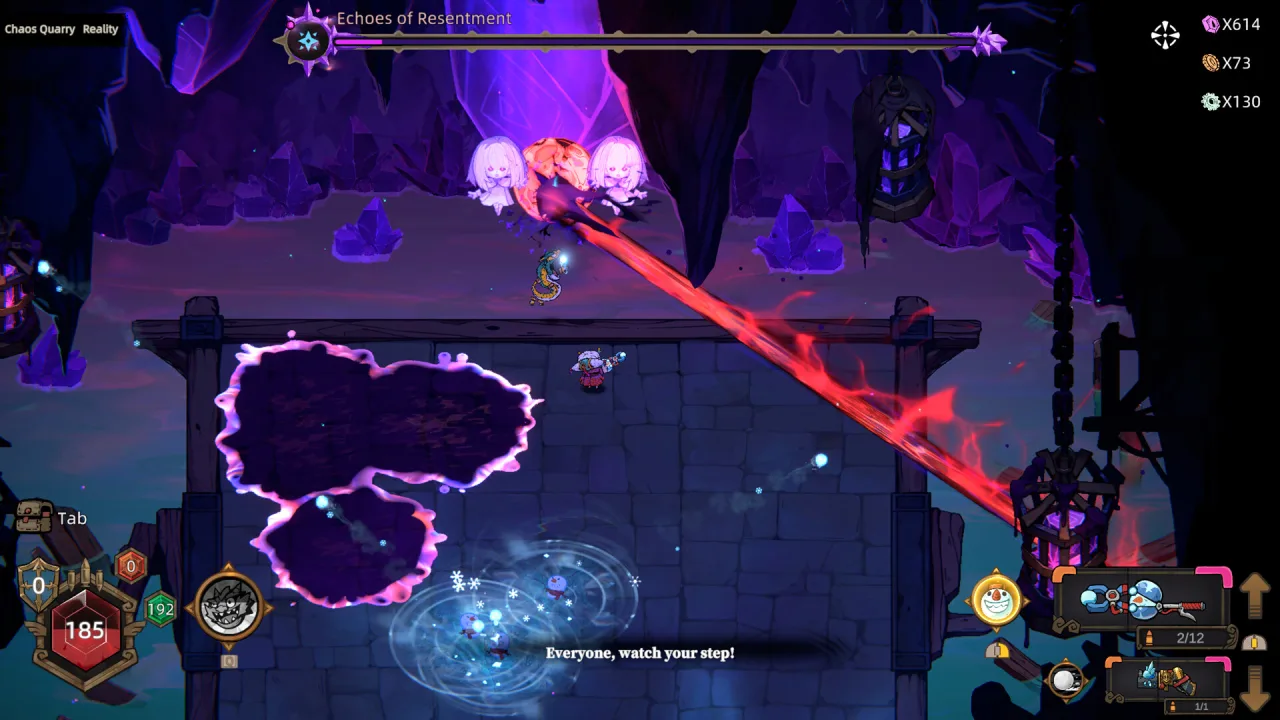
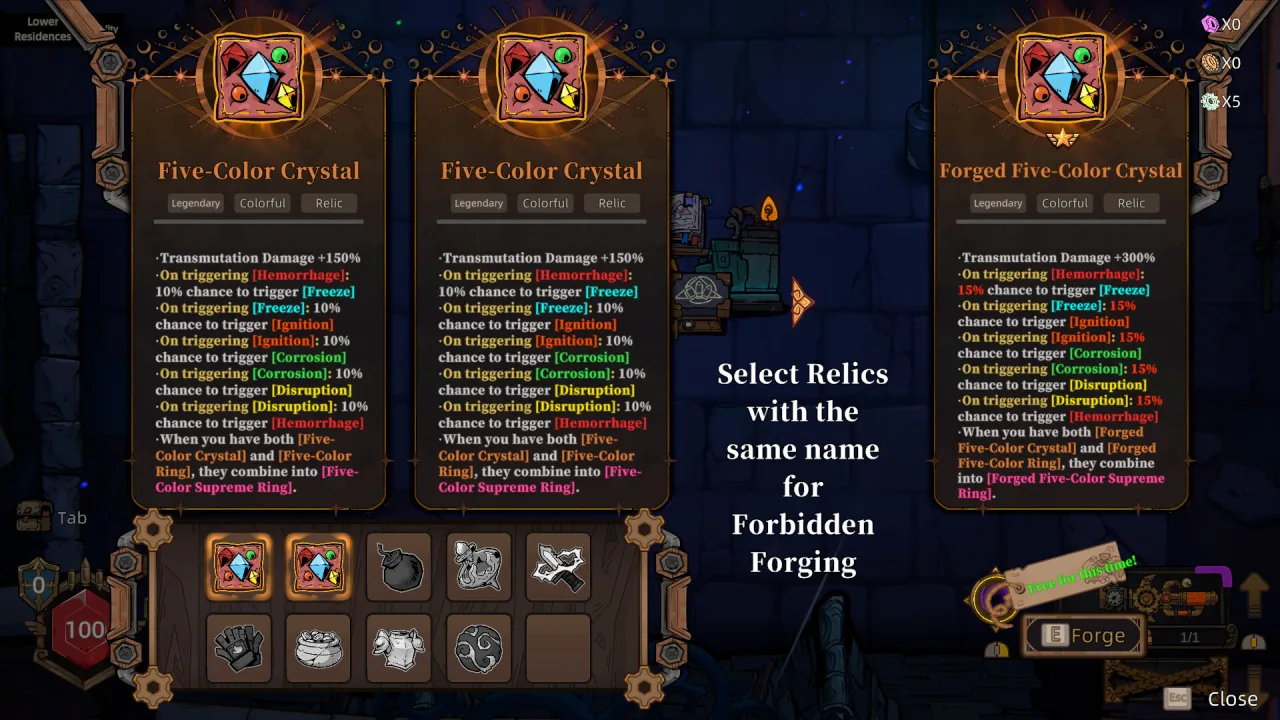
Every find turns into an experiment. Exotic guns, elemental barrels, relics and Tarot cards let you change how your shots behave and amplify their effects. You can fold bullet trajectories into a fireworks display or put together a combo for a devastating blow. The meta is never fixed; everything comes down to how you combine properties and affixes.
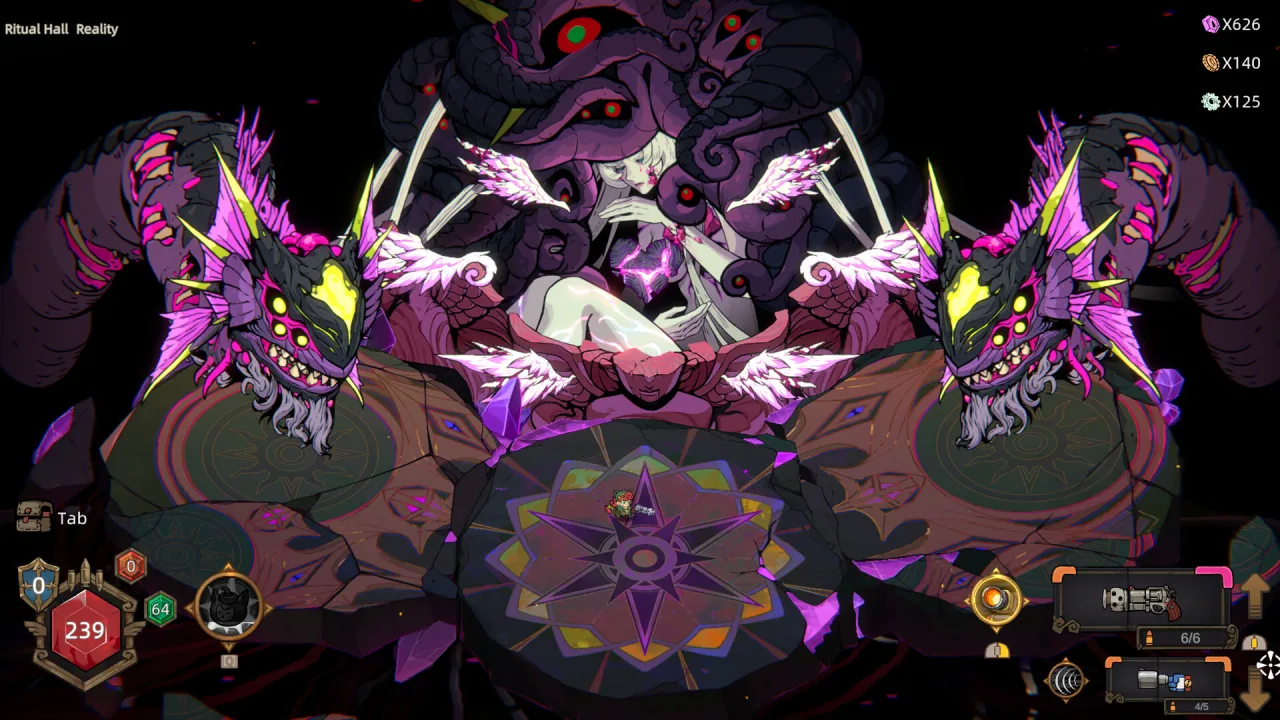
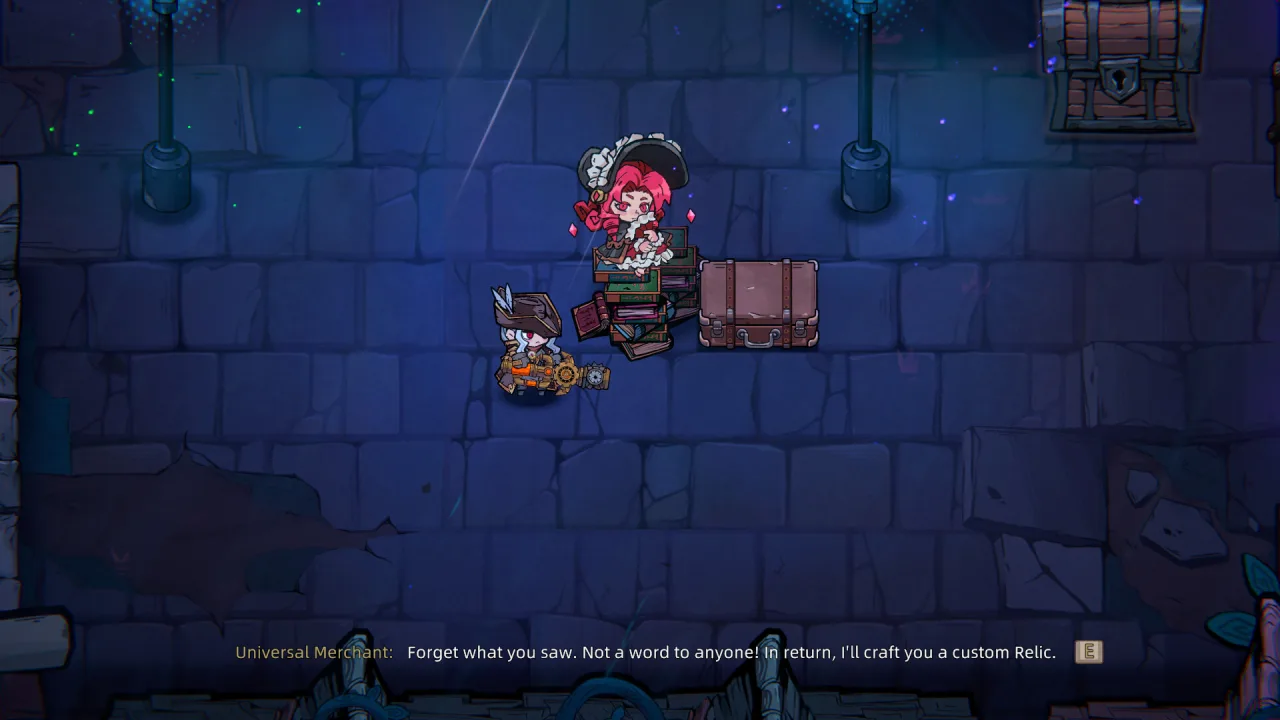
As you progress, you unlock character talents and squad bonuses. Even the "junk" scattered around the field may turn out to be part of the island's hidden history. Monsters multiply, aggro and item-trading mechanics add tension, and behind all the chaos a conspiracy hidden beyond the Storm Wall slowly comes into view.
Key Features
- Five unique heroes with different combat styles.
- A deep affix system with no fixed meta.
- Combine relics and elemental effects.
- An island mystery that unfolds through your discoveries.
0 Comments