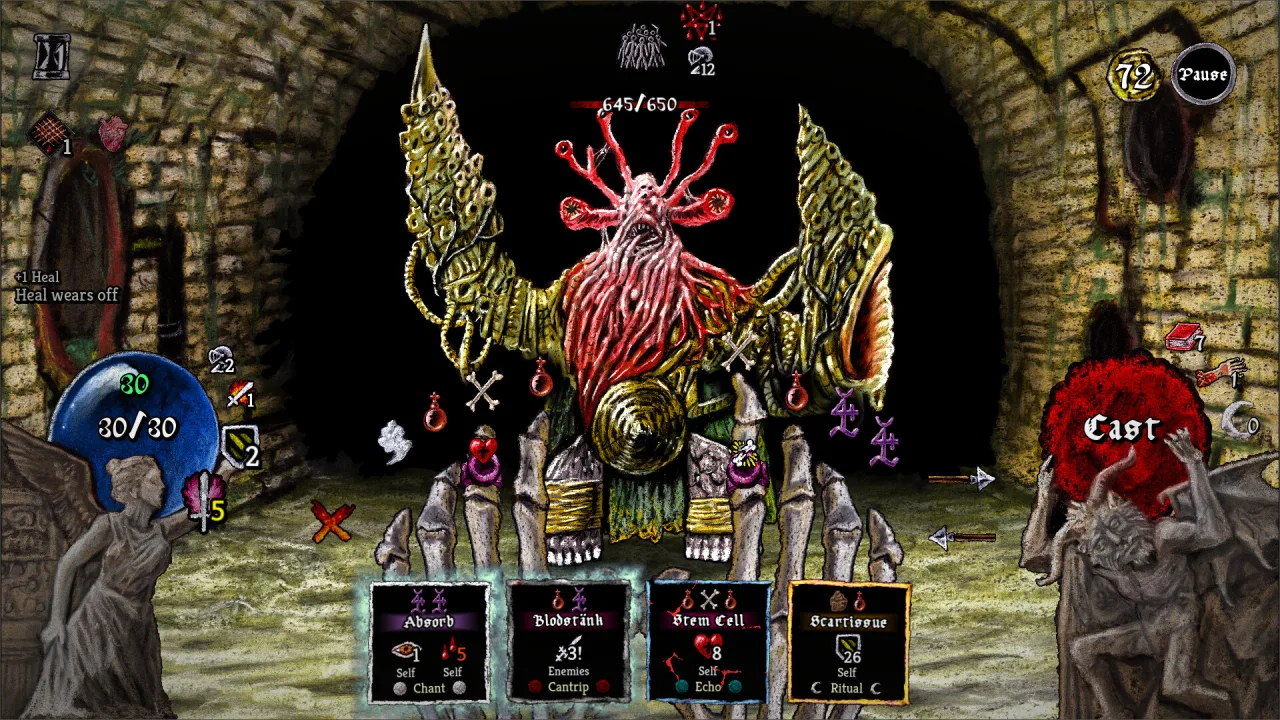
Pluto is a roguelike deckbuilder about a wizard trying to escape from prison in time for his niece's birthday. He's nothing like a chosen one: he's anxious, exhausted and stuck working with whatever spells he can remember on the run. His path leads through hostile lands full of dangers and creatures that react to every magical move he makes.
Spellcasting as Tactics
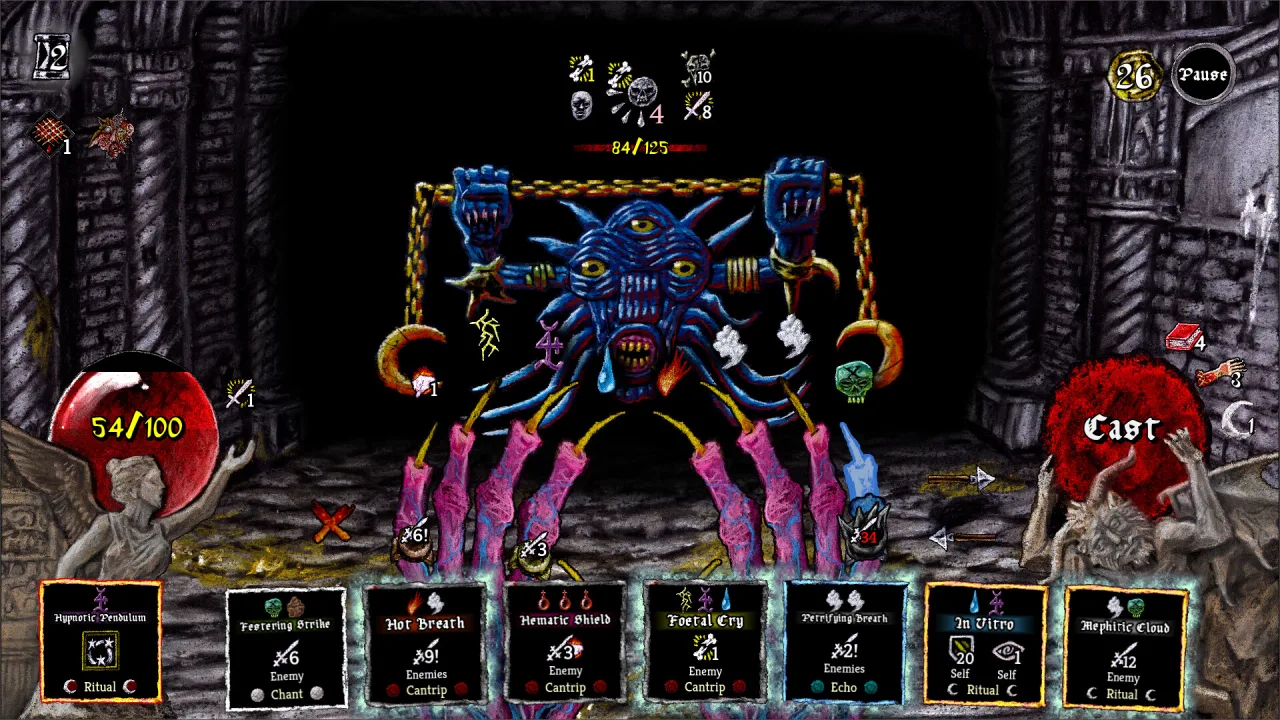
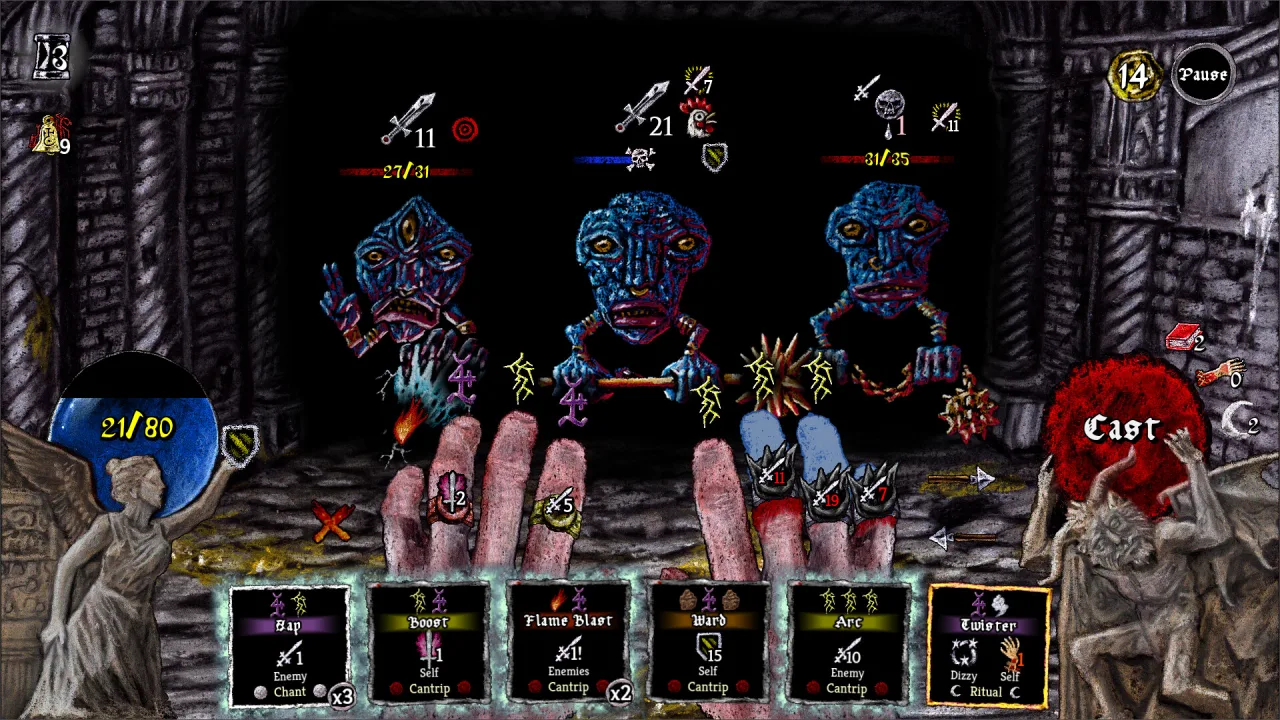
Every turn is about building patterns, making hand gestures and trying to put together the perfect combination of elements. Spells are formed from combinations of lines that you draw yourself. Mistakes lead to weak effects, while precise movements unleash devastating bursts of power. Experimenting reveals new ways for the elements to interact.
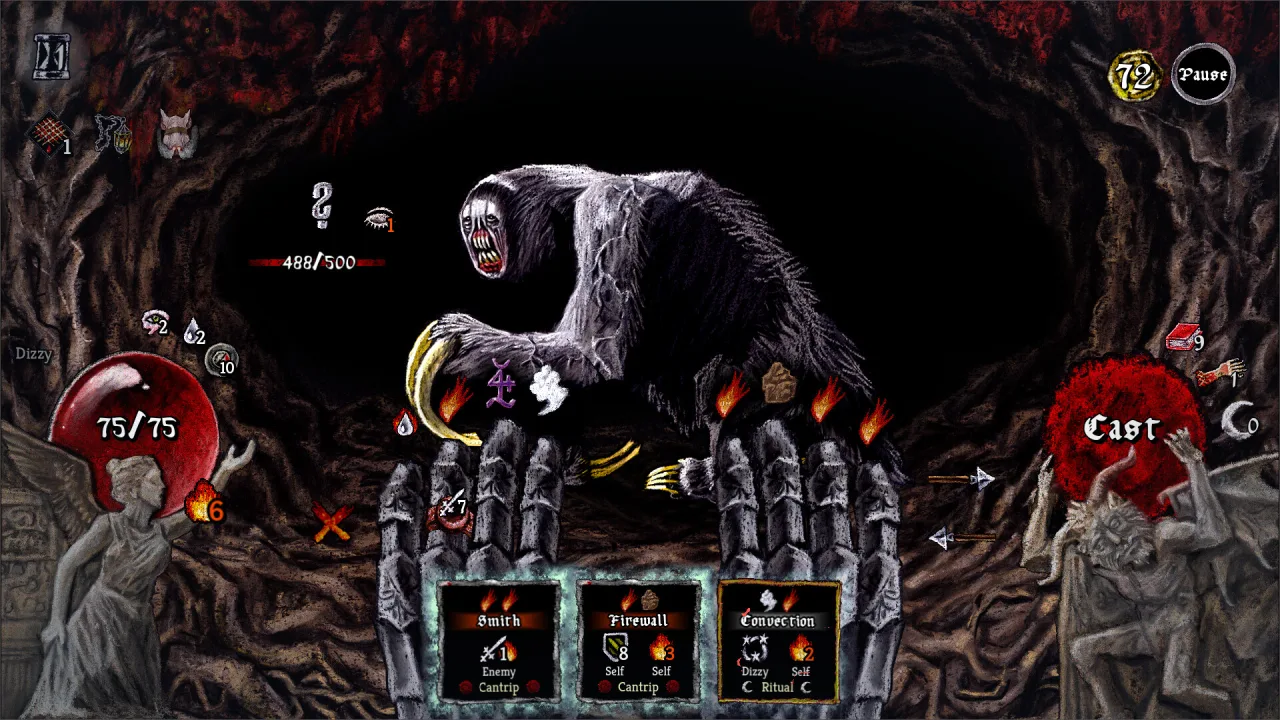
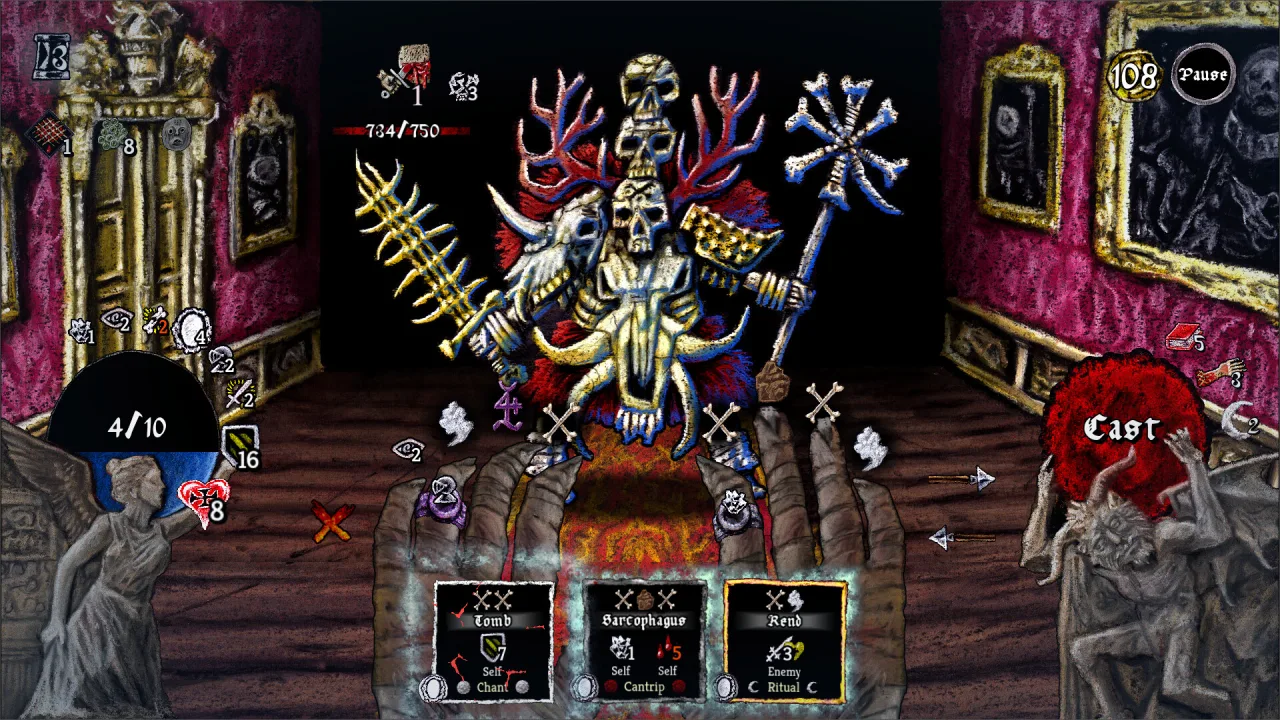
As you progress, you run into absurd monsters, cursed ruins and jailers trying to drag the fugitive back. The world is hand-drawn and full of oddities. Runs are short but packed: discoveries, unexpected synergies and new characters create a rhythm where choices matter more than memorization. The wizard is determined to make it to the party, but the road is full of traps.
Key Features
- Gesture-based spellcasting with a focus on tactical decisions.
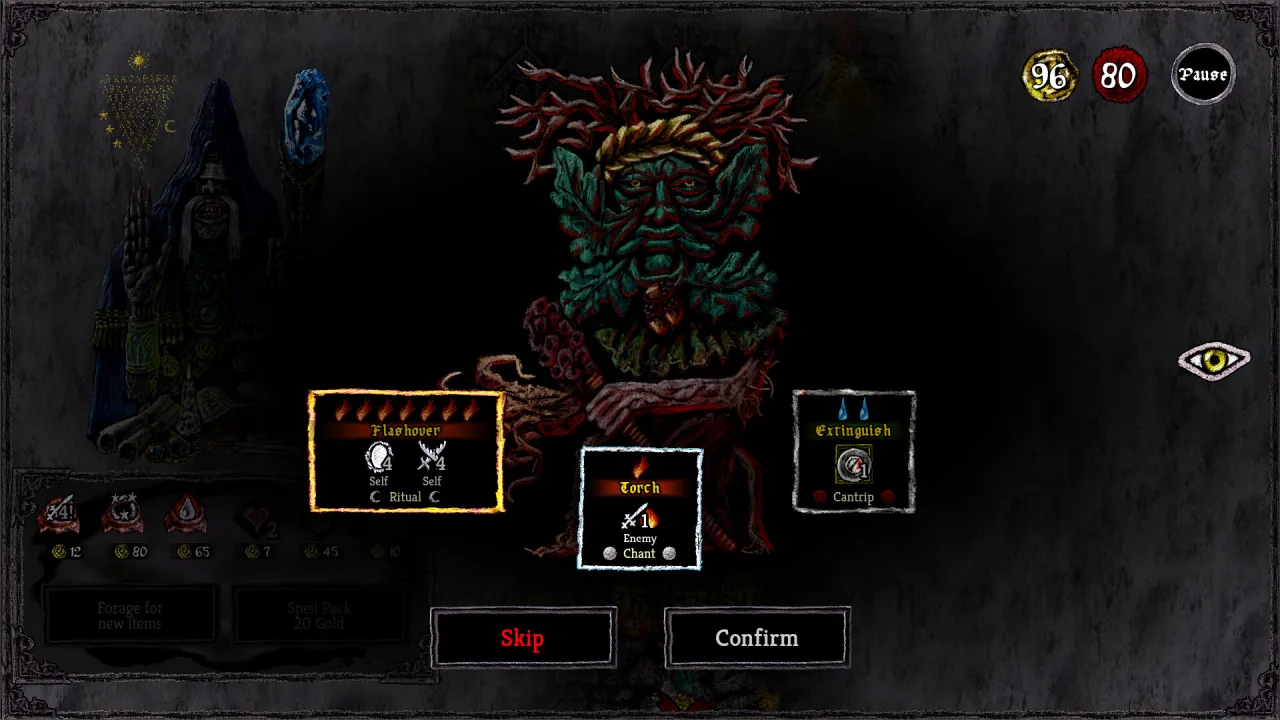
- Spells formed from elemental patterns.
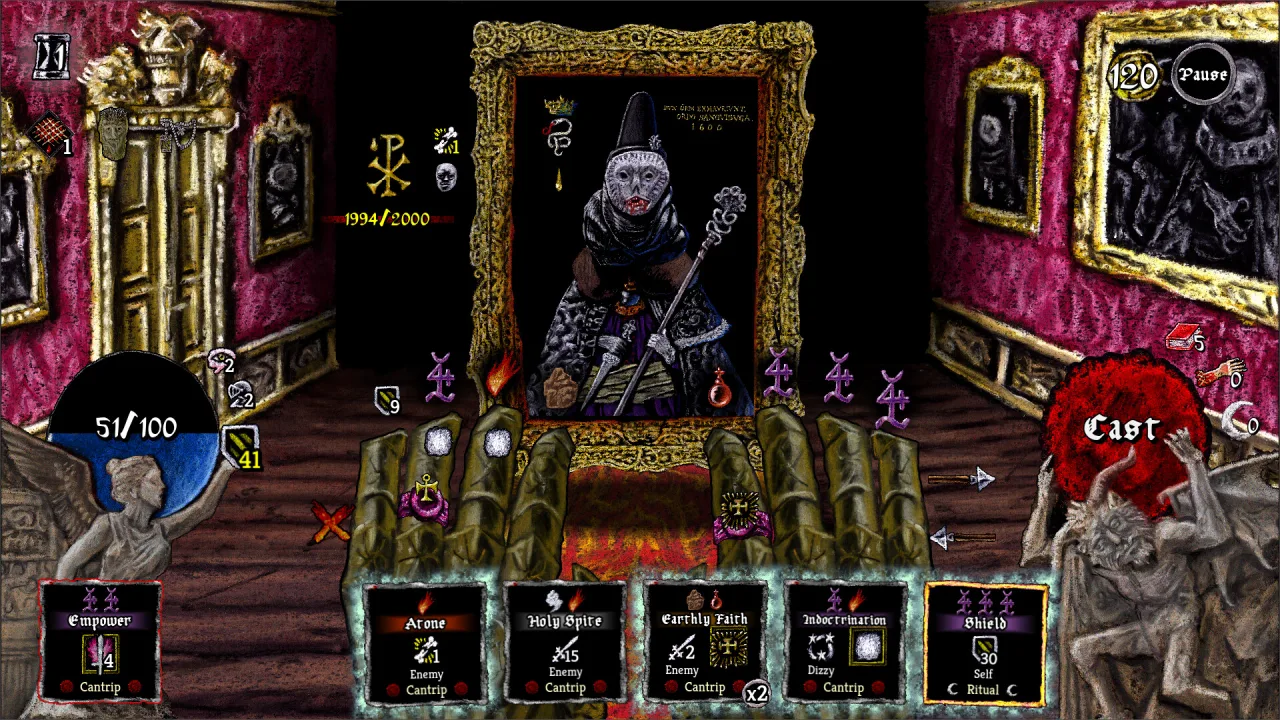
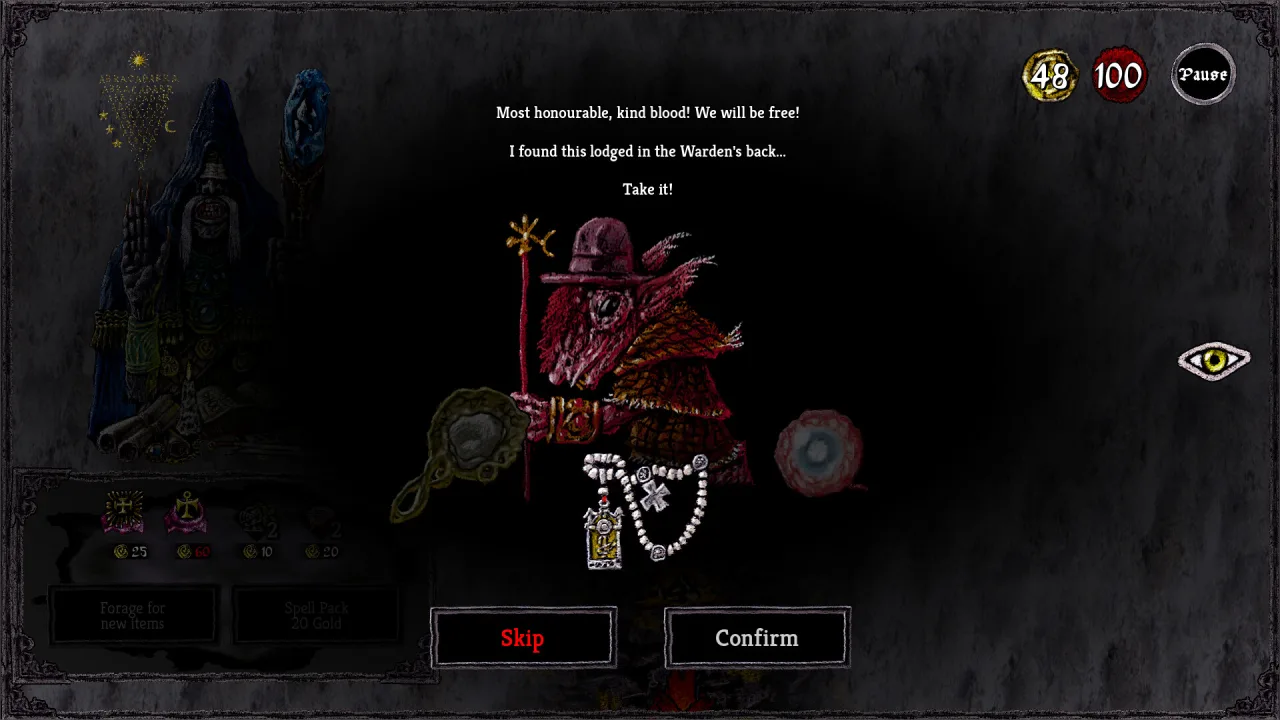
- Characters who change how magical combinations work.
- Short runs with rising difficulty.
0 Comments