
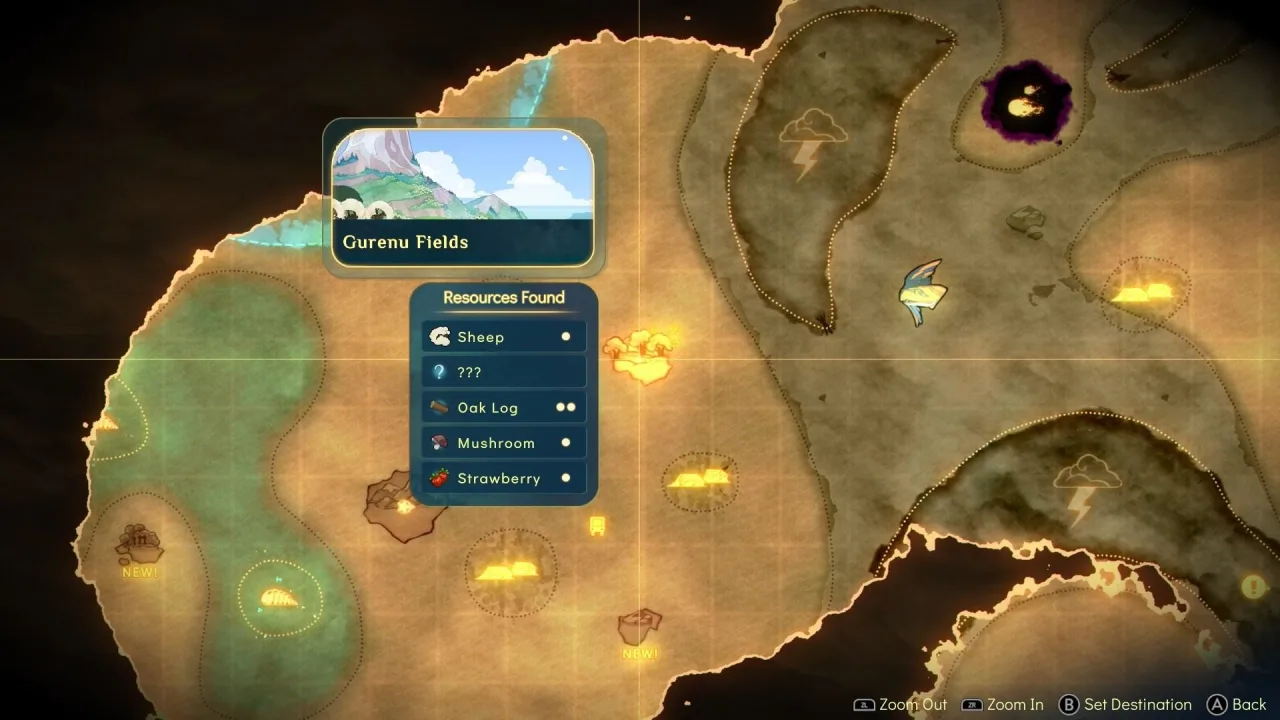
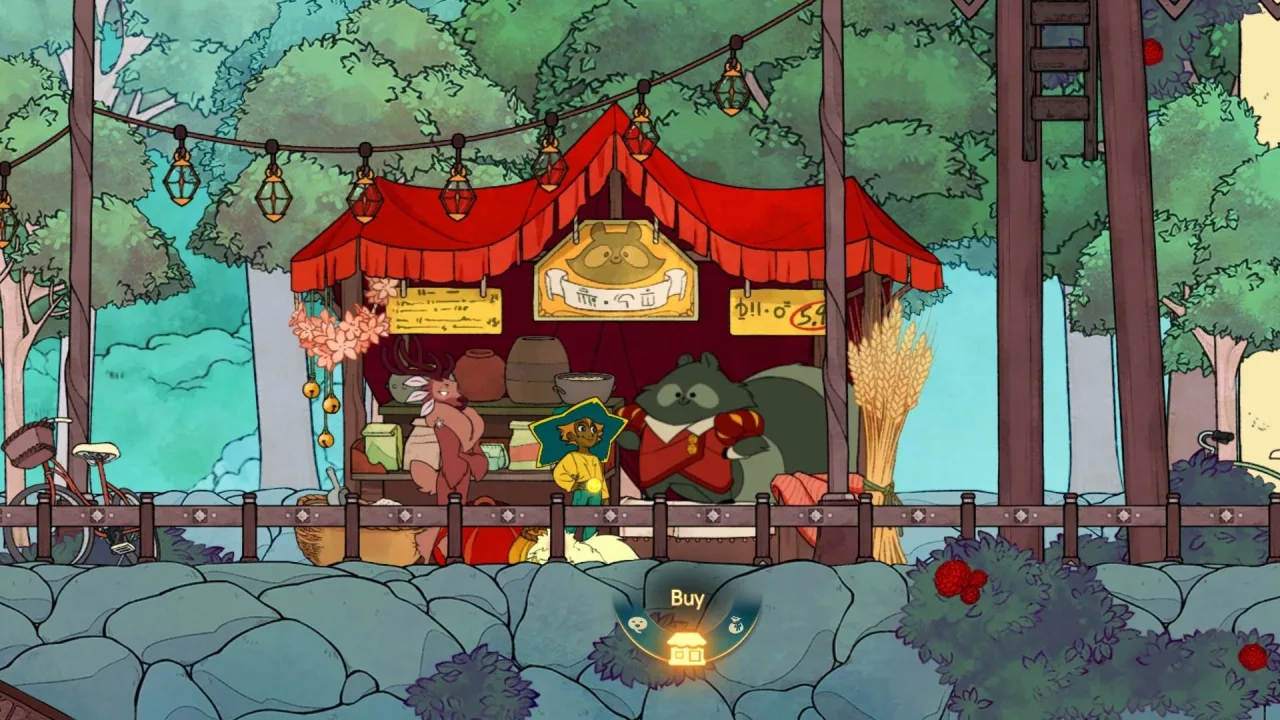
Can you imagine a game about death being sweet? The story follows a girl named Stella who works as a ferrymaster for the souls of the departed. To do her job, she has to build a sturdy boat that lets her explore the world, while befriending the spirits along the way to ease their time in the afterlife. Peacefully till the land and gather a generous harvest, mine valuable resources like ore, catch fish, cook food and make items that can be ferried across the mysterious waters.
In two-player co-op, a second character joins in: Daffodil the cat.
Spiritfarer has the following features:
- Build and upgrade your boat;
- Take up whatever crafts you enjoy, whether that's cooking, weaving, gathering resources and more;
- Unforgettable characters and heartfelt stories;
- Animation and illustrations skillfully drawn by hand;
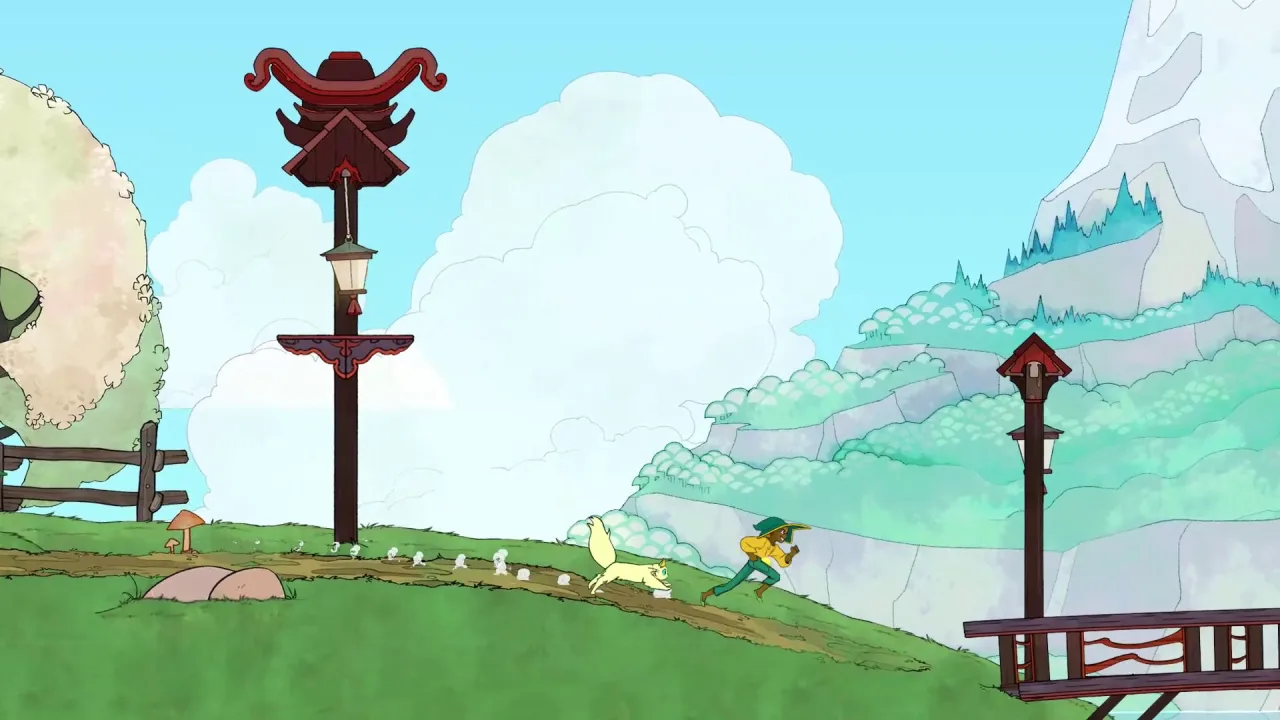
- Well-designed platforming levels where you can wander and jump around to your heart's content.
The developers promise around 30 hours of engaging story, plus hundreds more to uncover all of the game's secrets and find its hidden stashes. You can download Spiritfarer for free and get a rich set of tools for upgrading your boat and your characters' skills.



0 Comments