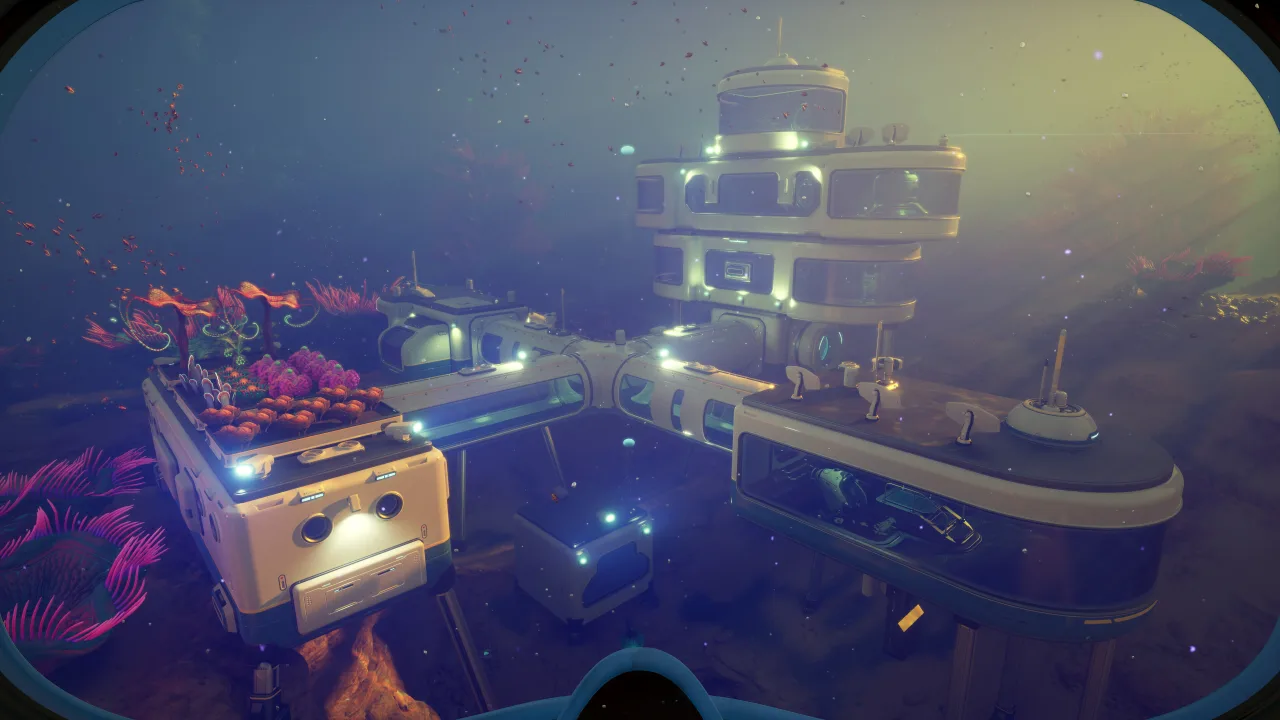
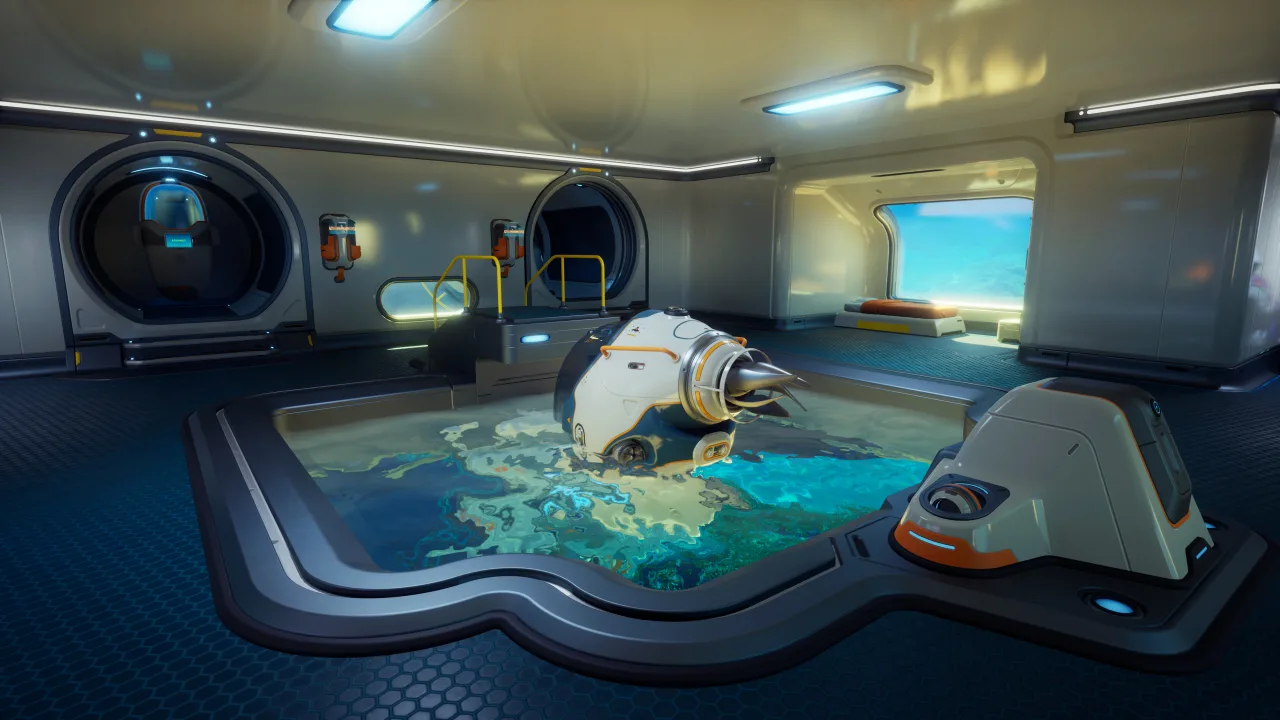
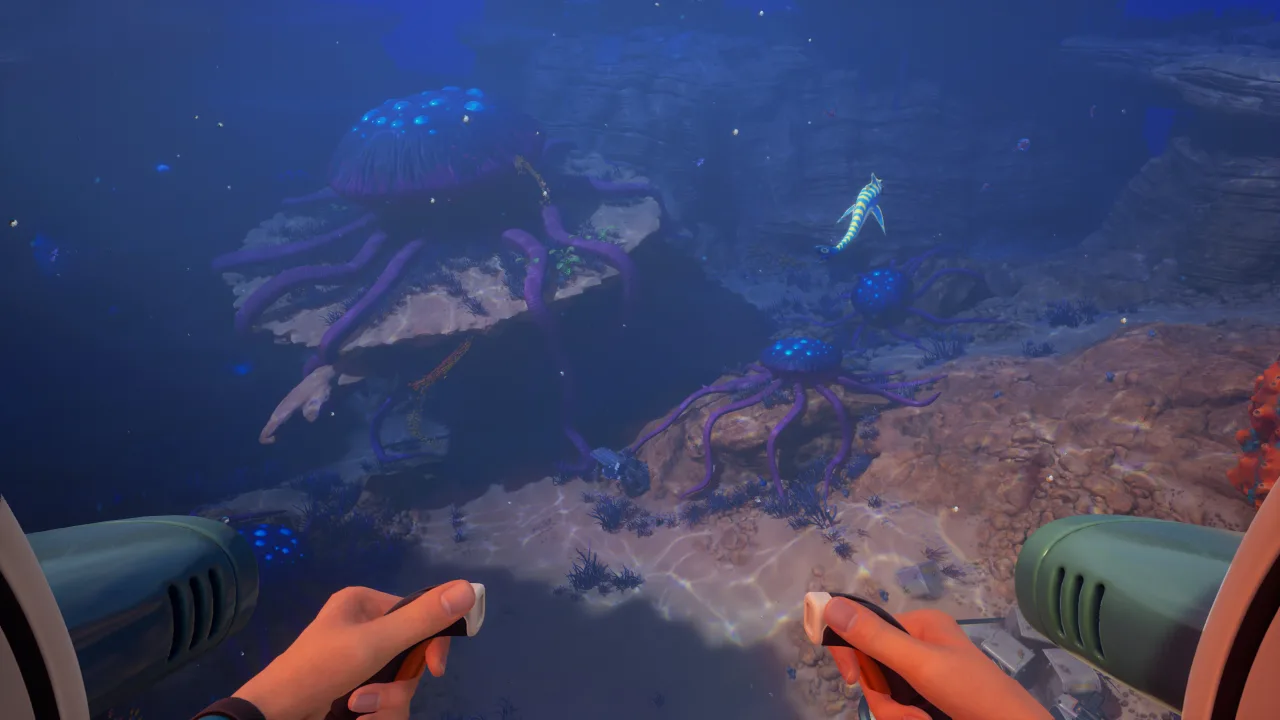
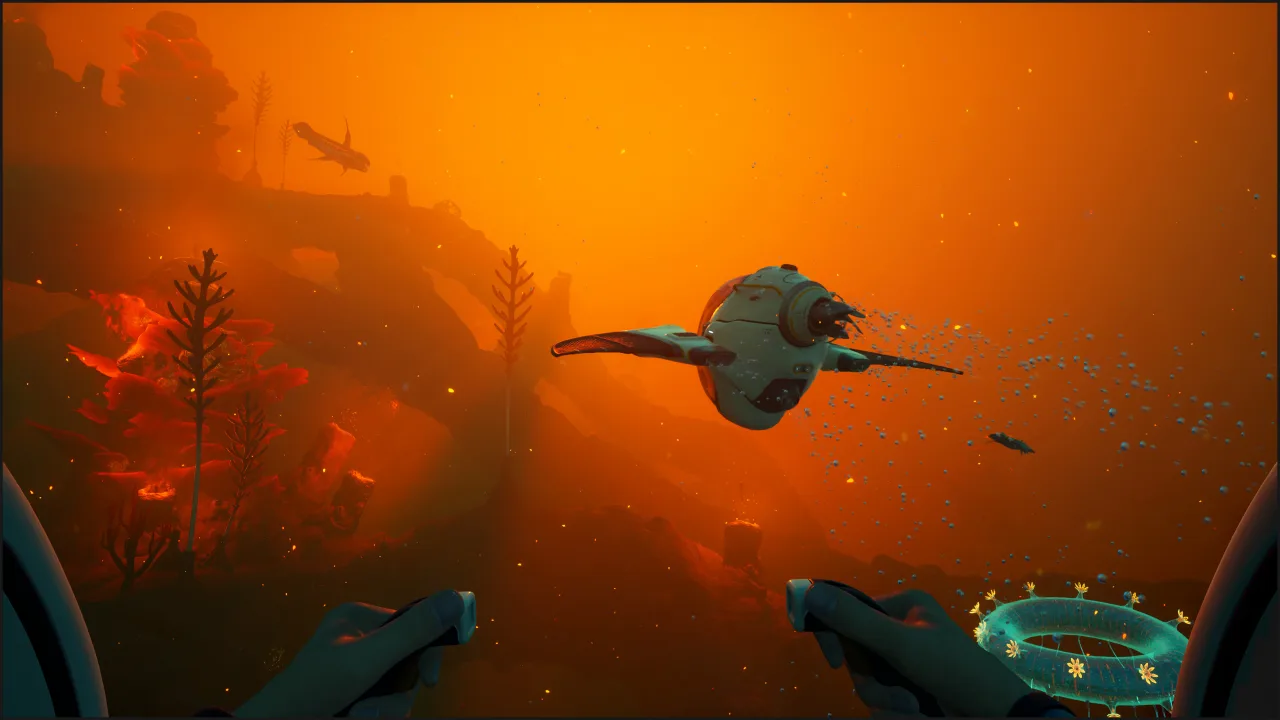
Subnautica 2 brings a new open-ocean survival adventure from the creators of the first game. Play it solo or in co-op, it is up to you. Head out to explore colorful biomes and discover plenty of creatures along the way. Craft vehicles, handy tools and even bases to survive on this strange alien world. Think you can handle it?
Game Overview
Put simply, this is a true underwater adventure with survival at its core. The setting is a completely different alien ocean world, or in other words a new chapter in the Unknown Worlds universe of the same name. So what does this new world have in store for you? Brand-new, gripping adventures, of course.
It is time for a refreshing new story in which you are a pioneer exploring a distant world. And something seems off about it. The ship's AI insists on continuing the mission, but this world is far too dangerous for humans. Or maybe you can change what it means to be human? Are there intelligent beings here waiting for you to arrive? Find out for yourself, because your underwater adventure begins in 3, 2, 1...
Key Features
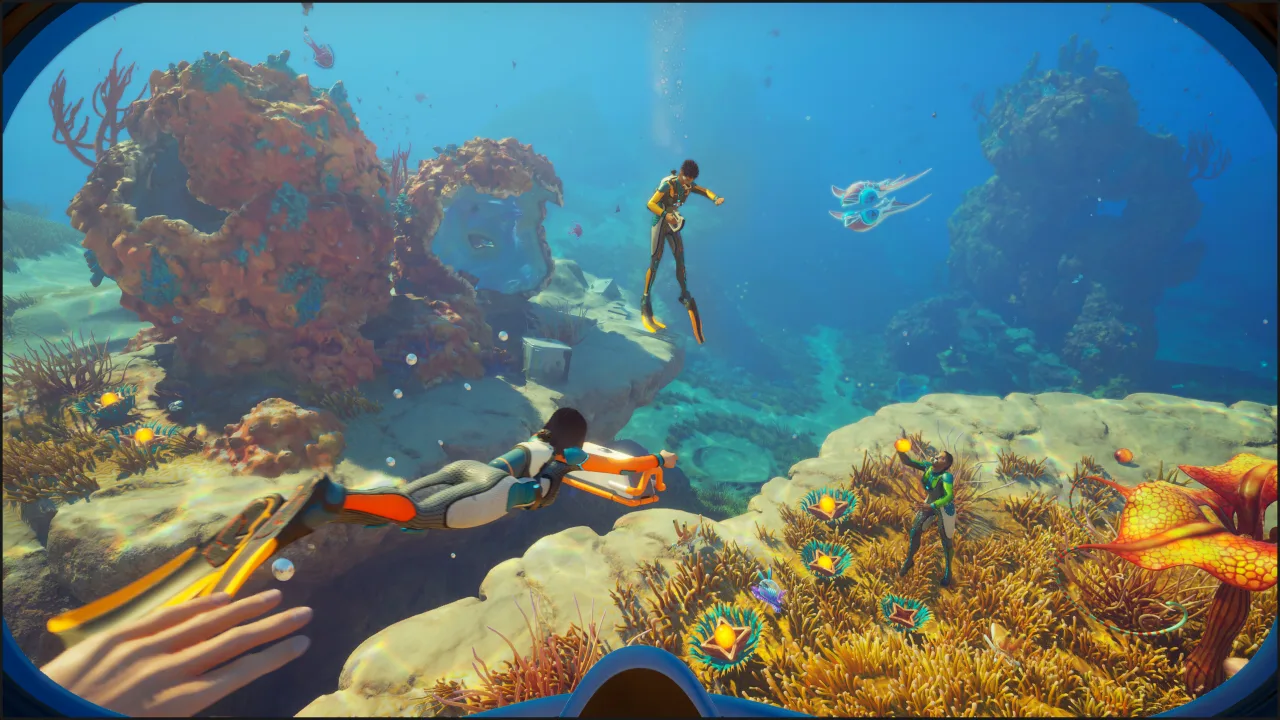
- Online co-op supports up to 3 players
- Unlock recipes for more advanced items
- Towering underwater cliffs, coral fields and other locations
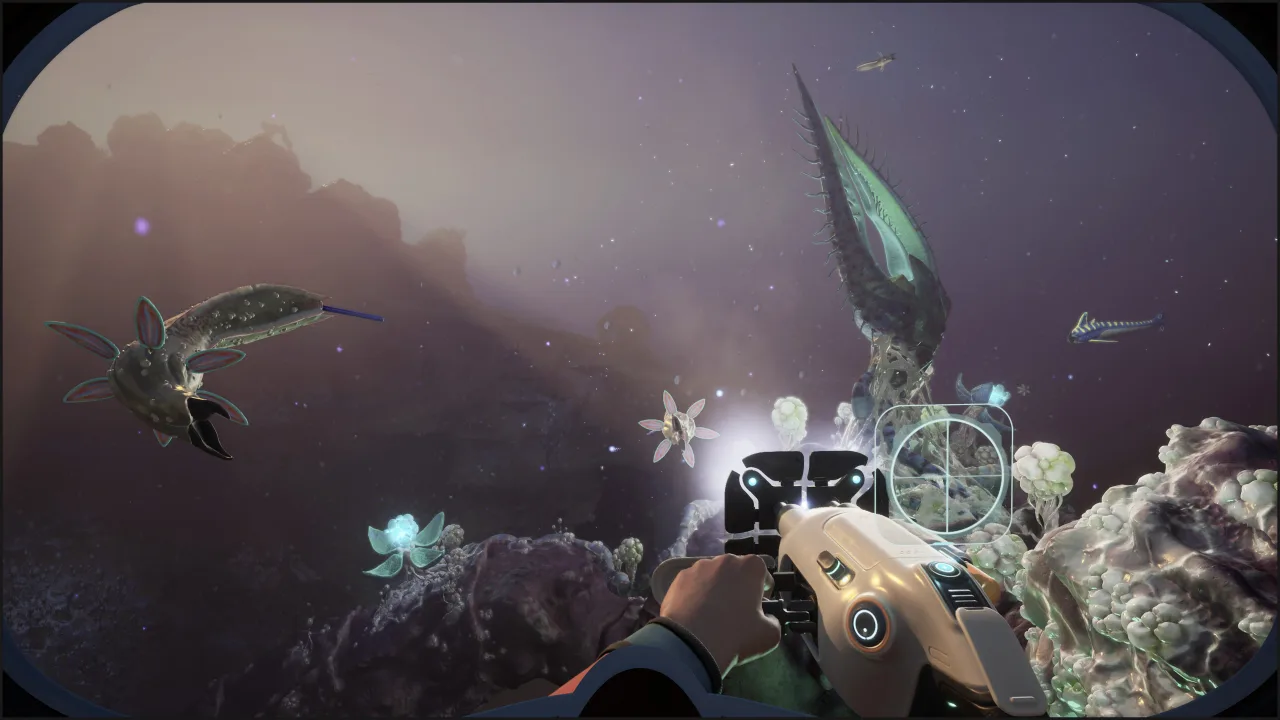
- Study underwater life forms and survive in the ocean depths
0 Comments