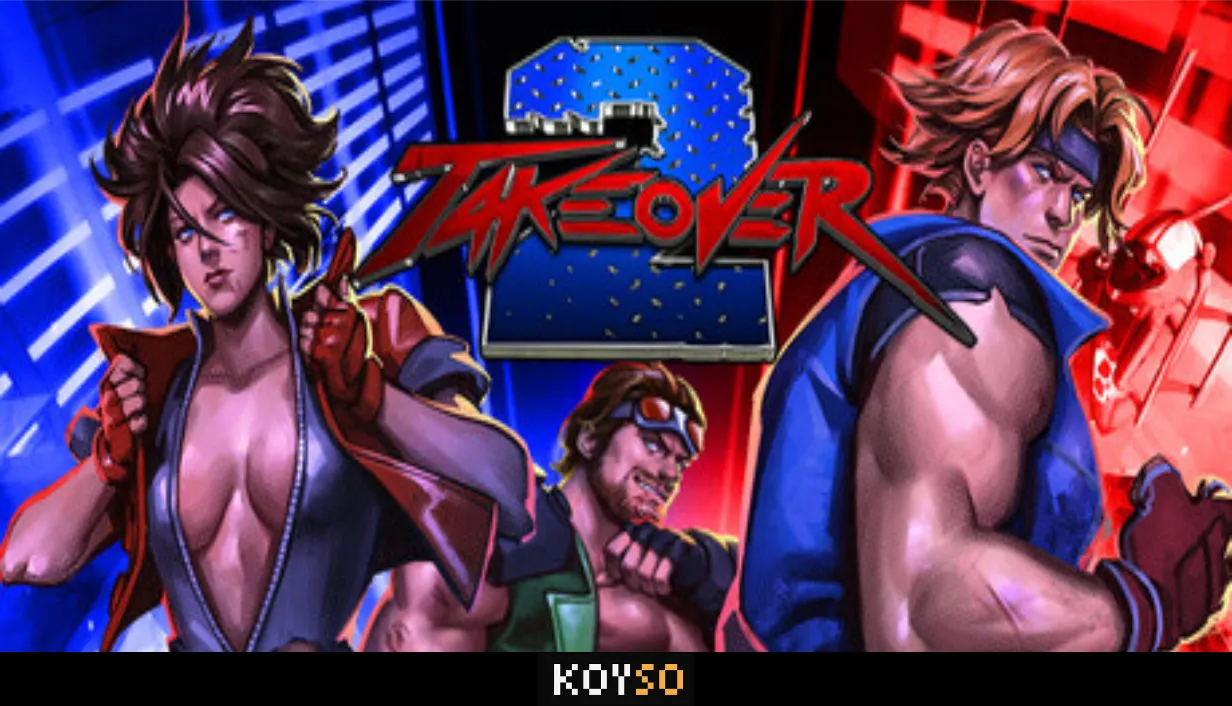
Takeover 2 Free Download
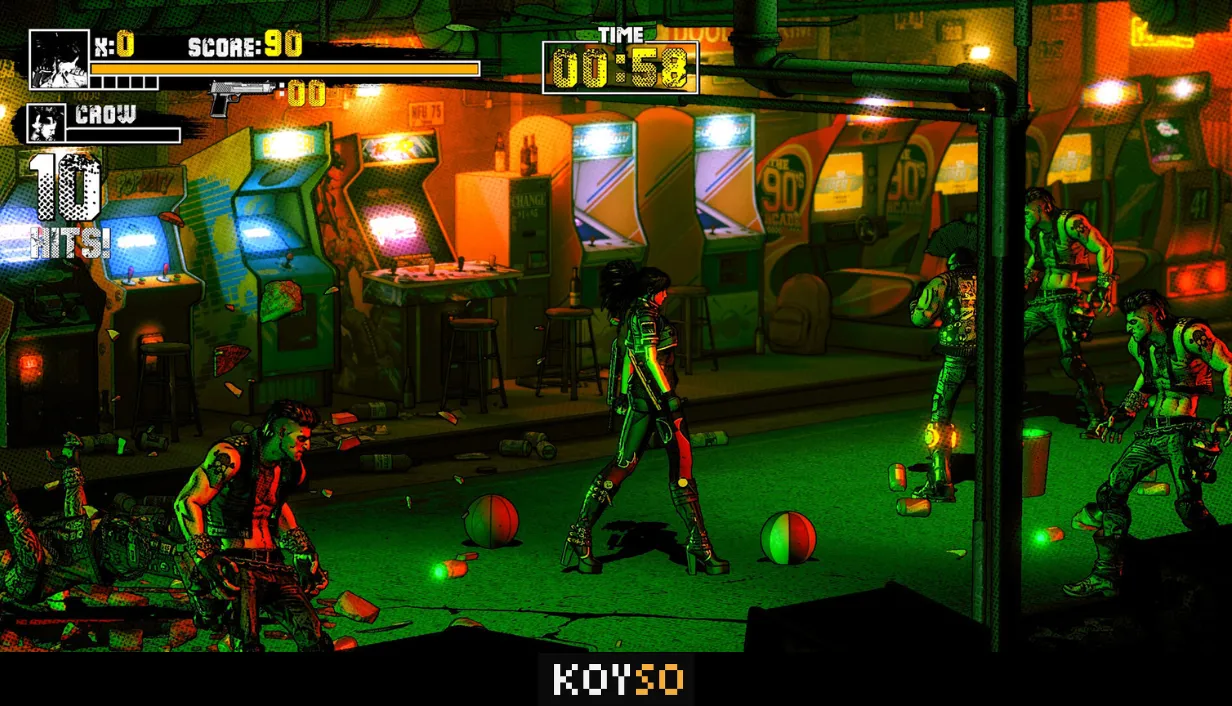
Takeover 2 is an arcade-style beat 'em up game and the sequel to The Takeover (2019). It brings back the fast fighting action with better visuals and a fully redesigned combat system. The controls feel tighter, and there is much more depth to the fights. If you enjoy old-school beat 'em up games where you fight waves of enemies, land crazy combos, and take down powerful bosses, this game has plenty of action waiting for you.
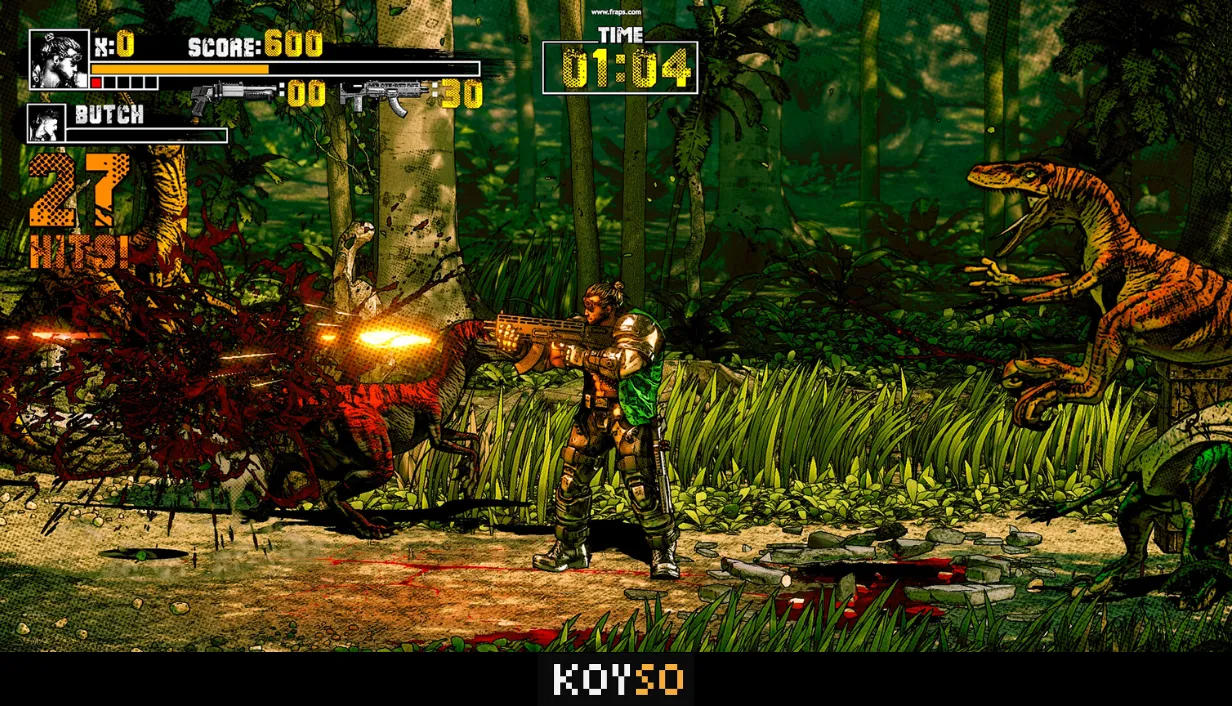
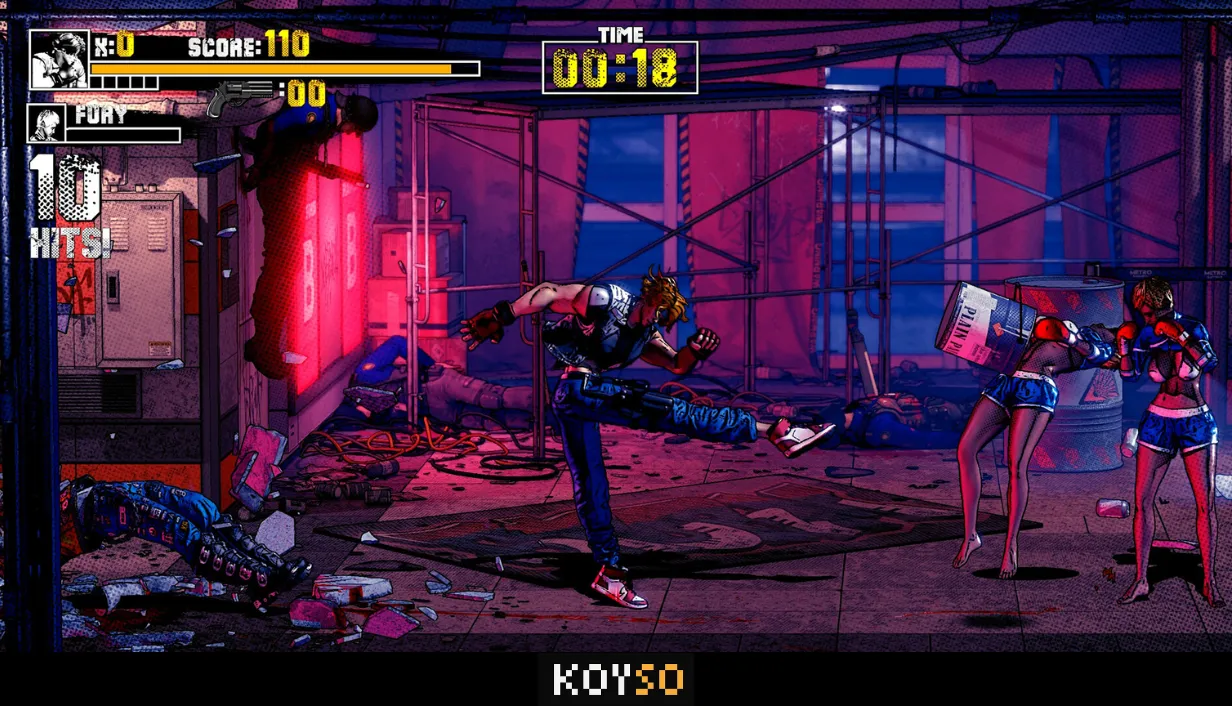
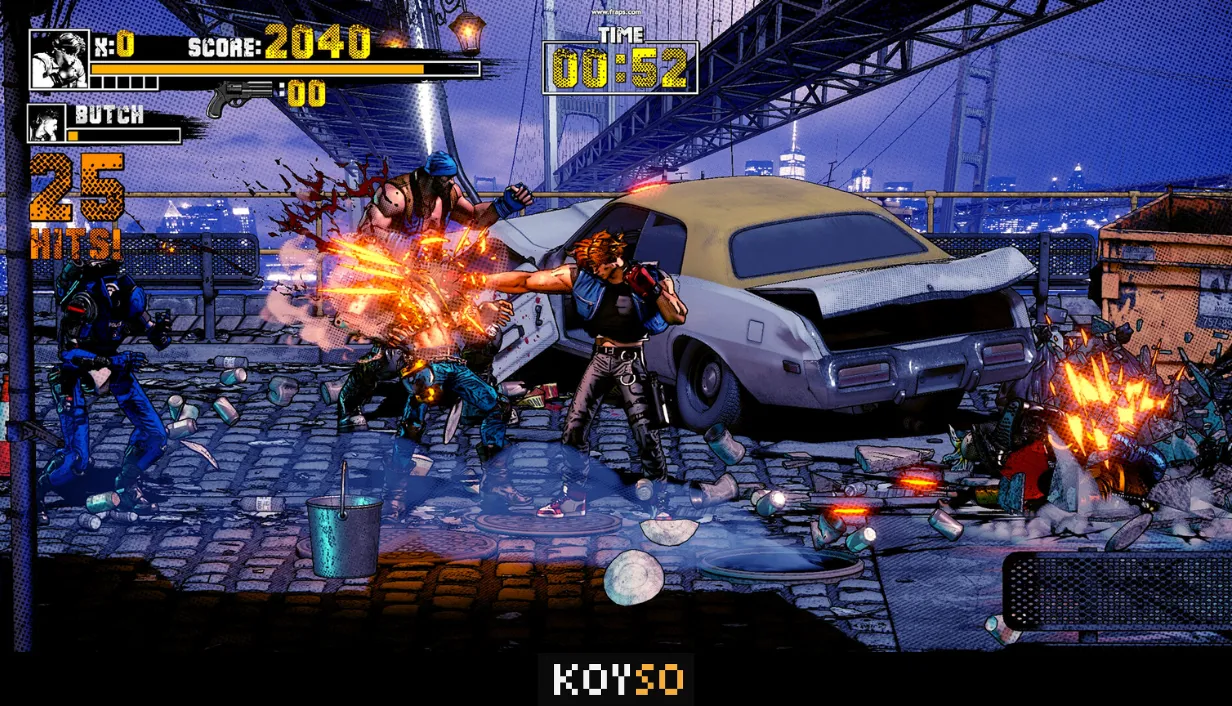
One cool thing about Takeover 2 is how you can use the environment during fights. Almost anything around you can become a weapon. Grab buckets, cones, tires, or other objects and use them against your enemies. You can also pick up different weapons to deal with large groups and change your fighting style depending on the enemies you face.
Hard-Hitting Arcade Combat
Takeover 2 focuses on fast and aggressive combat where every move matters. You need to learn the fighting system if you want to handle tougher enemies and finish stages with high scores.
You can build long combo chains and use parries to block enemy attacks at the right moment. Special attacks help you deal extra damage, while finishing moves make the fights even more satisfying. You will also need good crowd control skills when several enemies attack at once.
If you want to earn the highest S Rankings, you must improve your timing and master the combat mechanics. Higher difficulty modes will test your skills even more, so expect some tough fights along the way.
Game Modes in Takeover 2
Takeover 2 offers three main game modes, each giving you a different way to enjoy the action.
Arcade Mode
Arcade Mode lets you play through the full campaign. You will fight across different stages filled with dangerous enemies and challenging boss encounters. Each stage brings another group of opponents, so you need to stay ready and use everything you have learned.
Challenge Mode
Challenge Mode gives you more control over your path through several stages. Each trial comes with specific objectives and performance-based star ratings. You need to complete missions with good timing and efficiency if you want to earn better results.
Score Attack
Score Attack is all about getting the highest score possible. Choose your favorite stages and replay them to beat your previous records. It is a great mode if you want to improve your combos and prove how good you are at the combat system.
Bonus Mini-Games
Along with the main fighting modes, Takeover 2 also includes two bonus mini-games that bring a different kind of action.
Jet Fury puts you inside a fighter jet where survival is the main goal. You must handle the fast action and aim for a high score while dealing with explosive challenges.
Overtake is a retro-style racing challenge where finishing first is everything. You need to push your driving skills to the limit because coming second means losing.
Why Play Takeover 2?
Takeover 2 is a solid choice if you enjoy classic arcade fighting games with modern controls and more ways to attack your enemies. Its redesigned combat system gives you plenty of room to improve, while the different game modes keep the action from feeling repetitive. The bonus mini-games are also a nice extra when you want a break from the main fights.
If you are ready to jump into the action, get the Takeover 2 full game download using the link below. You can choose the pre-installed PC game version or the torrent download option and start fighting your way through the stages.
More PC Games Download
0 Comments