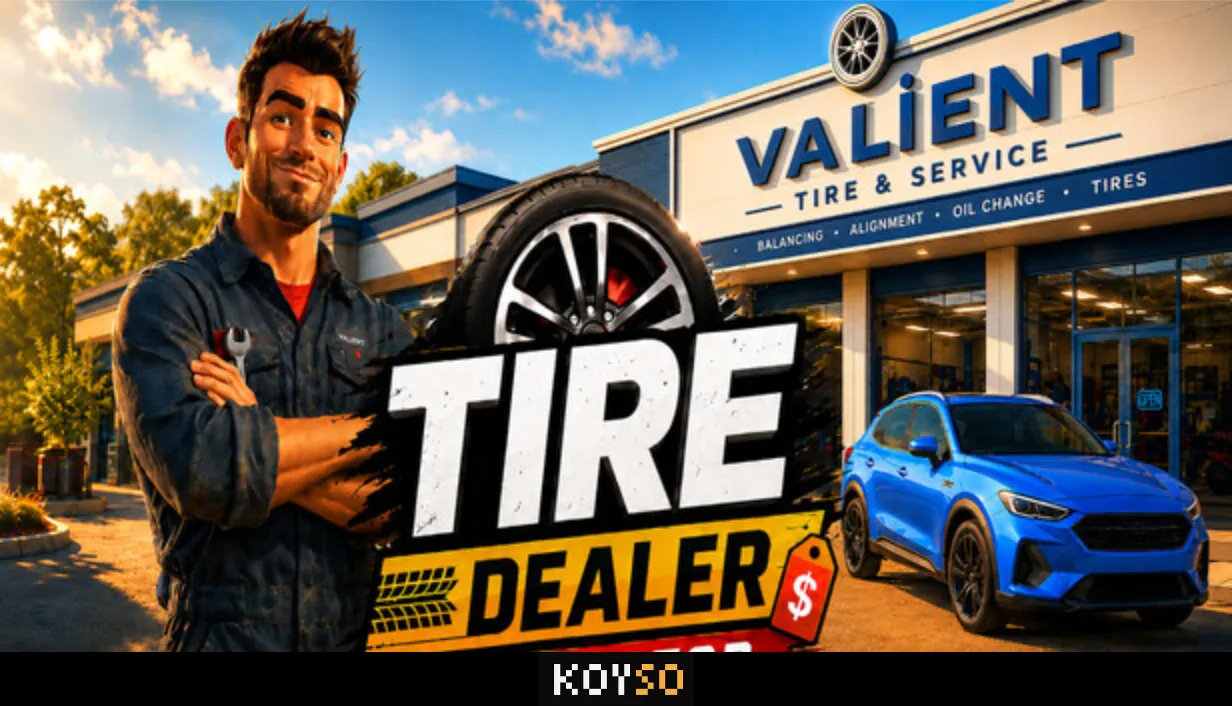
Tire Dealer Simulator Free Download for PC
Tire Dealer Simulator puts you in charge of your father's old tire shop. The business is now yours, but there is one big problem: the shop also comes with a pile of debt. You start with basic equipment and limited money, so you need to work hard to keep the business alive. Serve customers and handle tire jobs yourself while trying to make enough profit to pay off the debt.
As you earn more money, you can improve the shop and turn it into a much bigger business. What starts as a small local garage can grow into a busy tire service center and even a wholesale operation.
Save the Family Tire Shop
Your first goal is to keep the shop running and make regular payments. Customers visit with different tire problems, and each one has their own needs and budget. Talk to them and find out what kind of tires they want before making an offer.
You decide the selling price and handle the negotiation. A higher price can bring more profit, but asking for too much may make the customer leave. Learn how to make good deals while keeping customers happy.
Repair Cars and Change Tires Yourself
Tire Dealer Simulator lets you handle the actual tire work in first-person view. Bring a customer's vehicle into the service area and complete the job step by step.
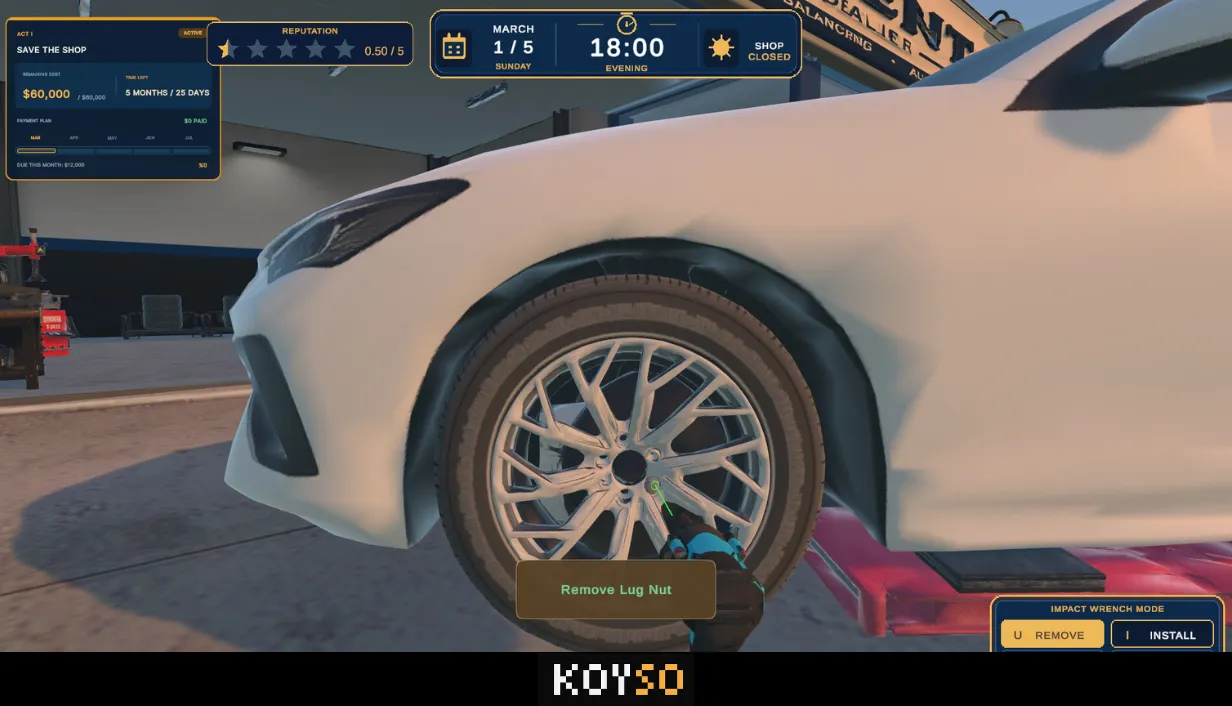
Start by raising the car with a lift. Remove the lug nuts and take off the wheels. Then use the tire changer to remove the old tires from the rims and fit the replacements. Once the tires are ready, use the balancing machine before putting the wheels back on the car.
You are responsible for the whole job, from making the sale to tightening the final lug nut. Getting used to the equipment and completing each task correctly is a big part of running the shop.
Manage Your Tire Stock and Money
You cannot complete every order if the right tires are missing from your shelves. Keep different sizes and brands in stock, and pay attention to seasonal demand. Market prices can change, so you need to decide when to order new inventory.
Your shop computer helps you keep track of important business details. Check your sales and expenses while keeping an eye on wages and loans. You also need to remember factory debts and payment deadlines.
Buying too much stock can leave you short on cash, while running out of popular tires can cost you customers. Finding the right balance is important if you want the business to survive.
Buy Inventory and Plan Ahead
Every tire you purchase uses money that could be spent somewhere else. Watch the market and decide which products are worth keeping in stock. You can order ready inventory when you need it quickly or plan ahead for future deliveries.
The game also gives you a choice between paying immediately and using deferred factory payments. This can help you manage your money, but it also creates future deadlines that you must not ignore.
Expand Your Shop and Upgrade Equipment
Once the business starts making money, use your profits to improve the workplace. Buy better tools and upgrade your tire changers and balancing machines. You can also open more service bays to handle additional vehicles.
A bigger shop gives you more room to grow, but it also needs better planning. You must keep the work moving and make sure customers are not waiting too long.
Hire Mechanics and Handle More Jobs
Doing every job yourself becomes difficult when the shop gets busy. Hire mechanics to help with tire services and manage the extra work. Better employees can cost more, but having a strong team allows you to serve more customers at once.
As your business grows, managing your workers becomes just as important as repairing vehicles. Give your team enough work and make good use of the service bays.
Take on Company Contracts
After building a strong retail business, you can move on to larger company contracts. These jobs involve servicing multiple vehicles within a set deadline.
Prepare the required tires before accepting a contract and make sure your team can finish the work on time. Larger contracts offer bigger payments and bonuses, but poor planning can turn a good deal into a loss.
Enter the Tire Wholesale Market
The next step is to grow beyond your own service shop. Build a wholesale operation and start buying tires in bulk to supply other tire businesses.
Begin with local orders and work your way toward larger customers and national distribution. Bigger orders can bring higher profits, but they also require more stock and money. You will need to understand the market before taking on major deals.
Tire Dealer Simulator PC Game Download
Tire Dealer Simulator combines hands-on tire repair with business management. You start by trying to save your father's debt-ridden shop, then work your way toward a larger company. Every decision matters, from choosing the right tire stock to setting prices and hiring mechanics.
Build your inventory and improve your equipment as you grow. Take on company contracts and eventually enter the wholesale market. How successful your tire business becomes is completely up to you.
Ready to save the family shop and build your own tire business? Use the link below to check the Tire Dealer Simulator full game download for PC, including the available pre-installed version or torrent download option.
More PC Games Download



0 Comments