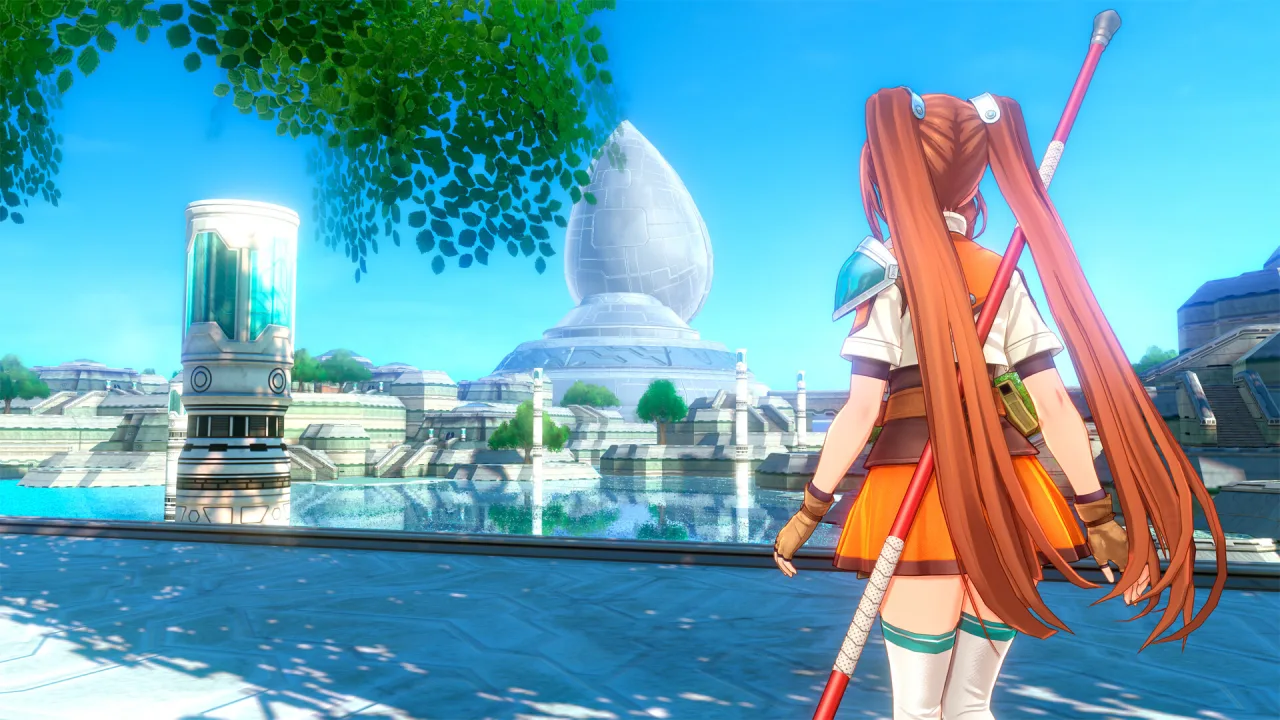
Trails in the Sky 2nd Chapter is a large-scale, story-driven role-playing game that continues one of the most emotional tales in the JRPG genre. After the coup in the Kingdom of Liberl is put down, Estelle Bright is dealt a fresh blow: her partner Joshua disappears, leaving behind nothing but a farewell message. Loss, doubt and growing up become the starting point of a journey where personal drama weaves together with a looming threat to the entire continent.
A Journey of Grief and Resolve
Estelle sets off on a long journey across Liberl, driven by the need to learn the truth and bring back the person who had been at her side from the very beginning. Along the way she finds familiar towns, new allies and memories that change how she sees the past. The story unfolds gradually, giving room to the characters' personalities, dialogue and inner conflicts, so that every encounter carries weight.
Alongside the personal story, the secret society Ouroboros steps onto the stage, and its plans threaten the stability of the world. Conspiracies, political intrigue and ancient powers converge on a single point when an airship looms over the capital and the Aureole becomes a symbol of the coming catastrophe. The fate of Liberl rests on the choices Estelle and her allies make.
Key Features
- A deep, emotional story focused on character development.
- A continuation that picks up the direct consequences of the first chapter.
- An epic struggle against the Ouroboros organization.
- A world full of politics, mysteries and personal drama.





0 Comments