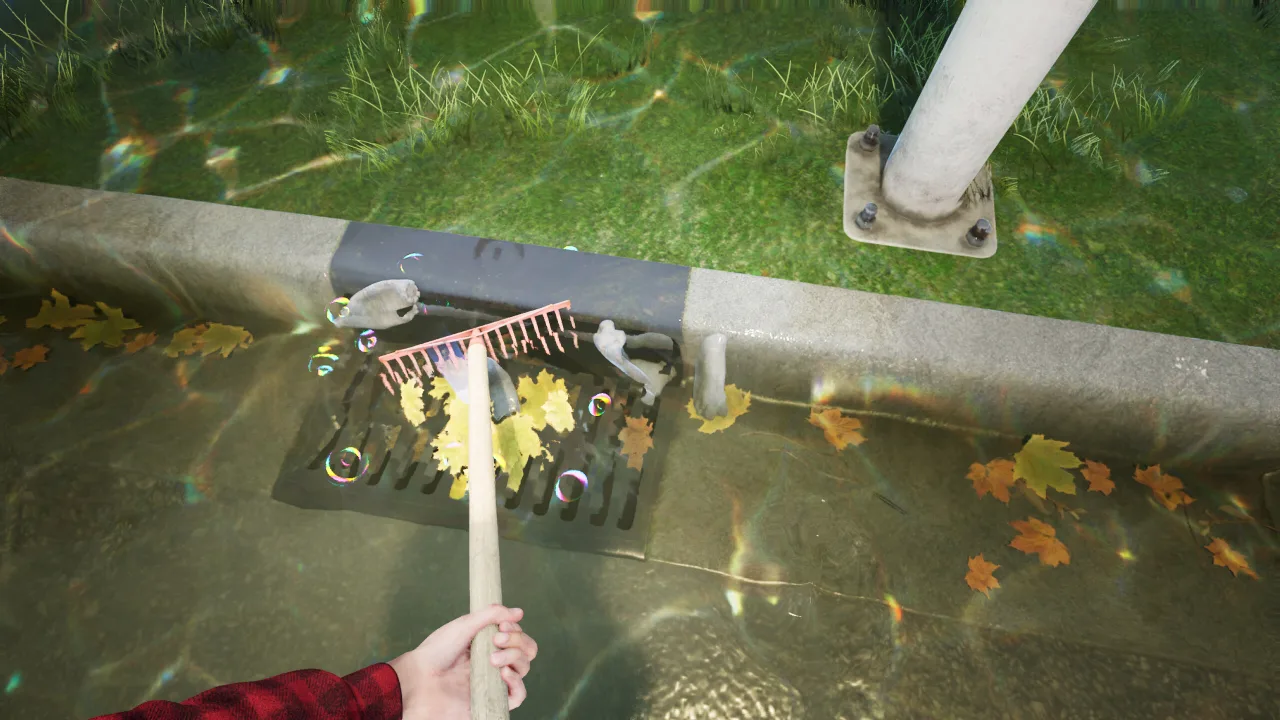
DrainSim is a simulator about restoring a city's drainage system after heavy downpours and flooding. You take on the role of an emergency drainage specialist tasked with getting water flowing normally through the streets again. Using pumps, generators and hand tools, you will clear blockages, clean out channels and gradually save the city's districts from the floodwaters.
Plan the Job Before You Roll Out
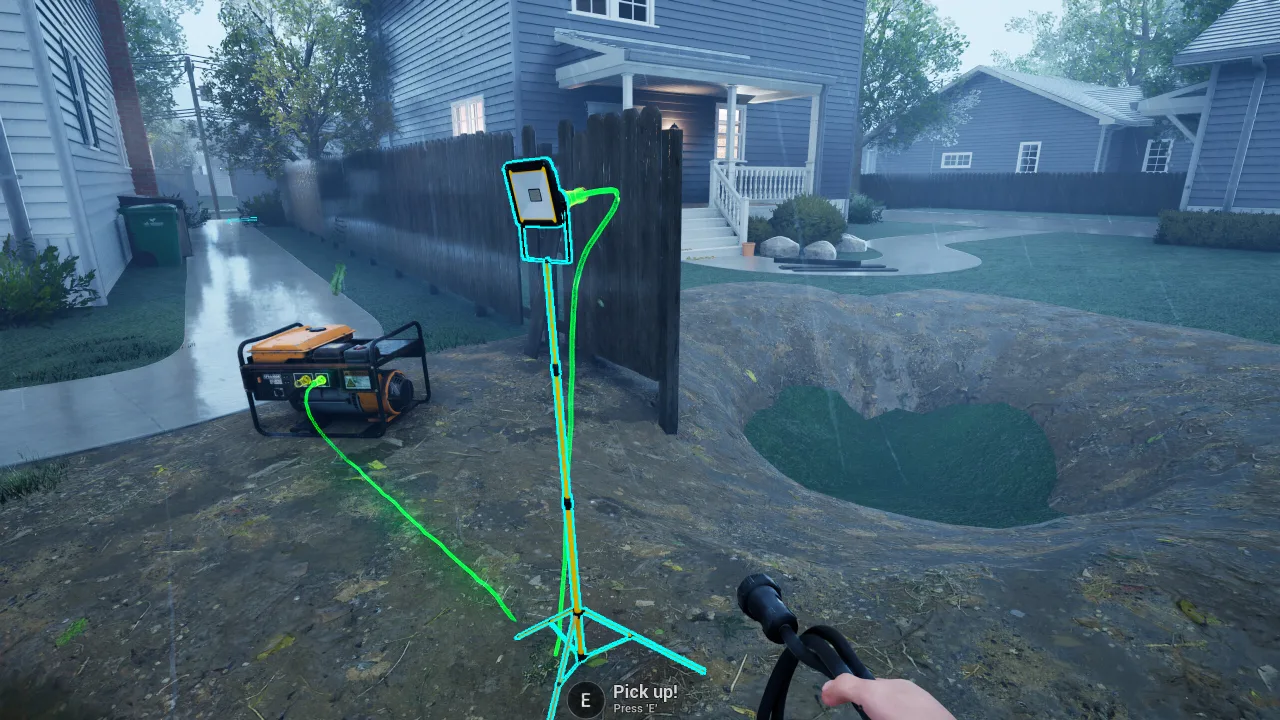
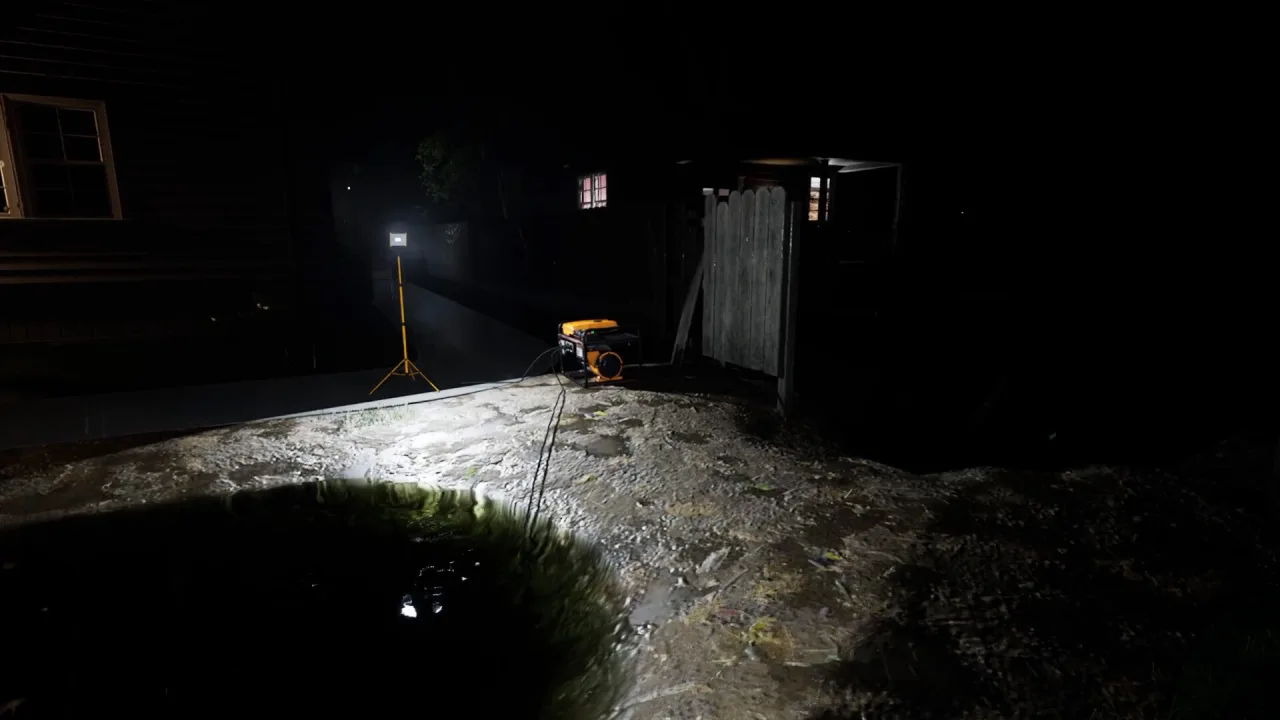
Before each job, you receive details about the area: the time of day, the type of surface, the distance to power sources and how badly it is flooded. Based on that information, you put together your equipment. Sometimes you will need a portable generator and several pumps, while other times hand tools are enough to clear clogged drains and drainage channels.
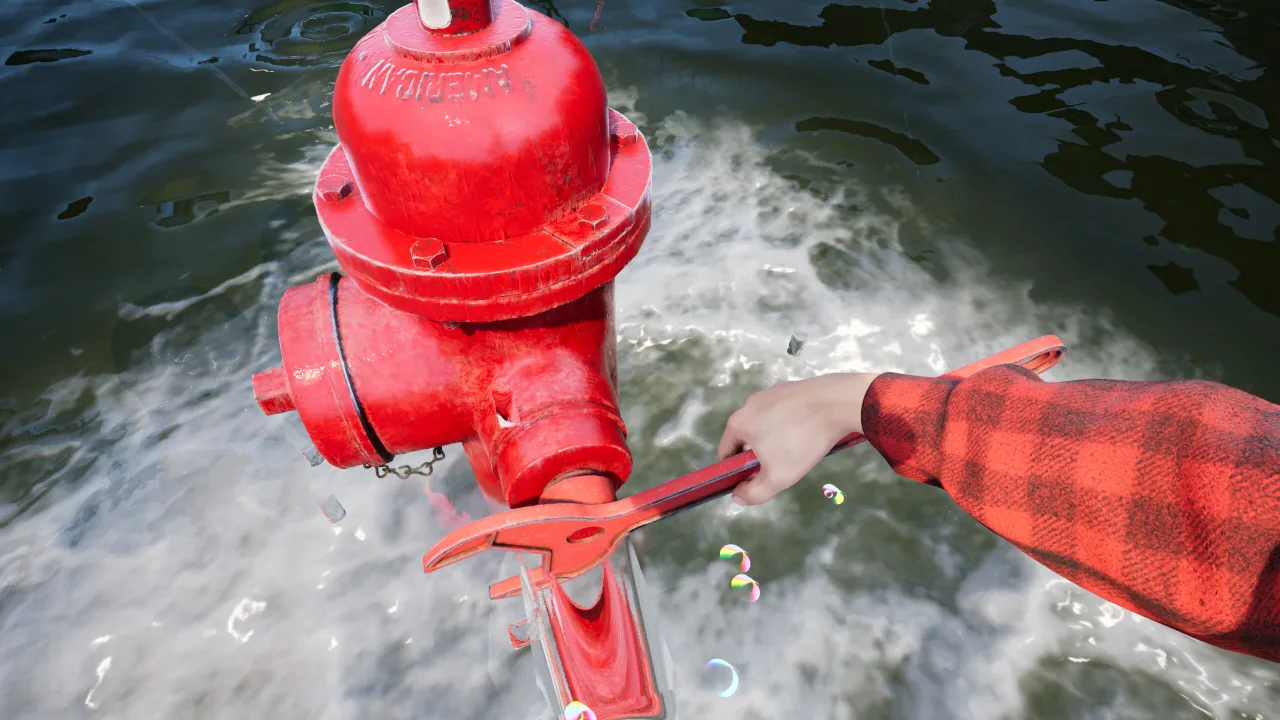
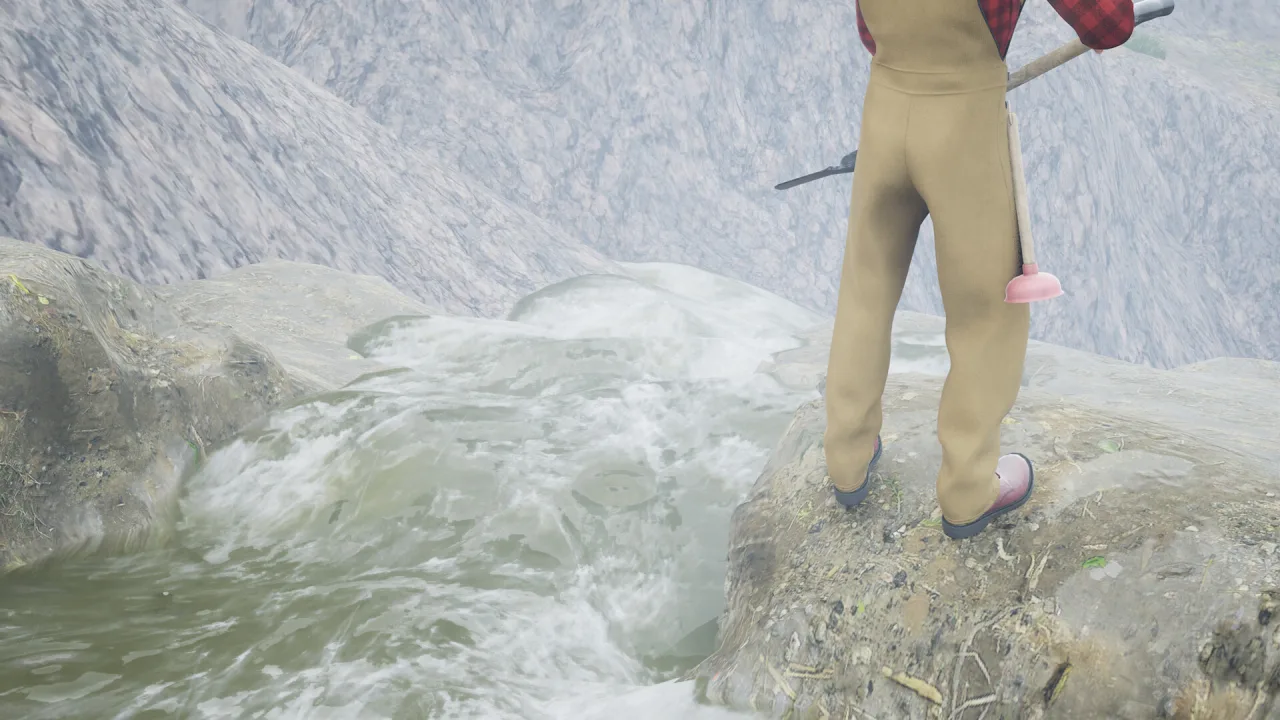
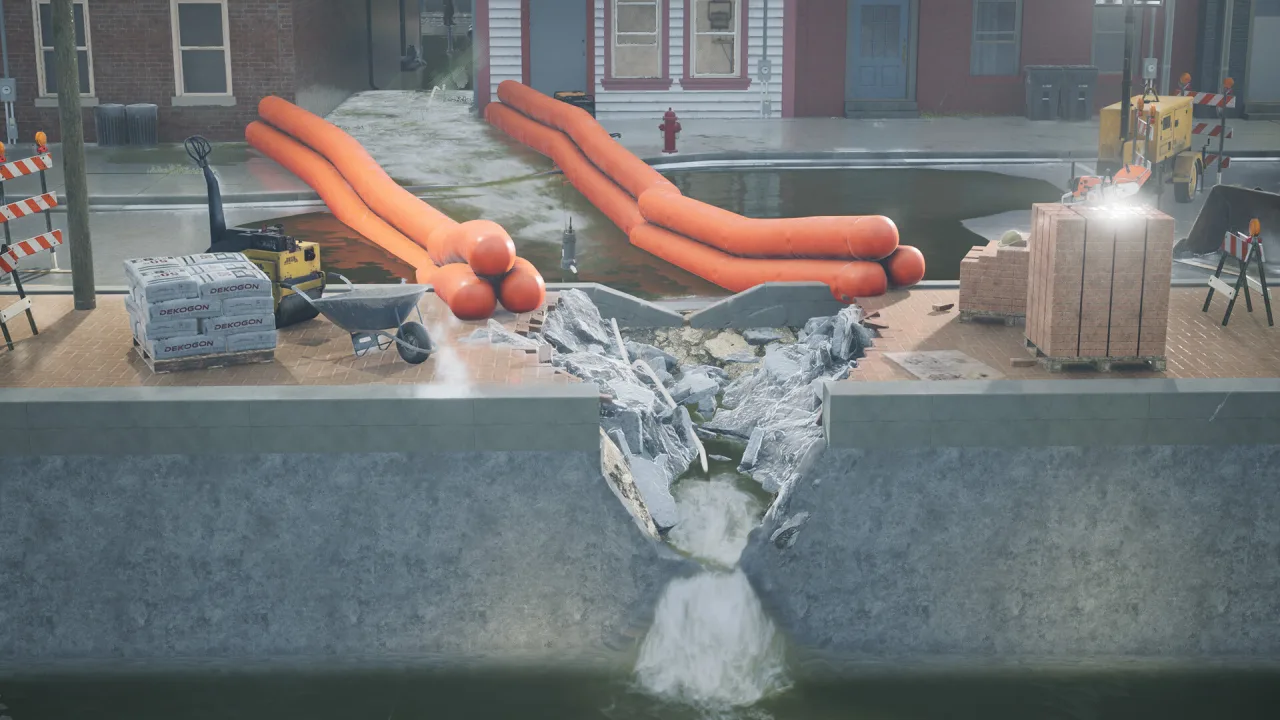
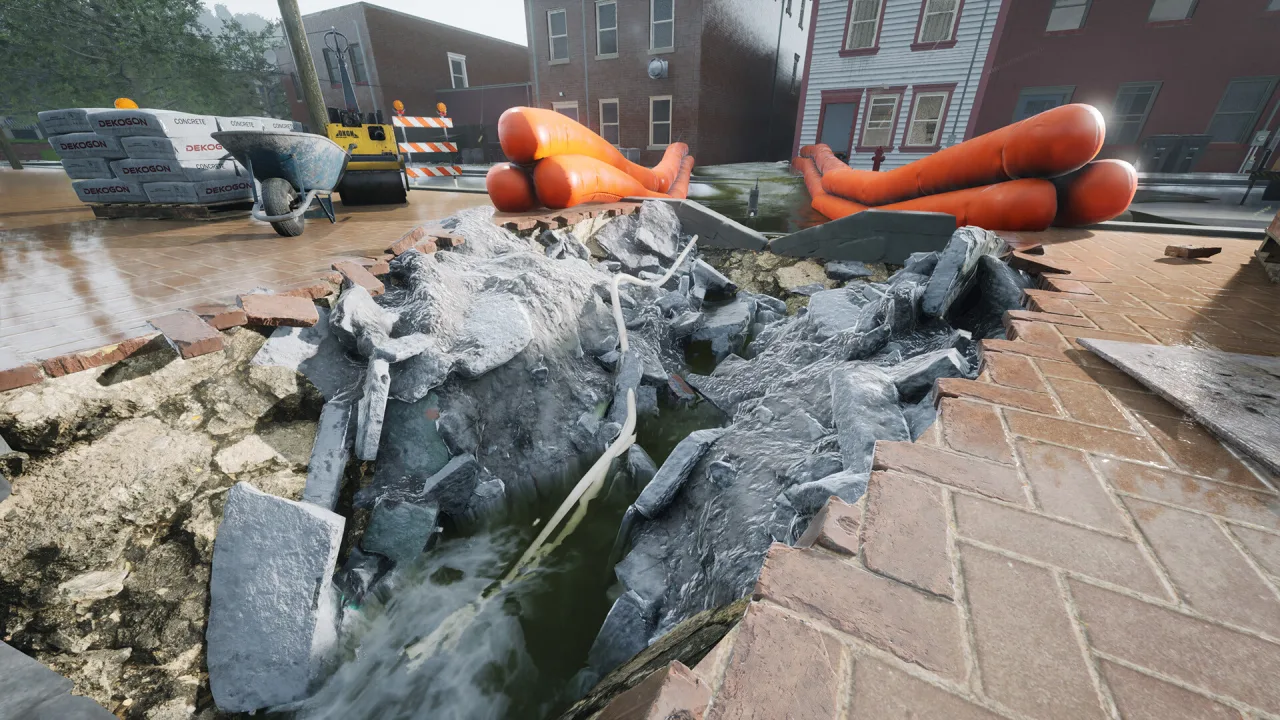
The work takes place right on the city streets, where water fills roads, courtyards and utility tunnels. As you clear one blockage after another and restore the flow, you watch the water level drop. Completing jobs successfully boosts your reputation as a specialist and unlocks new kinds of equipment.
Key Features
- Realistic work cleaning up after urban floods.
- Prepare your equipment before every rescue operation.
- Varied districts with different drainage conditions.
- Build up an arsenal of professional tools.

0 Comments