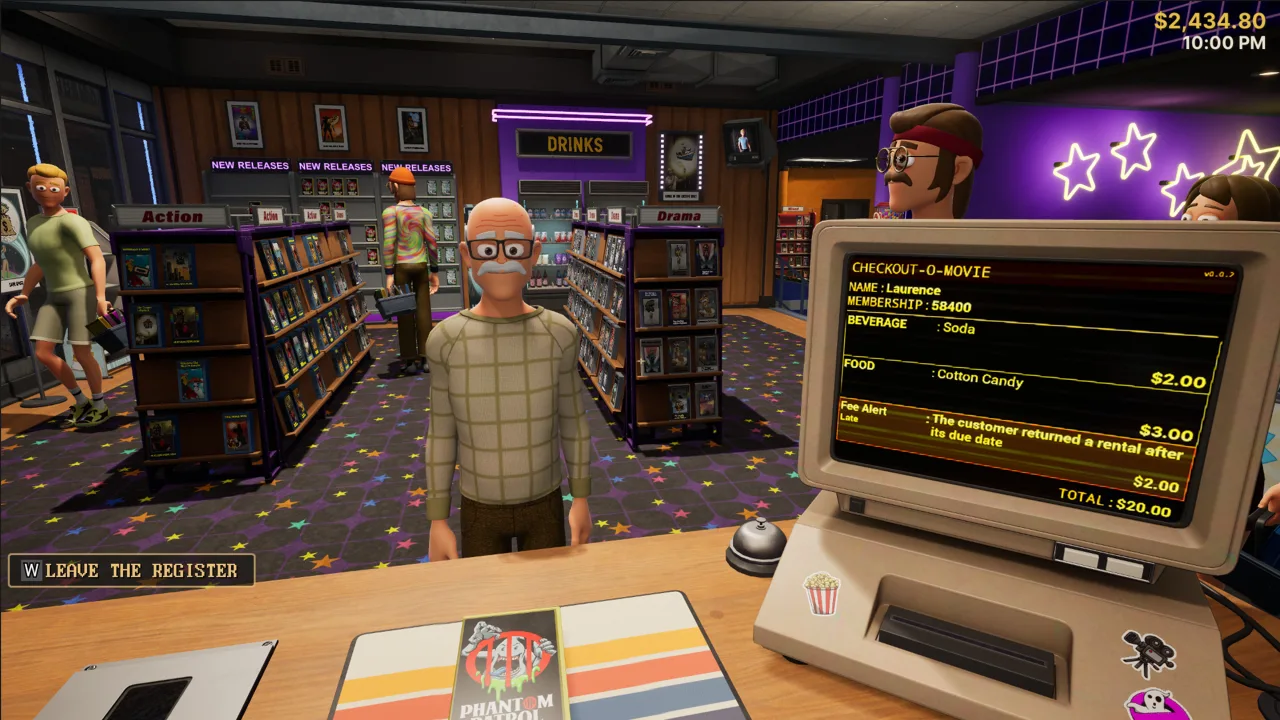
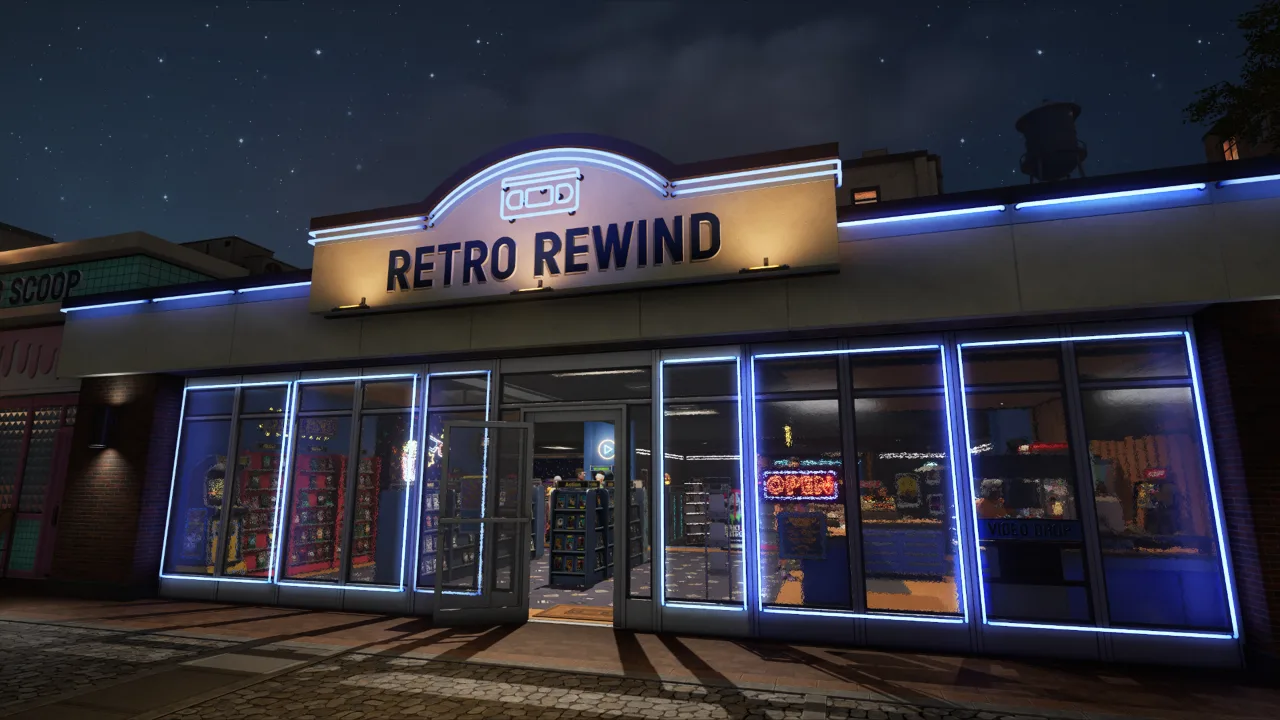
Retro Rewind - Video Store Simulator is a video rental sim that captures the spirit of the golden age of VHS. You open your own store, fill the shelves with tapes and build a business from scratch. Handling sales, checking out movies and buying new releases turns every day into an engaging loop where success depends on attentiveness and the quality of your customer service.
A Living Store With Endless Tasks
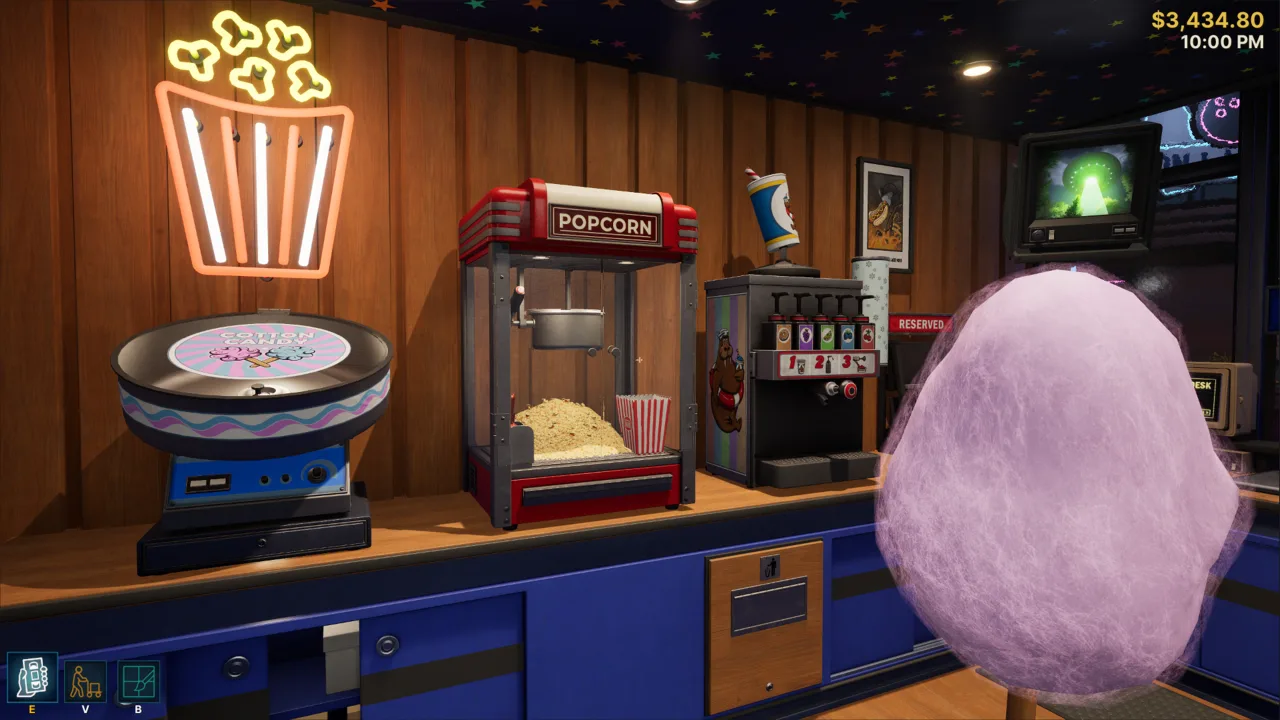
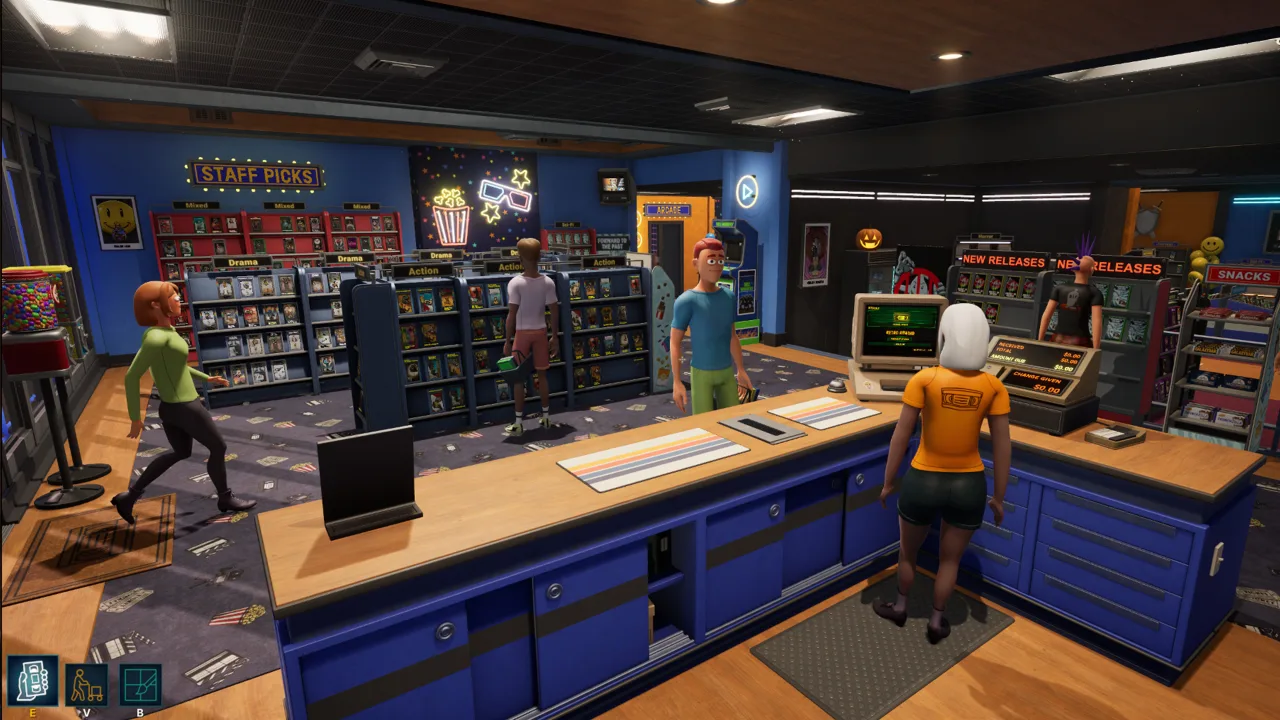
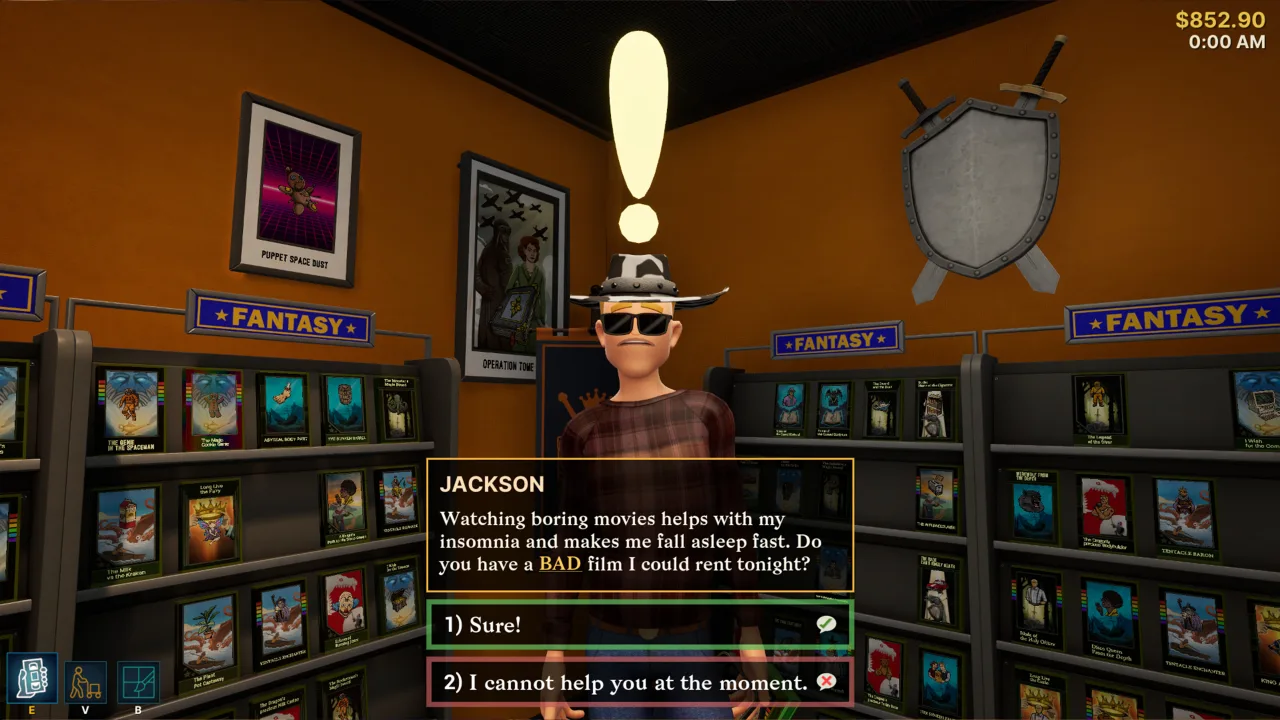
The job covers taking reservations, tracking returns, charging late fees and recommending movies to customers. Sometimes you even have to prepare snacks to keep visitors around longer. Time keeps moving: the weather, holidays and seasons all change and affect how many people come through the door. That makes the store feel alive, and every action matters.
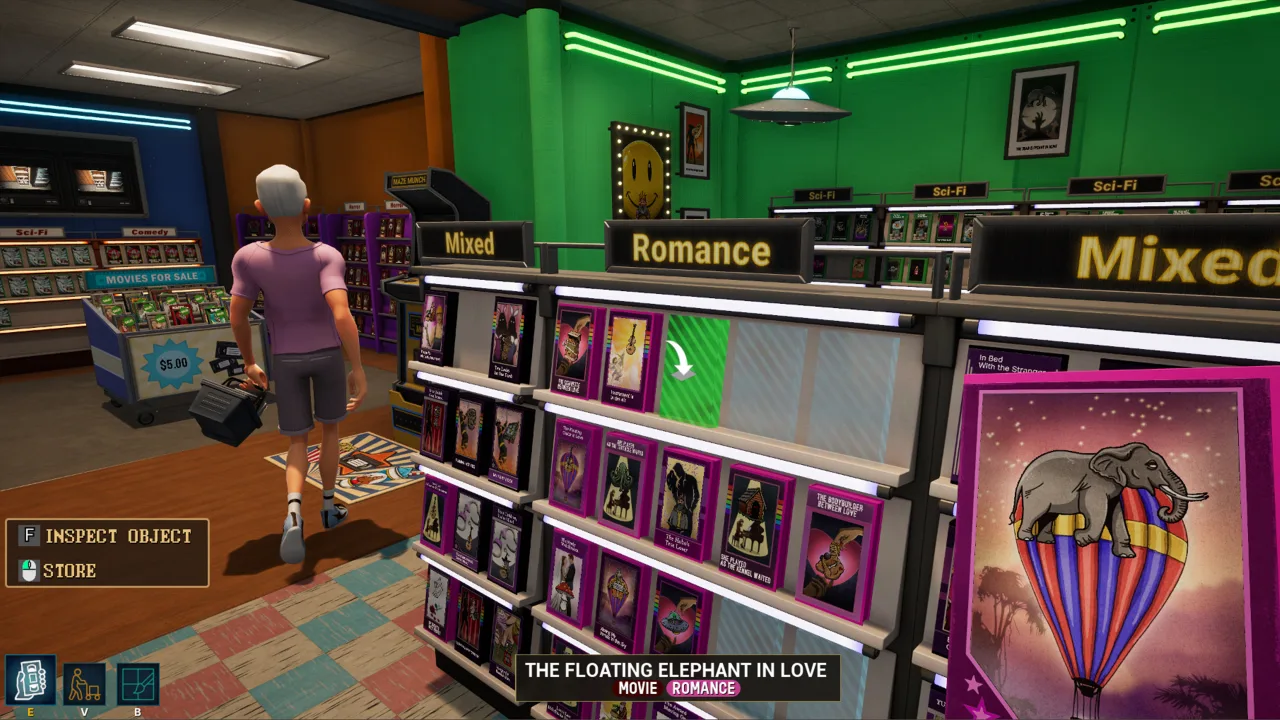
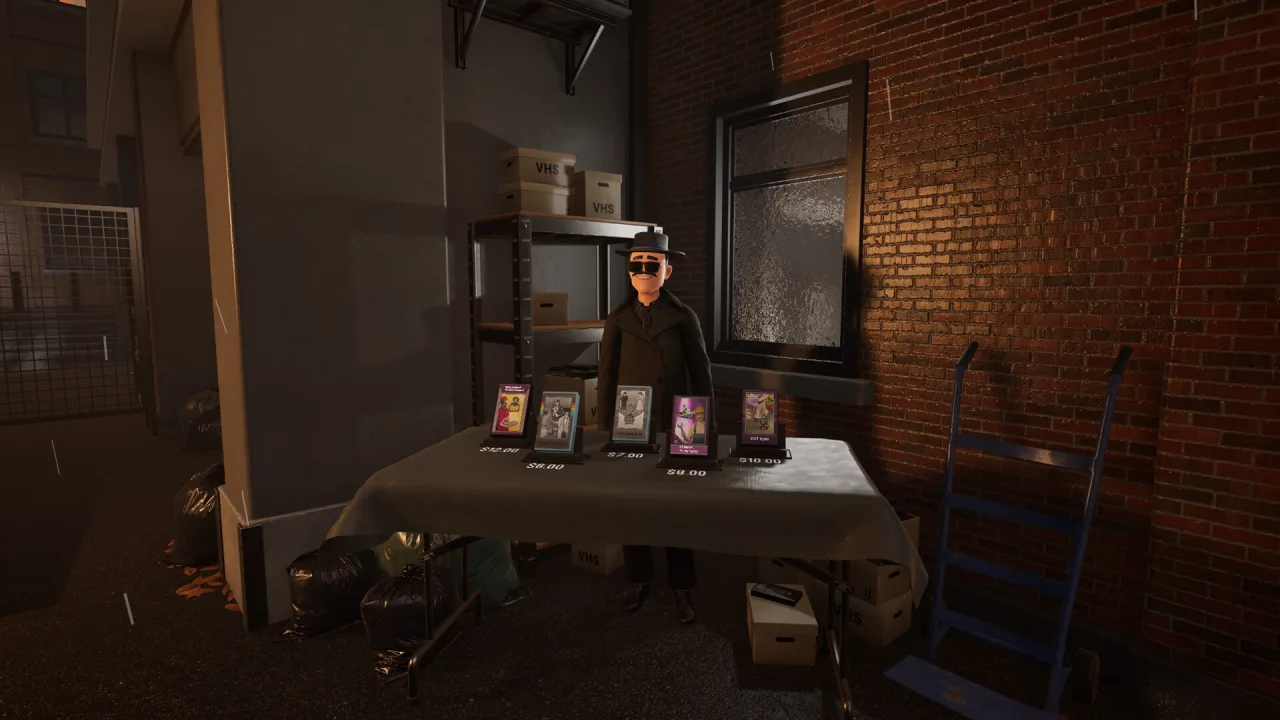
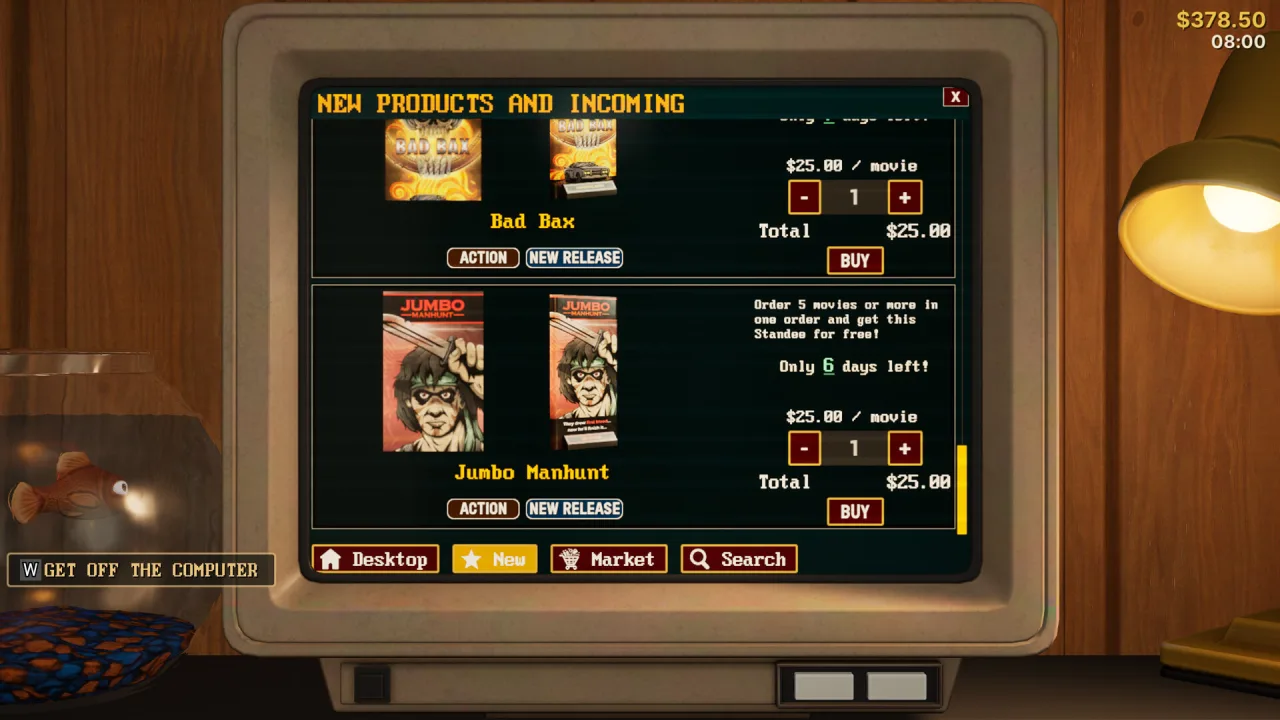
Interior design becomes a key part of growing the business. Buying posters, changing the flooring, expanding the floor space and adding decorations give your store a one-of-a-kind atmosphere. The shelves fill up with thousands of tapes with unique covers, including rare bootlegs available through a mysterious dealer. New releases come out every week, encouraging you to rearrange things and refresh your selection.
Key Features
- Flexible store growth with full interior customization.
- Manage reservations, late fees and tape returns.
- A huge selection of VHS movies with unique covers and rare editions.
- Seasonal events, changing weather and dynamic customer behavior.
0 Comments