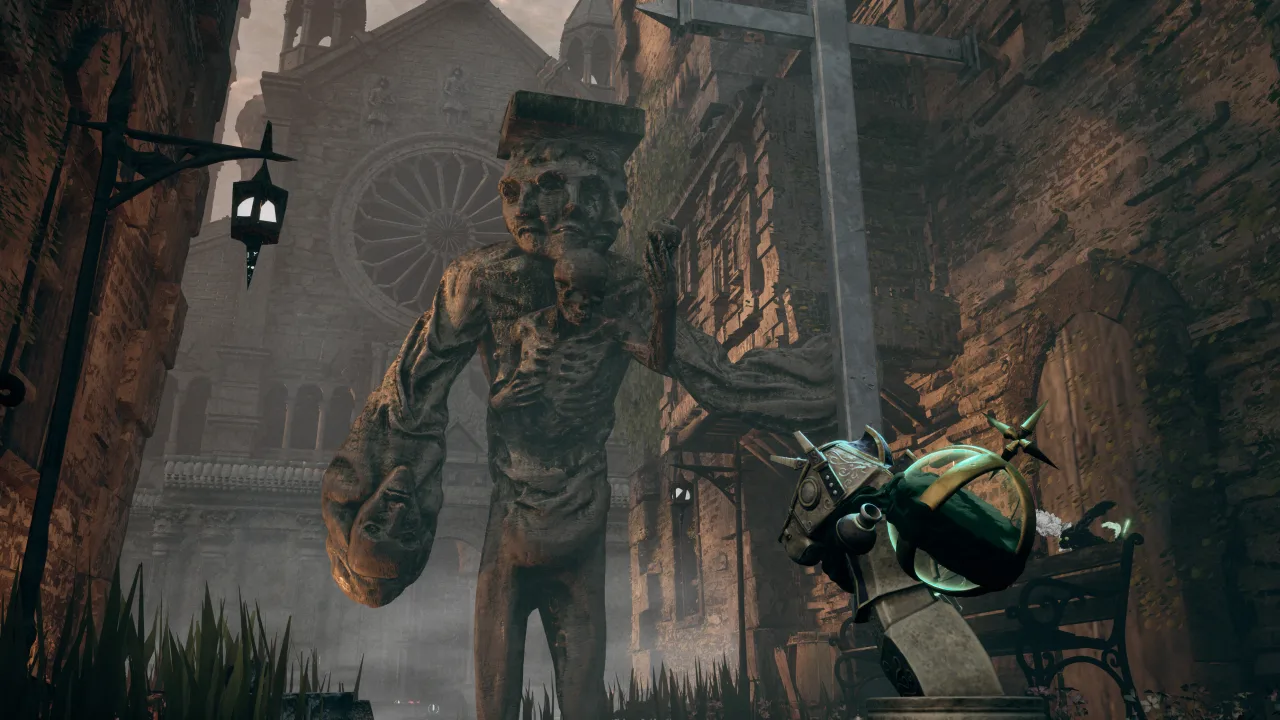
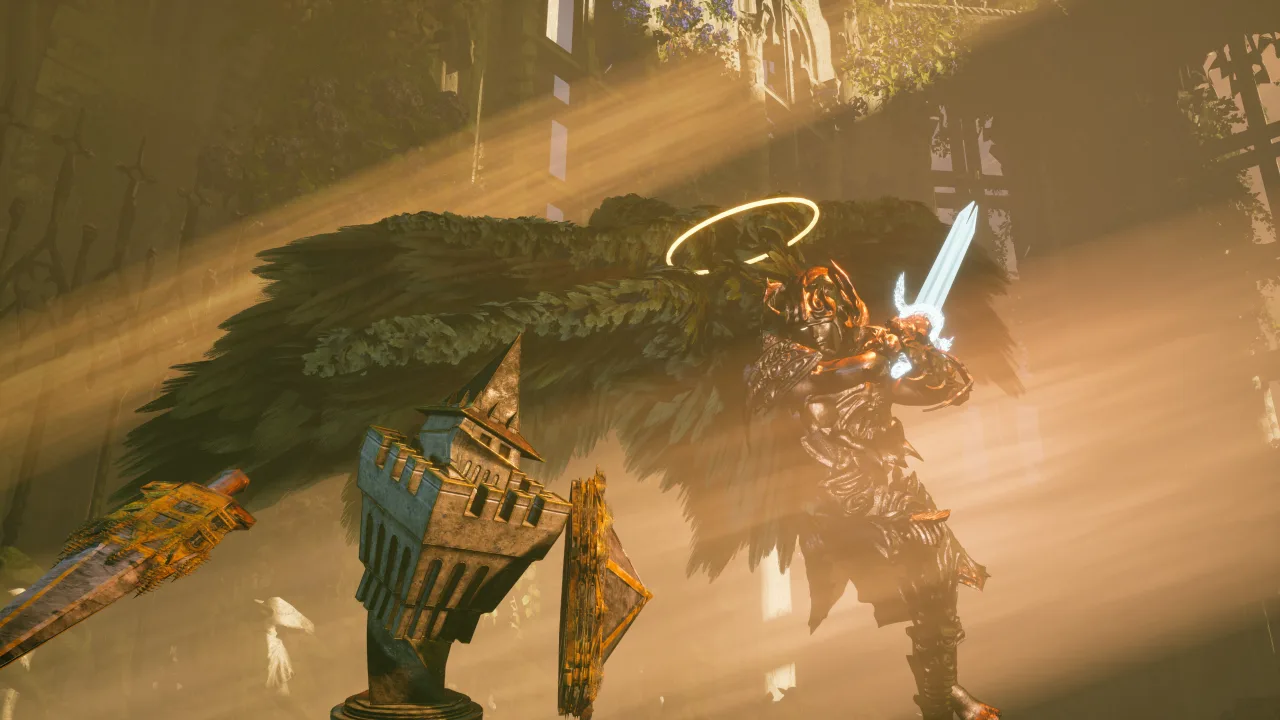
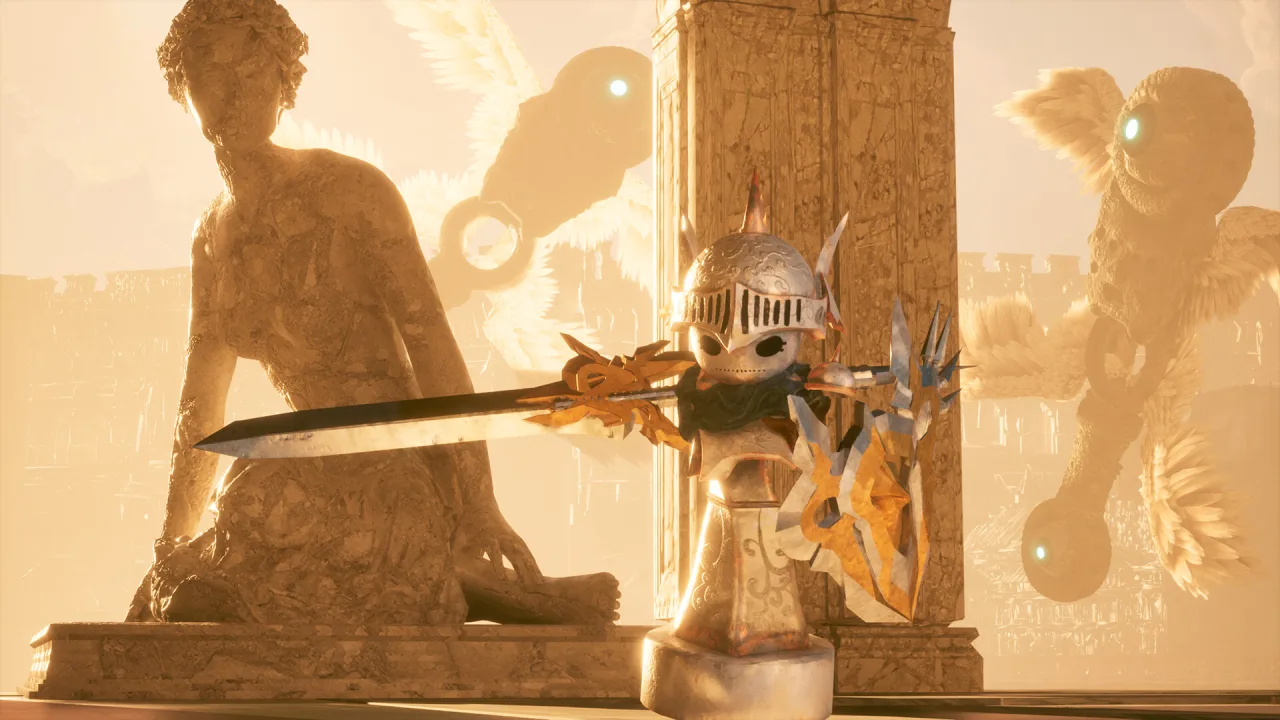
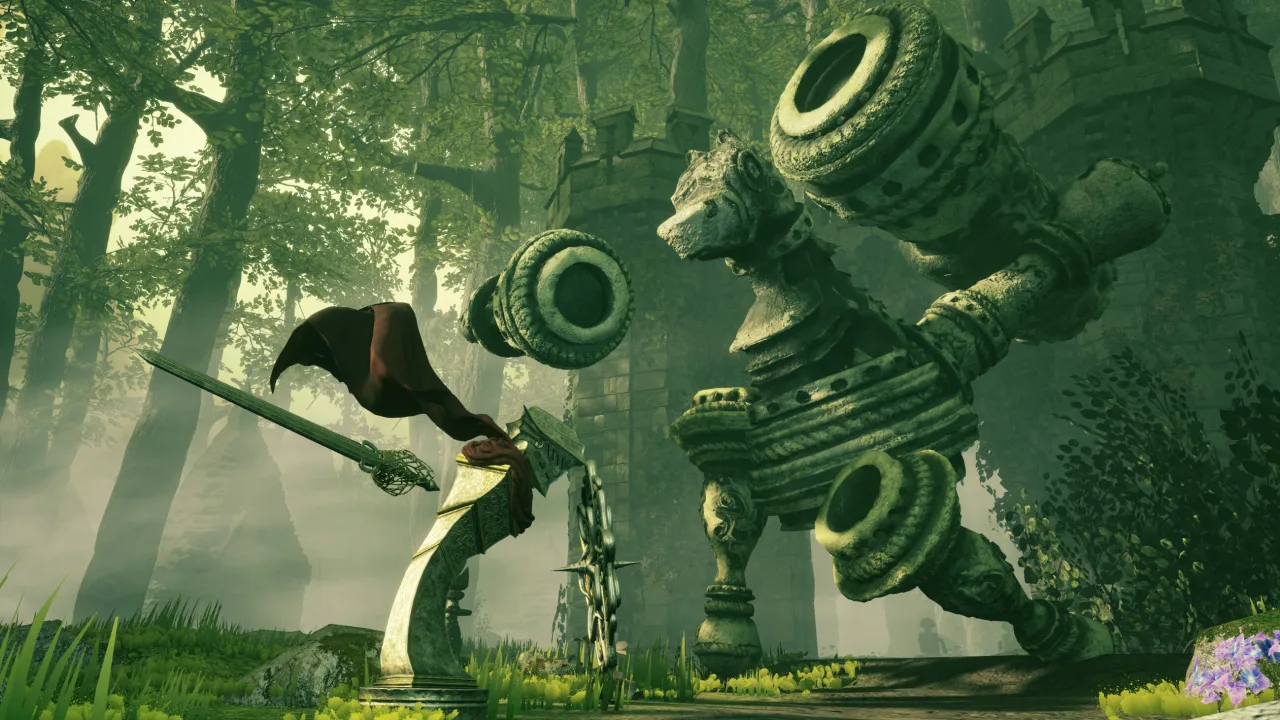
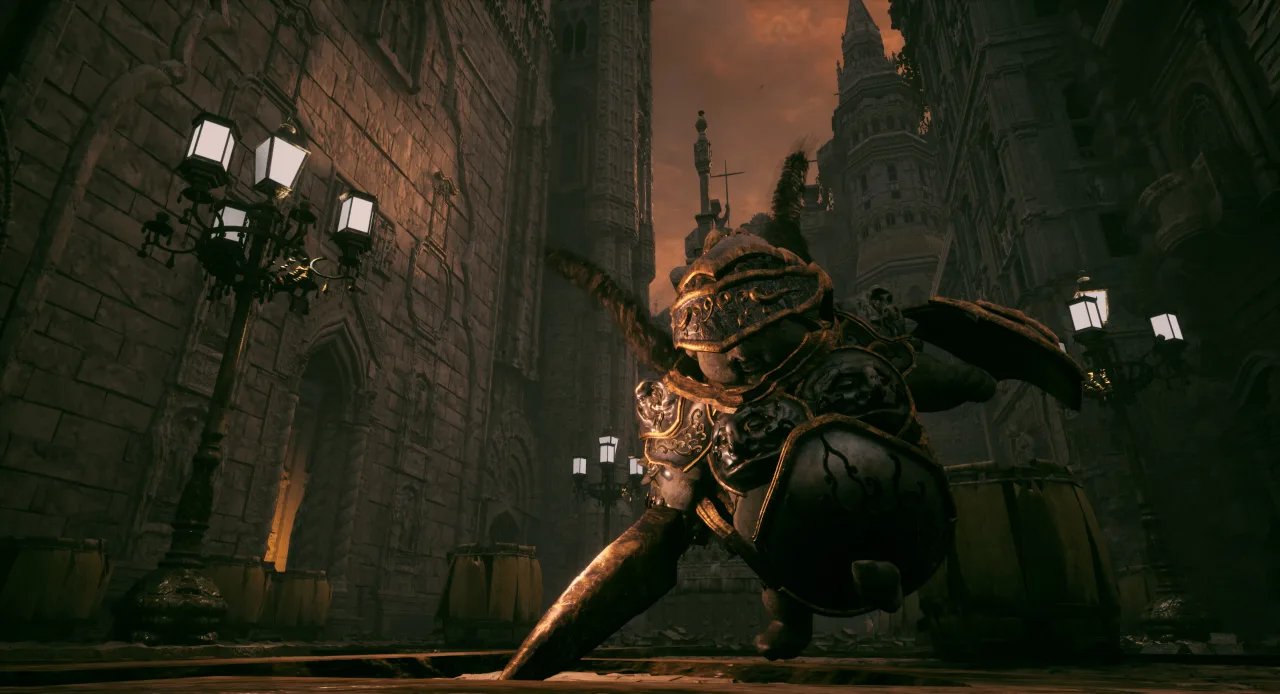
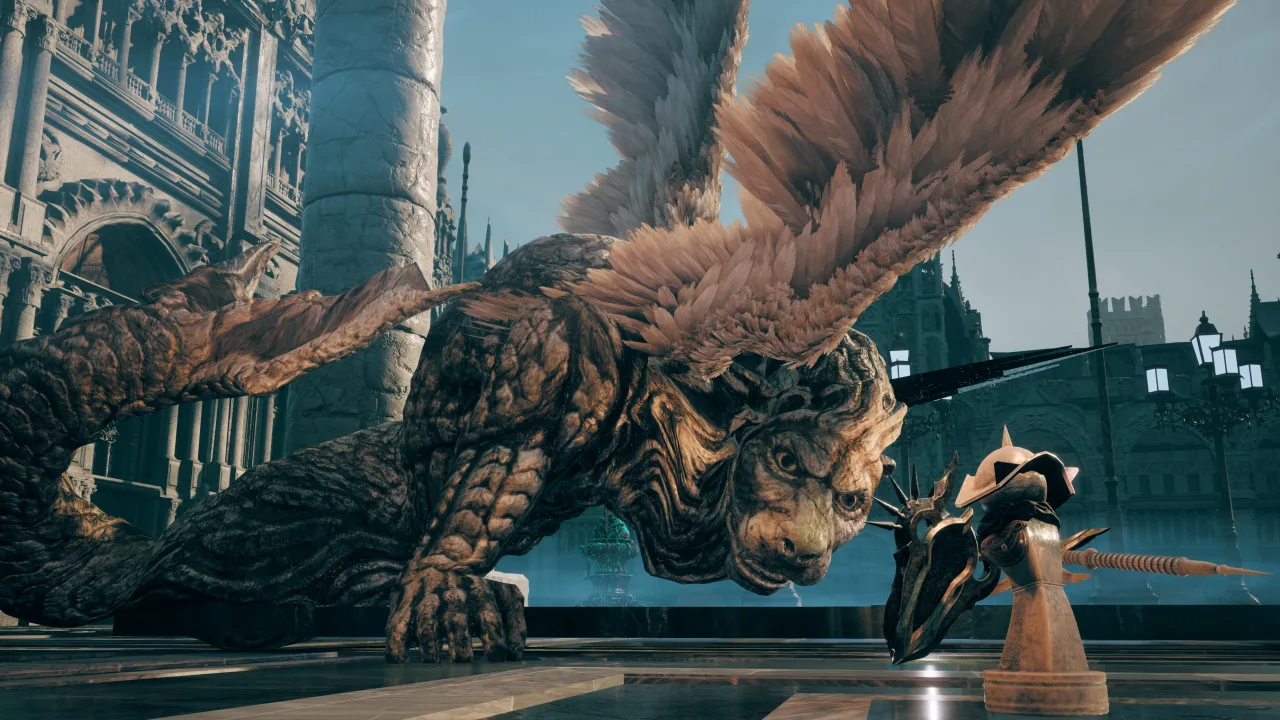
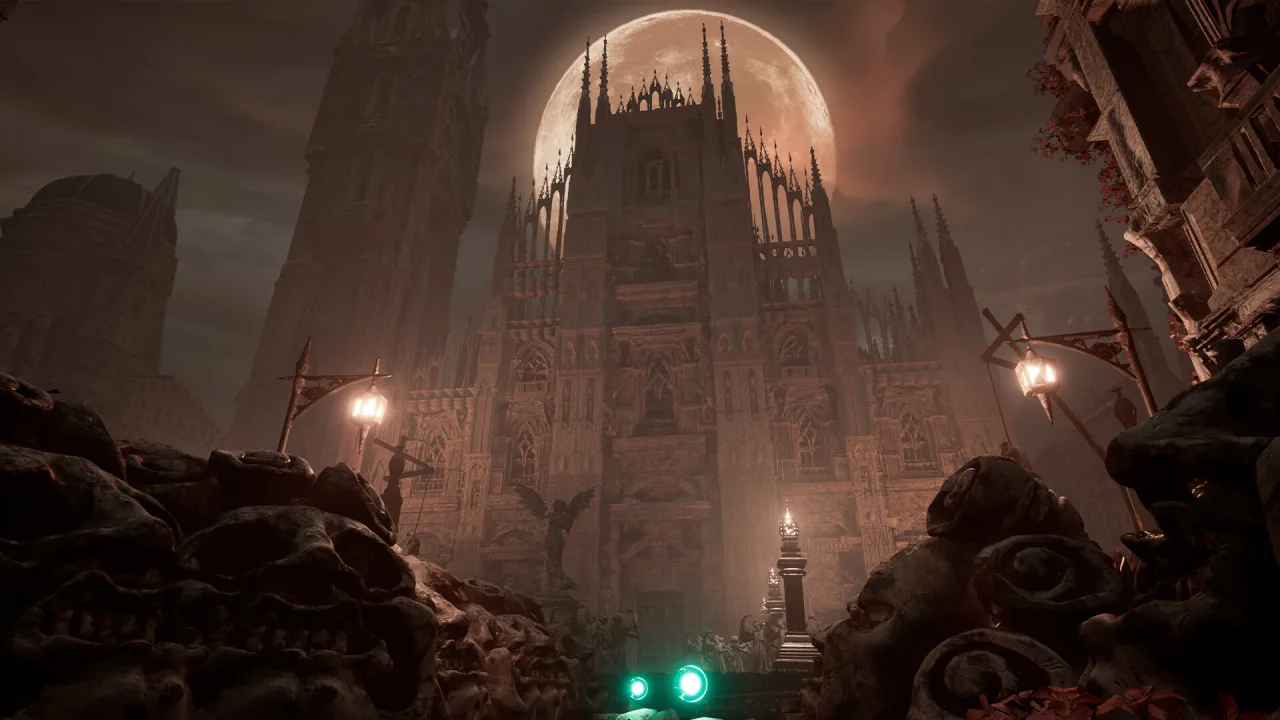
Stonemachia is a dark adventure with a combat system built around transformations, where you play as a pawn that can change its form and fighting style. The world has been ruined by a strange Plague of Angels, and instead of the usual enemies you face living statues and twisted figures that look like they stepped out of old masters' paintings. Everything around you looks like frozen art that has suddenly started to move.
Your Form Shapes the Fight
Transformations are more than a visual effect; they are the core of survival. One form gives you protection, another mobility or strength, and switching between them becomes part of your tactics. Different enemies call for different approaches, so you have to adapt to the situation instead of relying on a single style. Picking the wrong form can cost you dearly, because the world doesn't give you many chances to fix your mistakes.
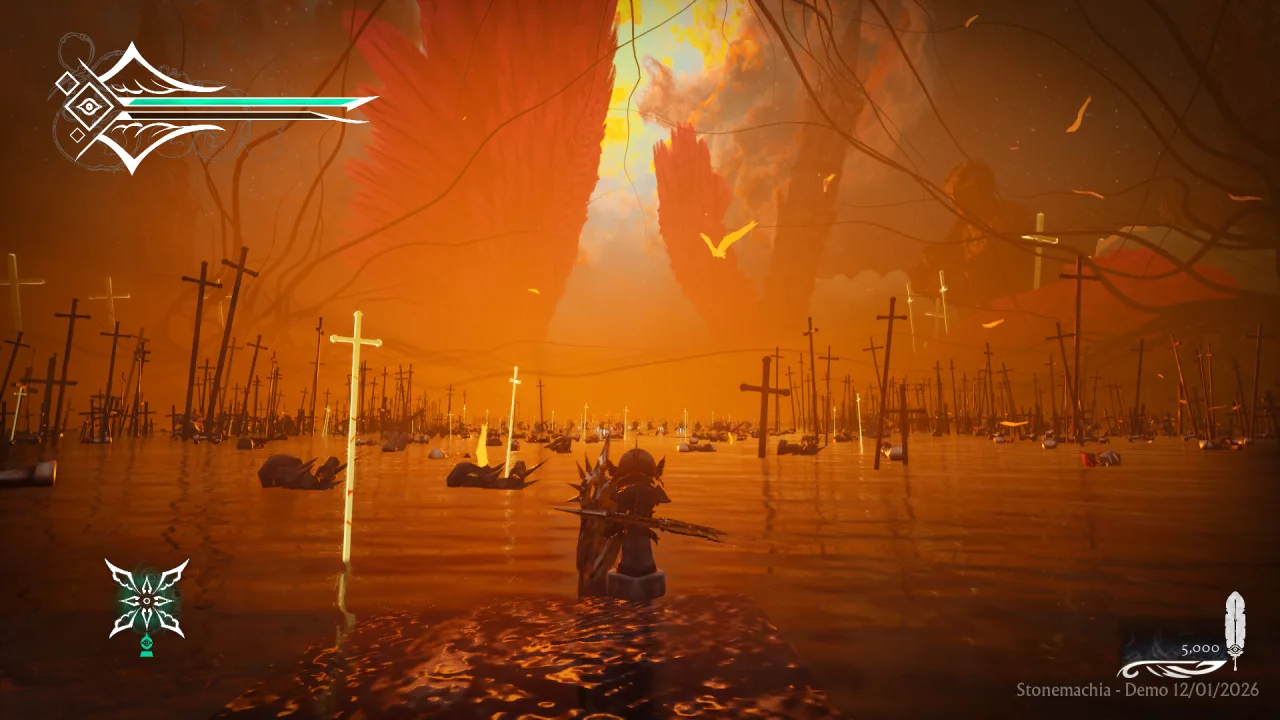
Your journey takes you through scattered lands full of symbolism and strange structures. What matters here is not just your reflexes in combat but also figuring out where to go next and how to interact with your surroundings. Little by little the picture of what happened comes together, but nobody hands you straight answers. You have to piece them together from the details.
Key Features
- Transformations with different combat styles.
- Enemies in the form of living sculptures.
- Exploration of grim locations.
- A story told through the environment and its details.
0 Comments