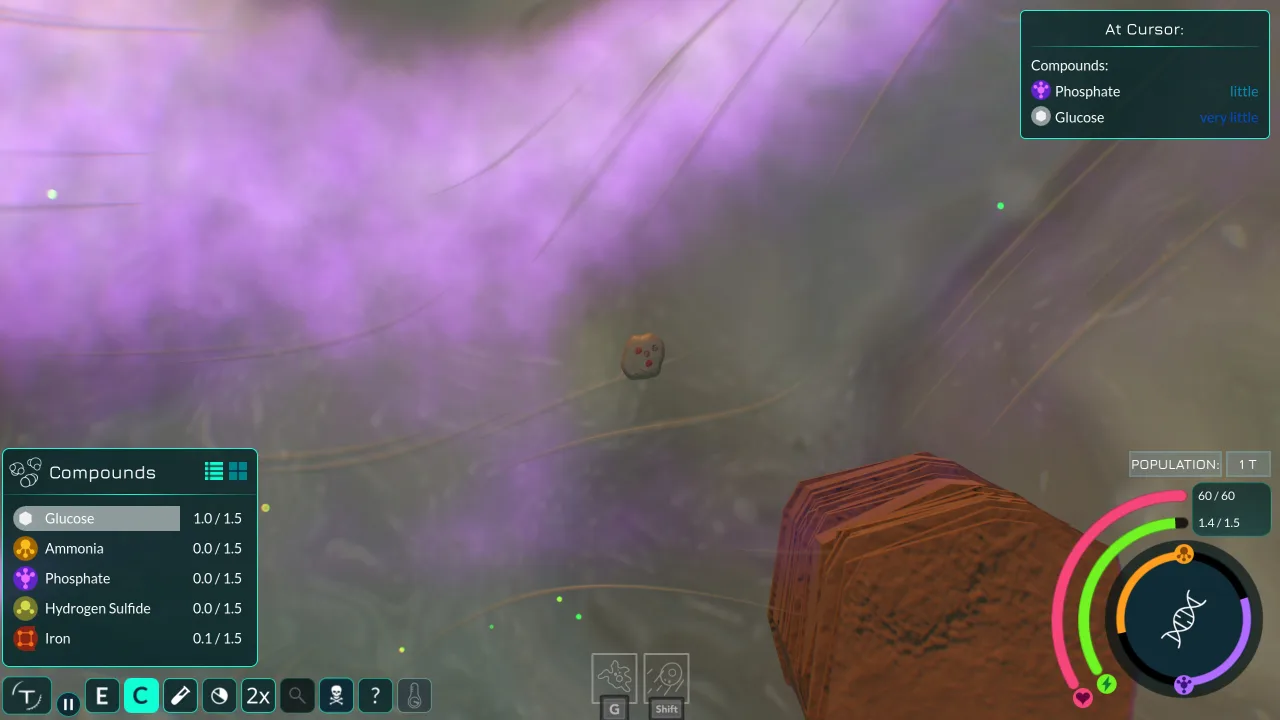
Thrive is a simulator of the origin of life. Create a new cell and start evolving until you eventually form new life on the planet. But remember that you'll have to compete with other living organisms for resources.
You control a versatile organism on an unknown planet. Your main goal is to survive by constantly adapting to changing conditions, to develop, mutate and thrive. Throughout the game you'll keep running into other species, and you'll need to try to overpower them by reproducing and taking over more and more territory. At the start you control a single bacterium that gradually grows into a colony. Swim through the liquid environment in search of food and the resources you need to keep developing.
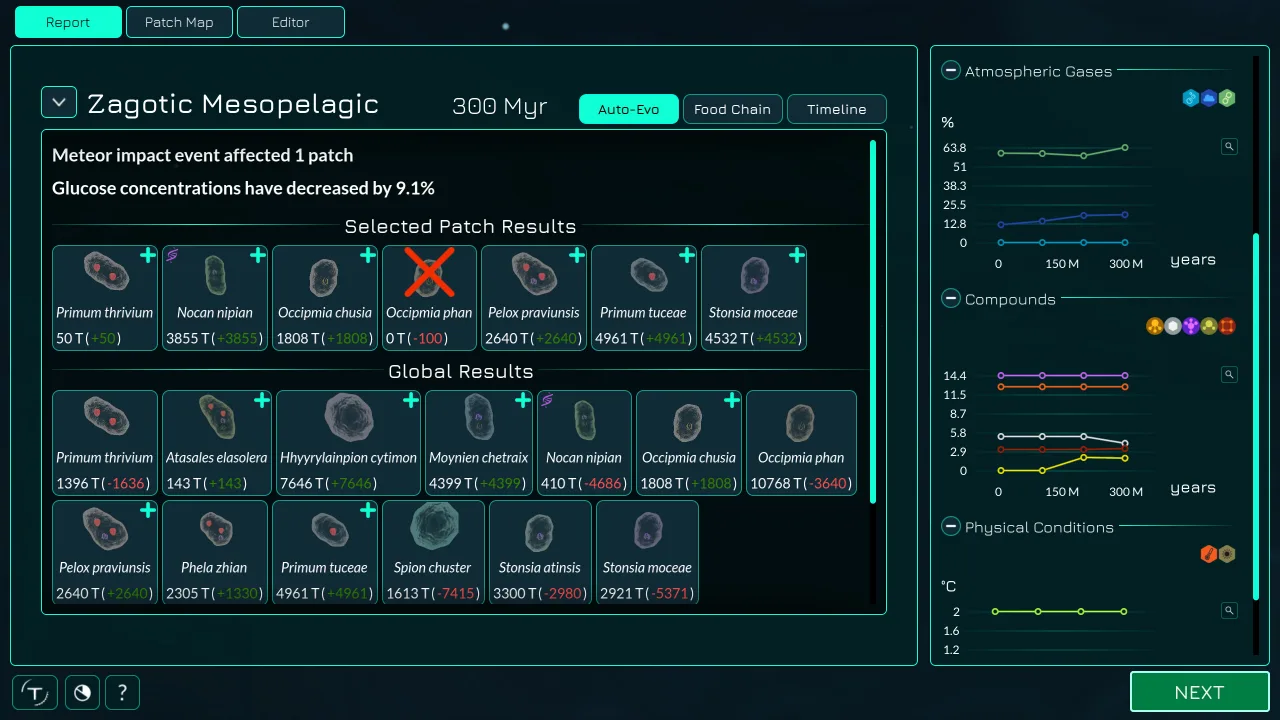
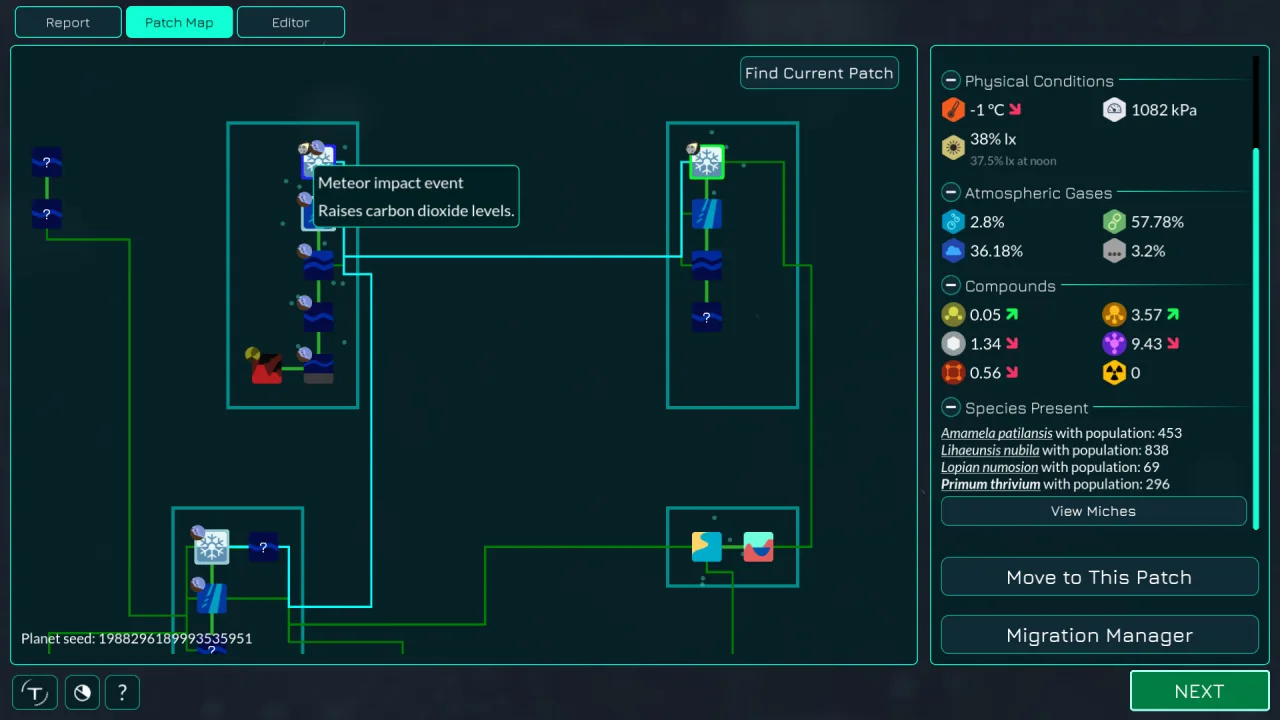
You can open the editor to check how well your bacteria and other species are surviving, change your appearance, add a new biome and more. The main task is to evolve into a more complex multicellular organism. Progress far enough to form a nucleus and you'll become a eukaryote. After that, start binding genes to form cell colonies and gradually become a complex living being. Want to create a new super life form on an unknown planet? It's easy now. You can download Thrive for free on PC and get started.
Key Features
- Modify your cell to make it better at surviving.
- Compete with other living organisms.
- Try out different playstyles.
- Learn about biology while having fun.





0 Comments