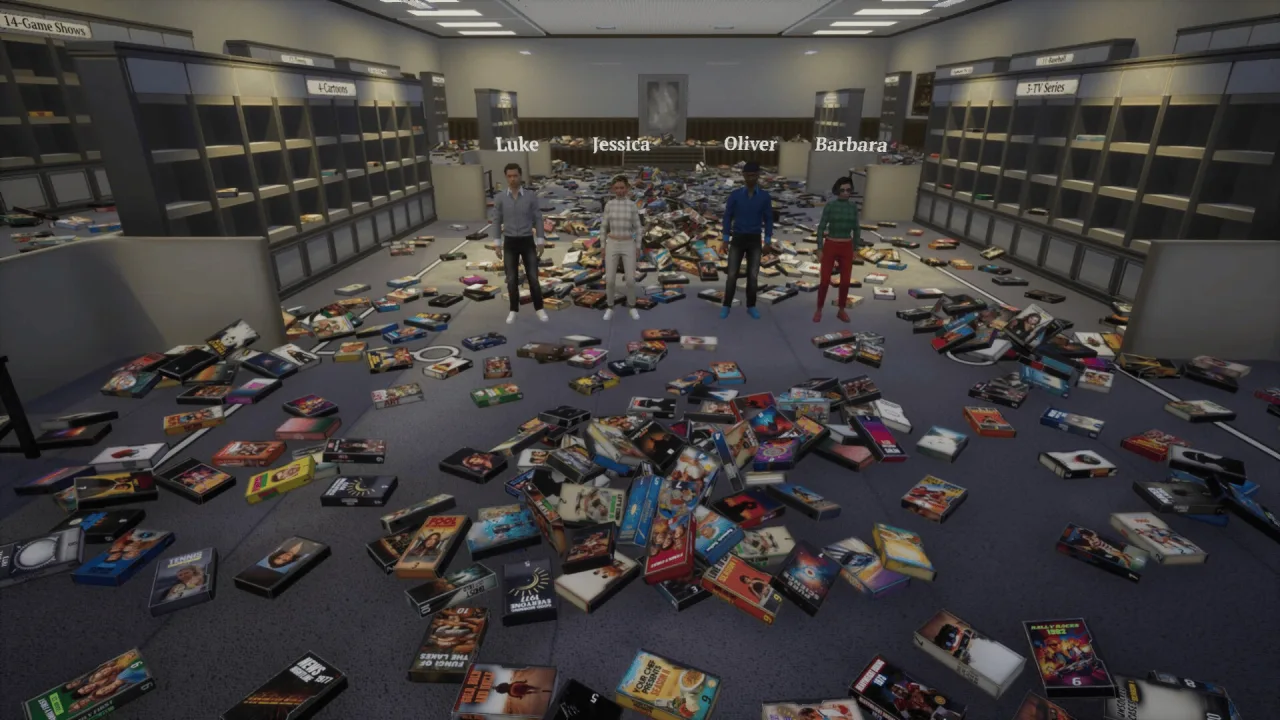
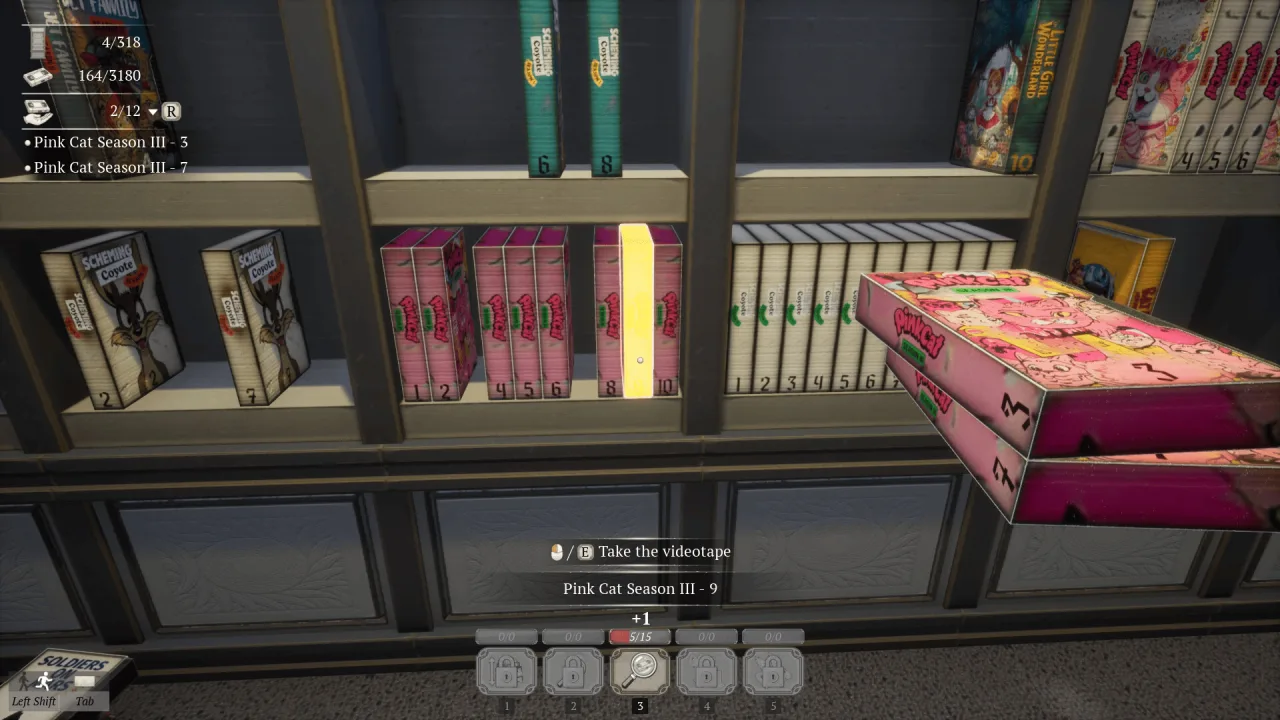
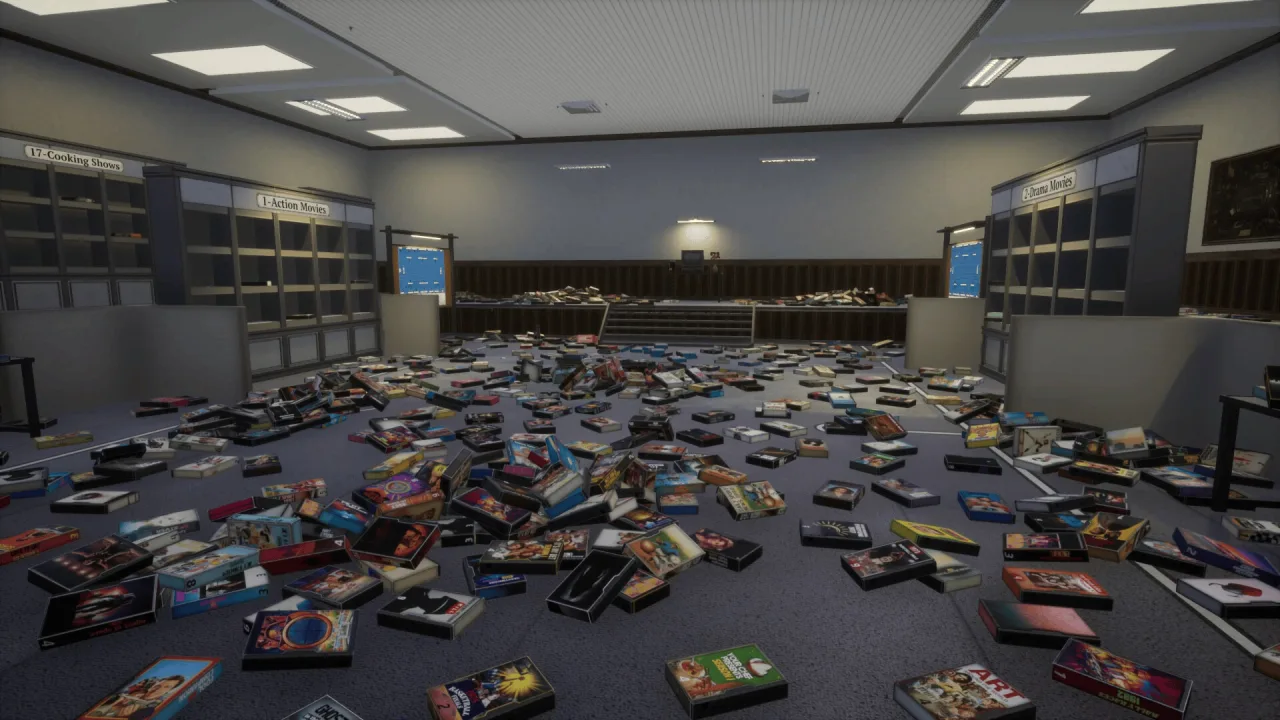
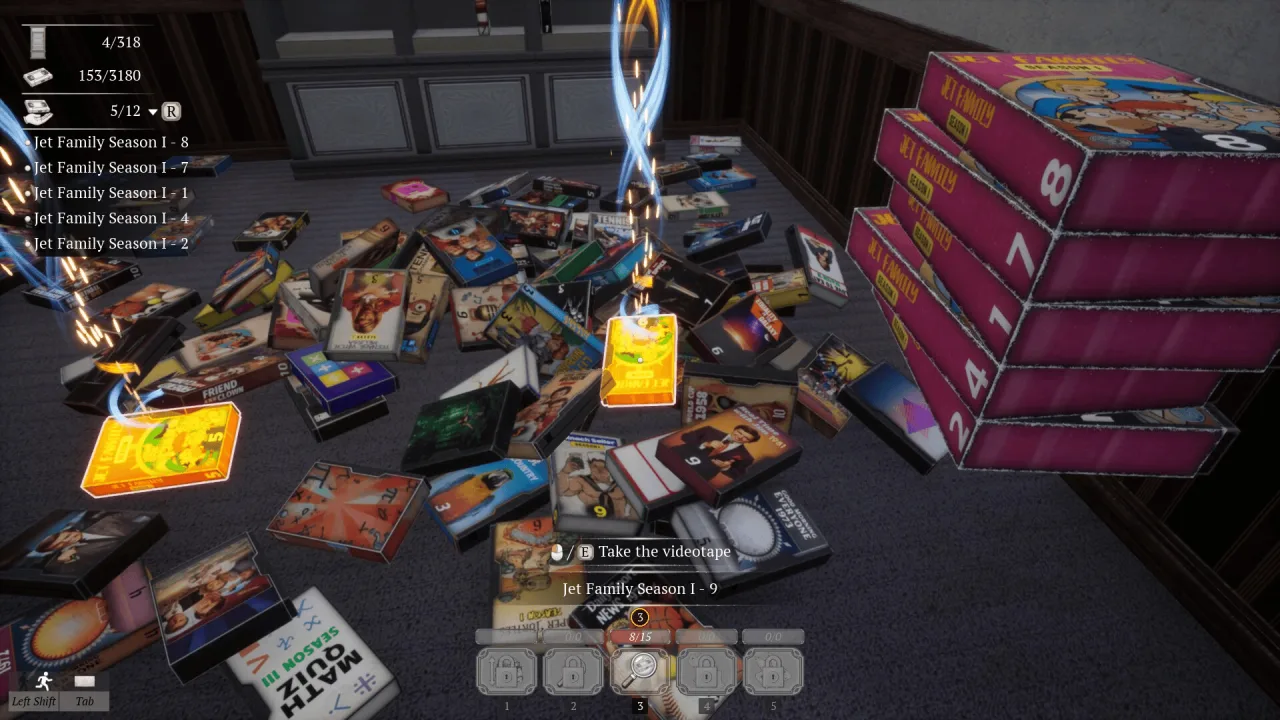
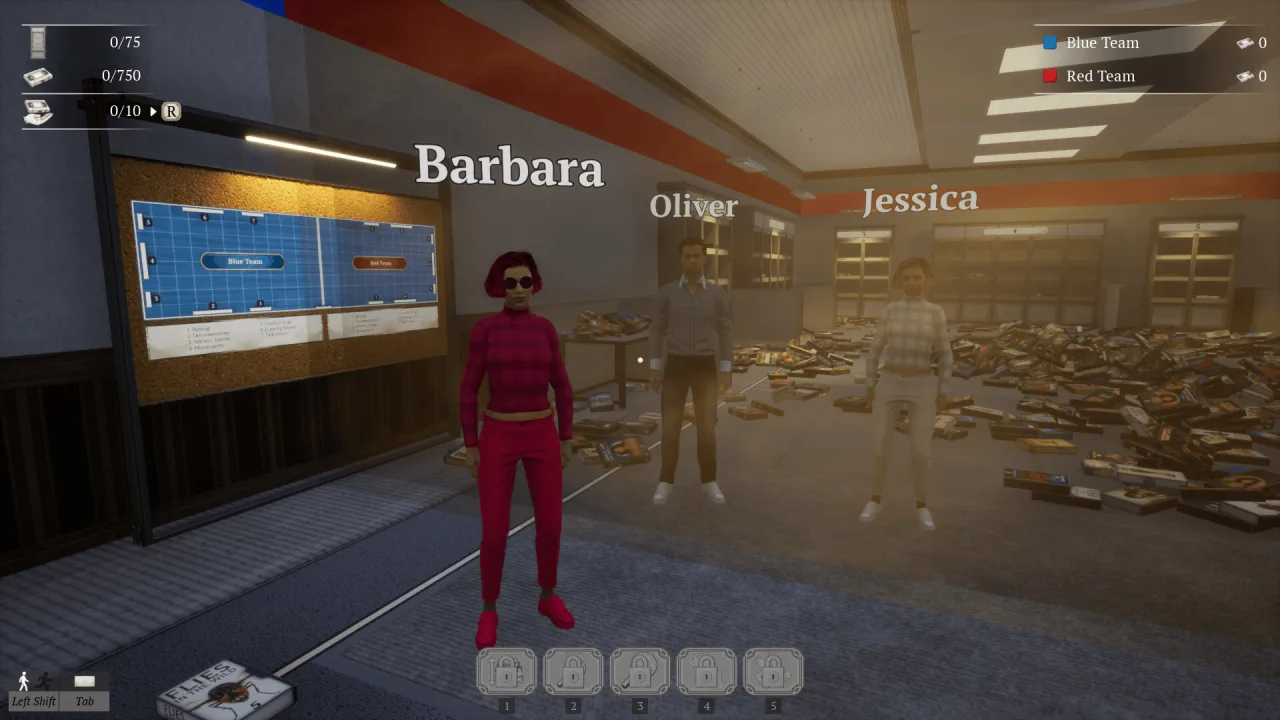
TV Archive: Tidy Up Together is a first-person tidying sim in which you turn a huge television archive into an organized system. Grab videotapes, figure out their categories and put them on the right shelves, picking up new skills as you go. You have thousands of tapes to deal with and plenty of ways to speed up the sorting, and you can play alone, with friends or in competition with other players.
Sort a Massive Collection
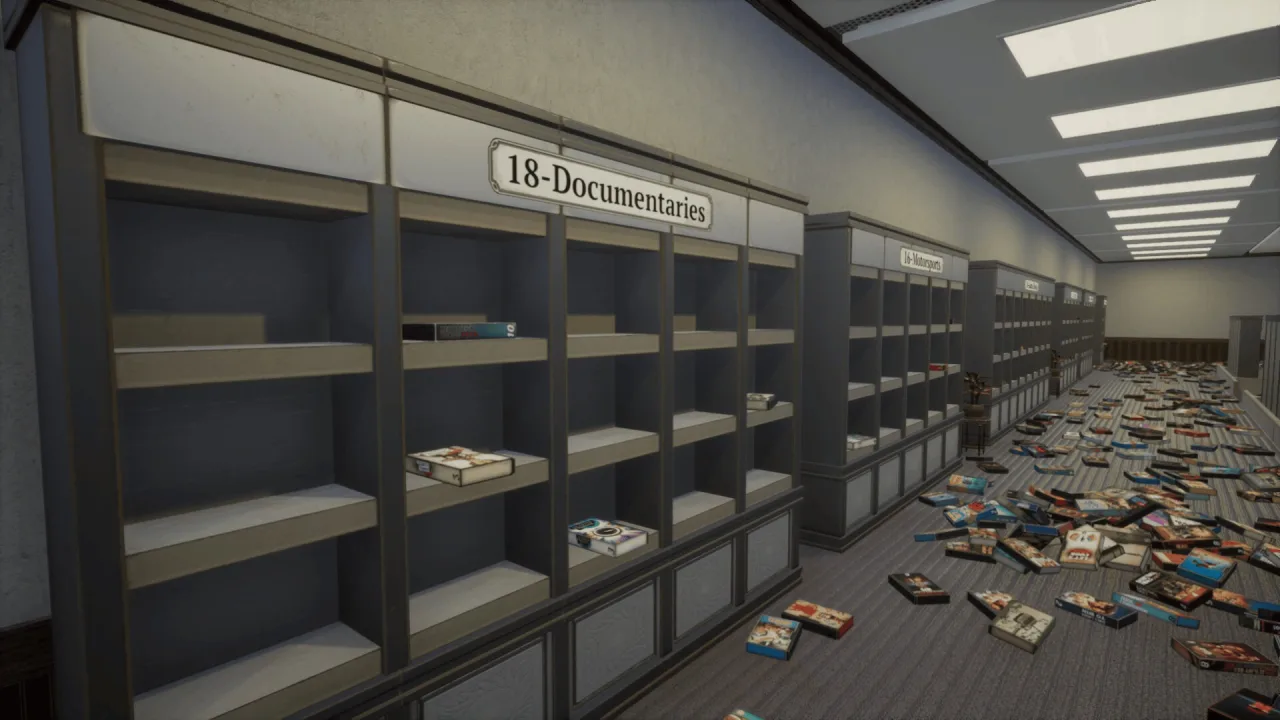
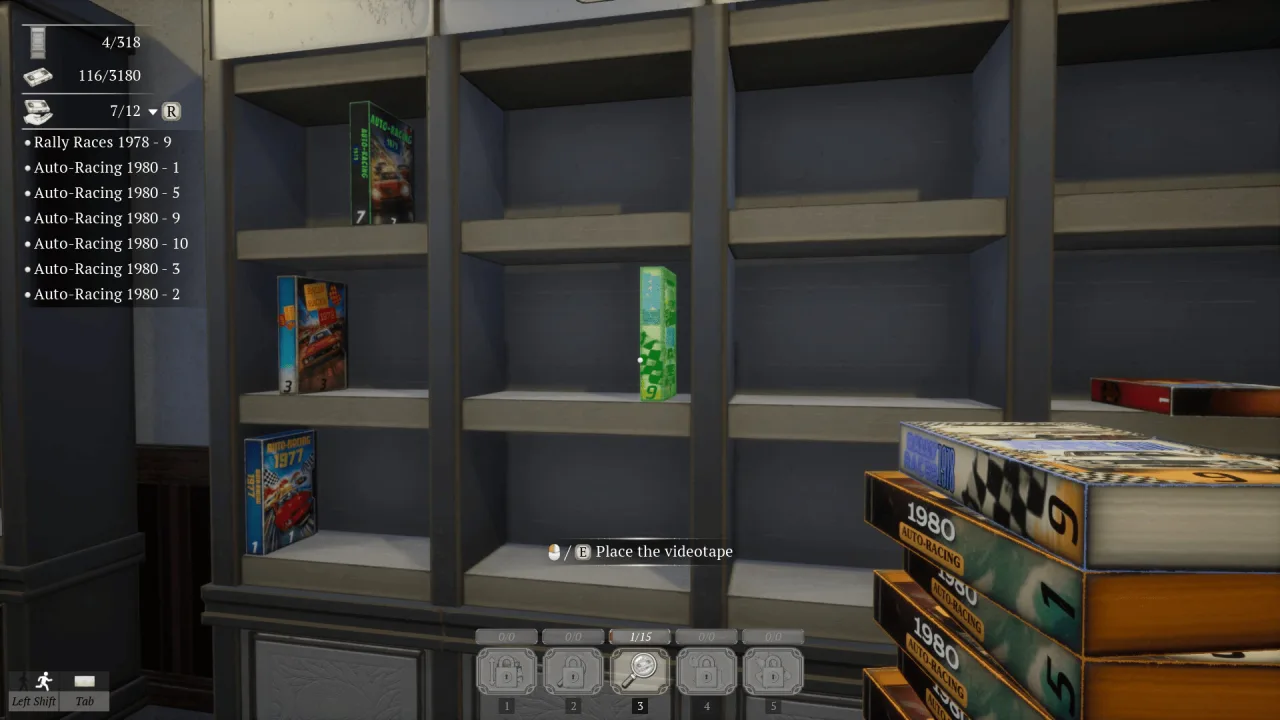
The archive holds 3180 videotapes, and every one needs to go into its proper category. There are action movies, dramas, TV series, cartoons, horror, comedies, sports recordings, soccer matches, romance films, sci-fi, news, game shows, cooking shows, documentaries and other kinds of TV content. You will need to pick the right shelf carefully and keep order across a collection that never stops growing.
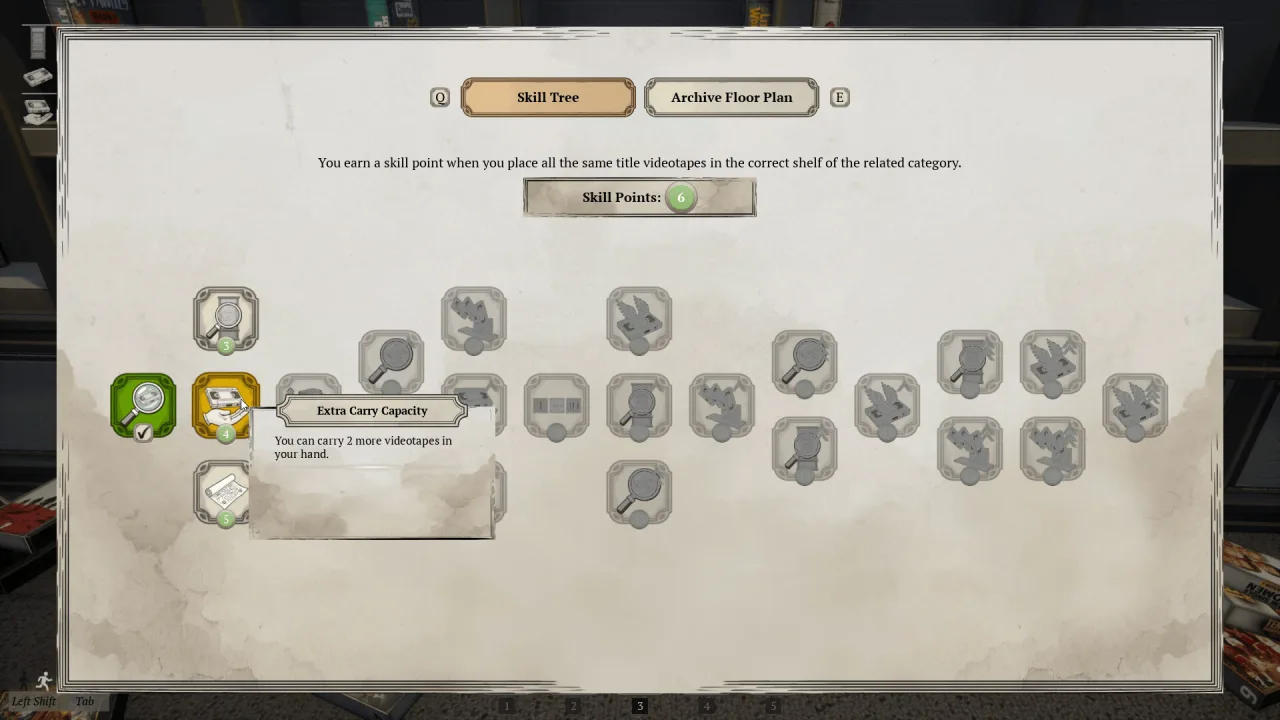
To work faster, you can unlock a range of useful skills, each of which changes how sorting works. One automatically puts tapes in numerical order, another highlights the shelf you need, and some help you find matching recordings quickly. Auto placement puts tapes in the right order for you, while auto collect gathers up matching copies, so you can get through the archive much more quickly.
Key Features
- Single-player and co-op modes.
- 3180 videotapes to sort.
- Lots of recording categories.
- Handy skills to speed up your work.
0 Comments